







































Skip to content
Home / Notes

Practice Notes

These practice notes explain legal-tech concepts in plain language for South African firms. They are general operational information only and not legal advice.

Practice Notes
Document Assembly Basics

Document Assembly Basics

A plain-language introduction to structured drafting using templates, fields and reusable clauses.

Template Version Control

Template Version Control

Why legal teams need clear ownership and version rules for shared drafting materials.

Clause Library Rules

Clause Library Rules

How to organise clause libraries so updates stay controlled and easy to find.

Matter Intake Design

Matter Intake Design

What good matter intake forms capture before work starts and documents are drafted.

Matter Stages Defined

Matter Stages Defined

Ways to break legal work into visible stages that support oversight and handover.

Deadline Control Methods

Deadline Control Methods

Practical approaches to due dates, reminders and escalation in legal operations.

Court Diary Workflows

Court Diary Workflows

General diary coordination ideas for hearings, filing dates and preparation work.

Filing Checklist Use

Filing Checklist Use

How repeatable filing checklists can reduce missed steps in busy firms.

Message To Matter

Message To Matter

Why important matter correspondence should be linked to the matter record.

Searchable Scanned Files

Searchable Scanned Files

What OCR does for paper-heavy firms trying to find content later.

Evidence Index Planning

Evidence Index Planning

A guide to basic categories and references for indexed evidence collections.

Review Queue Setup

Review Queue Setup

How queue structures can improve document review flow and assignment.

Tagging Consistency

Tagging Consistency

Why tagging rules matter when several people review the same document set.

Bundle Preparation Steps

Bundle Preparation Steps

General preparation steps for building neat, indexed document bundles.

Affidavit Pack Structure

Affidavit Pack Structure

A practical look at structuring repeat affidavit packs and annexures.

Conveyancing Doc Flows

Conveyancing Doc Flows

Typical document flow ideas for recurring property transaction work.

Litigation Pack Logic

Litigation Pack Logic

How standard litigation packs can reduce rework across repeat tasks.

Labour Matter Tracking

Labour Matter Tracking

Ways to track recurring labour matter stages without making the process overcomplicated.

Commercial Template Approval

Commercial Template Approval

Internal approval ideas for reusable commercial drafting templates and clauses.

Family Matter Privacy

Family Matter Privacy

Operational privacy considerations when handling sensitive family matter records.

Estates File Order

Estates File Order

Useful ways to order estates documents so teams can retrieve them quickly.

Collections Queue Management

Collections Queue Management

How queue-based follow-up can support higher-volume debt collection work.

Conflict Search Logging

Conflict Search Logging

Why firms often log party searches and outcomes in a standard way.

Fee Note Inputs

Fee Note Inputs

General record-keeping ideas that help produce cleaner fee note inputs later.

Time Capture Habits

Time Capture Habits

Simple habits that make daily activity recording more reliable for teams.

Permissions Models

Permissions Models

An overview of common user role structures inside legal software.

Audit Log Value

Audit Log Value

What audit trails can show about changes to matters, templates and exports.

POPIA Aware Practice

POPIA Aware Practice

General information security habits that support POPIA-aware firm operations.

Controlled Data Exports

Controlled Data Exports

Why exported files should be scoped, logged and handled with care.

Cloud Vs Local

Cloud Vs Local

A high-level comparison of hosted and local deployment considerations for firms.

Migration Readiness

Migration Readiness

Questions firms can ask before moving templates, matters and legacy folders.

Legacy File Cleanup

Legacy File Cleanup

How to prepare older digital folders before introducing structured matter work.

Hybrid Team Routines

Hybrid Team Routines

Routines that help office and remote legal staff stay aligned on active work.

Training Rollout Plan

Training Rollout Plan

How staged training can improve adoption without overwhelming busy legal teams.

Go Live Checkpoints

Go Live Checkpoints

Useful checkpoints for launch week when a firm starts using new legal software.

Admin Owner Role

Admin Owner Role

Why an internal system owner helps maintain templates, users and process discipline.

Matter Reporting Basics

Matter Reporting Basics

The kinds of matter data firms often review to understand workload and delays.

Process Drift Signs

Process Drift Signs

Operational warning signs that templates and workflows are no longer being followed.

Secure Mobile Access

Secure Mobile Access

General considerations for lawyers accessing matters from phones or tablets.

Incident Logging Basics

Incident Logging Basics

Why support issues should be logged clearly with impact, timing and affected users.

Document assembly without the admin drift

Document assembly turns repeated drafting work into a controlled process. A firm can set up templates for letters, affidavits, notices, bundles and internal forms, then pull matter details into the right fields instead of retyping names, dates and reference numbers. That reduces slips in wording and helps teams work from the same approved structure.

In practice, the useful part is not speed alone. It is consistency across departments, clearer version control and less time spent searching through old files for the latest wording. For a Johannesburg litigation team or a Cape Town commercial practice, the same template can still carry local clauses, court references and firm style notes without turning into a pile of duplicate files.

  • Use one master template for each document type.
  • Keep field names clear, such as client, matter number and opposing party.
  • Store approved clauses in one place rather than in message threads.

Matter management that holds the work in one place

Matter management is the structure around a case or file. It keeps people aligned on who is handling the matter, which task is next, what has been filed and what still needs attention. For firms with offices in Sandton, Pretoria or Durban, this matters when several people touch the same matter across different stages.

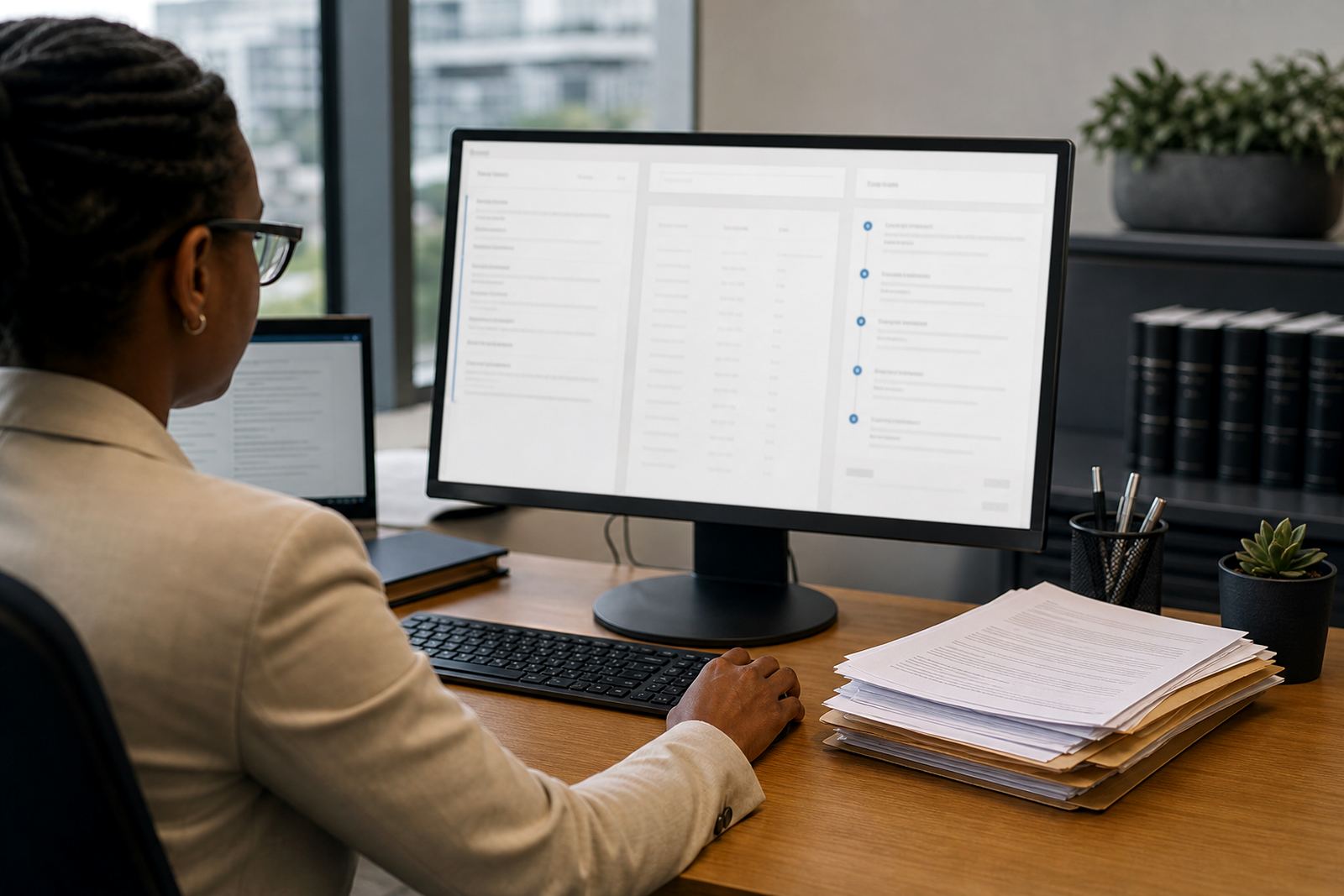
A practical matter pipeline usually shows status, owner, due date and the next action. That helps firm ops teams and attorneys see where work is sitting before a deadline starts squeezing the day. It also helps during handovers, because the notes and file history stay attached to the matter instead of living in separate folders on shared drives.

  • Status tracking for intake, drafting, review and filing.
  • Visible ownership so tasks do not sit in limbo.
  • Notes that stay with the matter, not in scattered messages.

Deadlines, reminders and the work around them

Deadline tracking is not only about reminders. It is about making sure the right date, the right task and the right person are linked from the start. In legal work, a missed follow-up can affect the whole chain of activity, so date capture needs to be tidy from intake through to final filing.

Good practice notes usually separate hard deadlines from internal stages. A filing date, a review date and a client update can all sit on the same matter, but they should not behave the same way. That gives teams a clearer view of urgency without crowding every task into one long list. In busy periods, that small bit of order helps matters move with less confusion, especially when attorneys are in court and support staff are carrying the admin load.

E-discovery in plain language

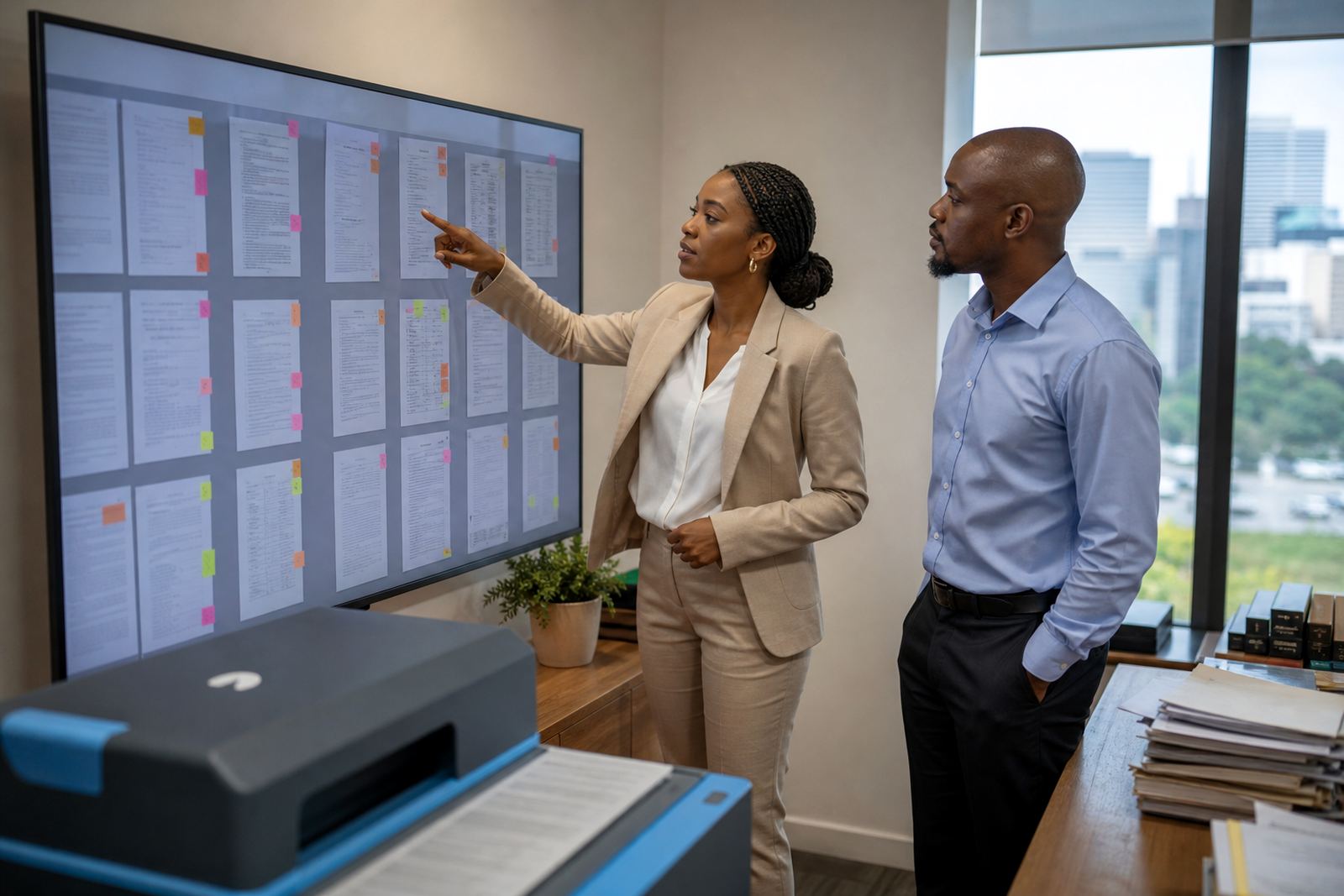
E-discovery is the organised review of digital evidence. That can include messages, scanned documents, chats, spreadsheets and other files that need to be searched, tagged and checked against a matter. The useful part is having review queues that are searchable and traceable, rather than a stack of loose exports on a drive.

For South African firms, the main operational questions are usually about structure, indexing and access. Who can see the evidence, who can tag items, and how is the chain of handling recorded? Those are practical matters that affect day-to-day work, not legal advice. A sound review setup also helps with large files and mixed formats, which is common when evidence arrives from clients in different shapes and sizes.

  • Search by date, sender, subject or file name.
  • Tag items by relevance, issue or matter stage.
  • Limit access to the people who need the files.

Data security and POPIA-minded handling

Law firms carry sensitive material, so security has to be part of the workflow from the start. That includes access control, login discipline, audit trails and careful handling of client records. It also means thinking about how information is stored and who can export it, especially where matters involve personal data or confidential correspondence.

POPIA comes into the conversation whenever a firm handles personal information, but the day-to-day question is usually simpler: can the team keep client data organised without exposing it to the wrong people? A secure setup helps reduce that risk while still letting the right staff work efficiently. This is especially relevant for firms that handle matters across branches and need clean permission settings.

How to use these notes when planning a setup

These practice notes are here to help a firm compare its own process with common legal-tech terms. If a practice is still running on shared folders, manual templates and ad hoc updates, the first step is usually to map the current flow: intake, drafting, review, filing, evidence handling and reporting. Once that is clear, it becomes easier to see which module or workflow needs attention first.

For some firms, the priority is template builds. For others, it is permissions, migration or evidence imports. A smaller office in Bloemfontein may need a simpler structure than a multi-team practice in Sandton, but the same principle applies: keep the work visible, keep the records orderly and make the handover points obvious.

  • Start with the process that slows the team most.
  • Match the tool to the way the matter actually moves.
  • Keep the system narrow enough for daily use.

Questions we get asked

Are these practice notes legal advice?

No. They are general operational notes for South African firms and do not replace legal advice or professional judgment.

What topics do the notes cover?

They cover document assembly, matter management, deadlines, e-discovery, security and related workflow issues in plain language.

Who are these notes written for?

They are written for attorneys, paralegals and firm operations teams that want a clearer view of legal-tech workflows.

Send Law Machines a message

Contact form