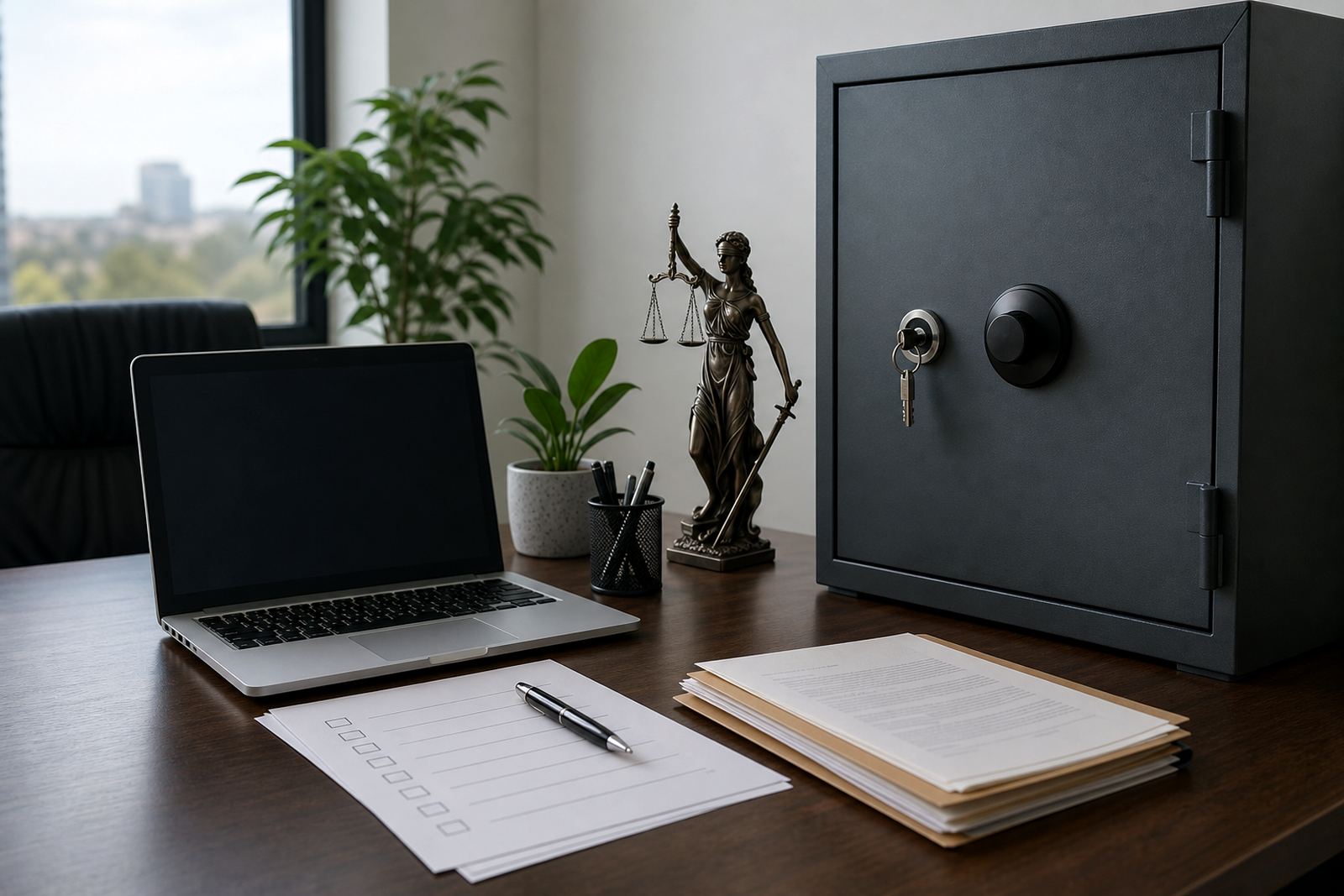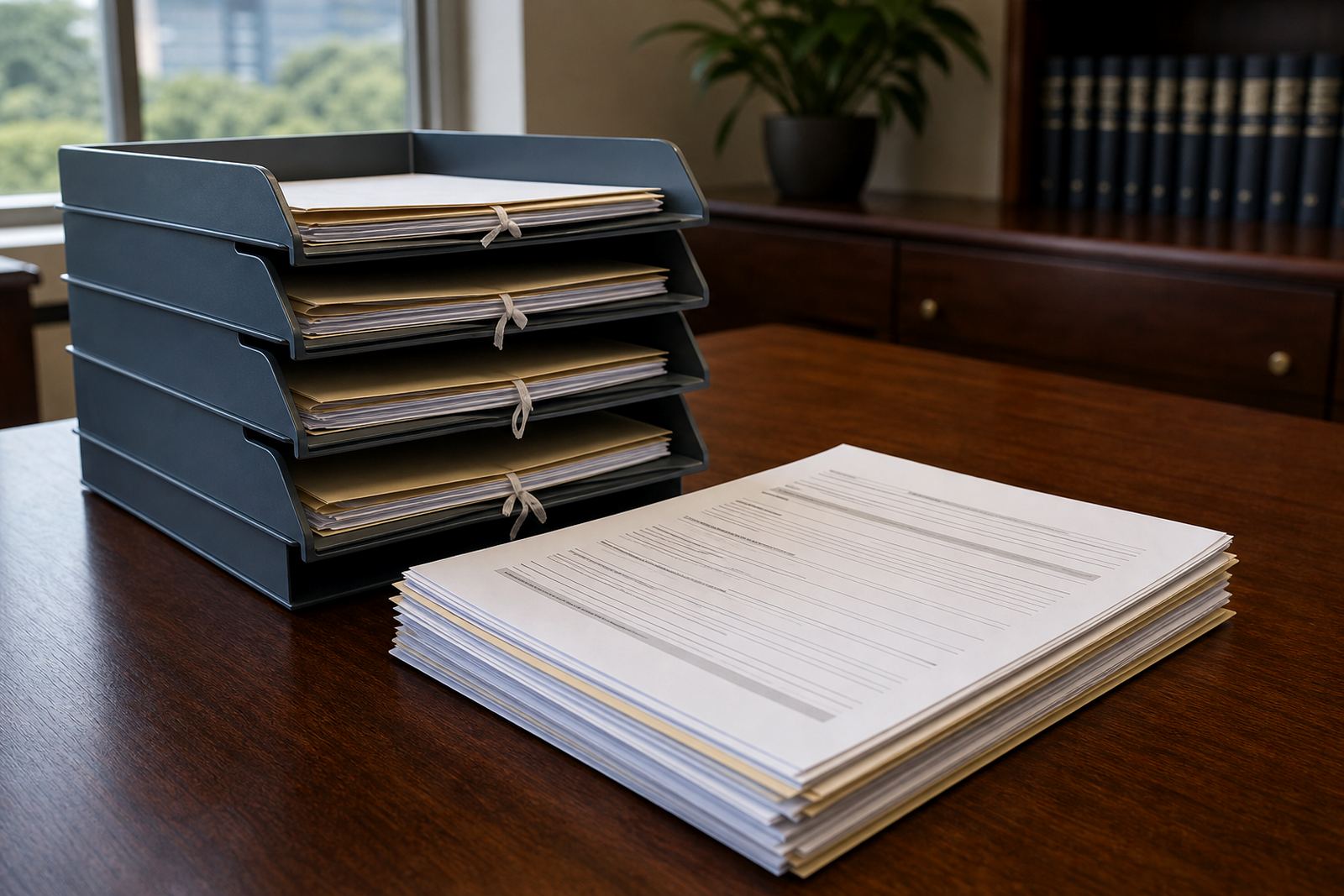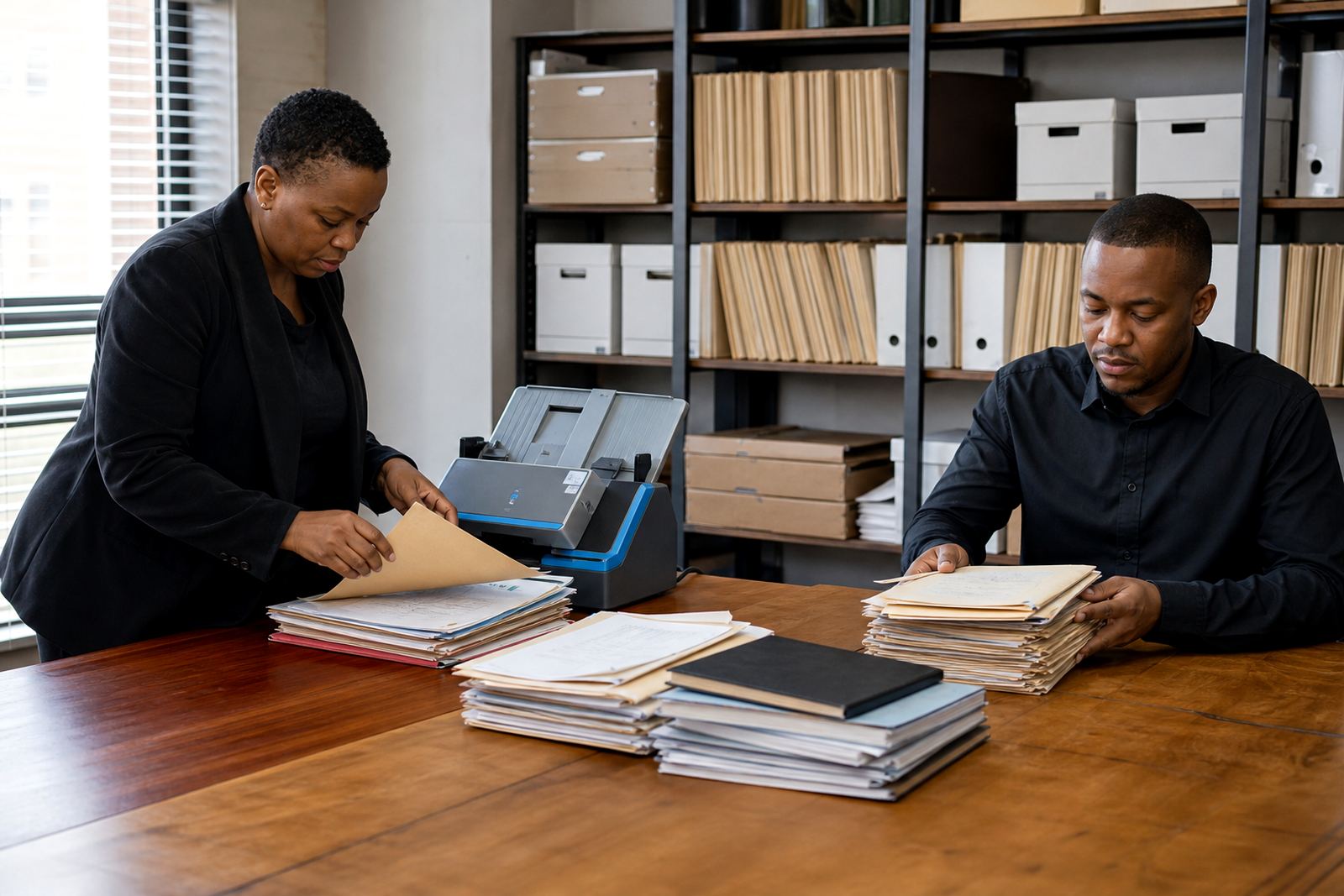
What usually sits inside old firm folders
Legacy folders in a law office tend to grow in layers. A matter may begin in one folder, then pick up scanned correspondence, settlement drafts, discovery bundles, courtroom notes and final signed documents from different people over several years. By the time a team opens the folder again, it can hold a mix of useful records and old copies that no one wants to delete in case it is still needed.
The first task is not software, it is clarity. Separate active matter records from closed matters, and separate both from loose working files that never belonged in the matter stream. This is especially important for firms with a broad spread of work across Sandton, Johannesburg, Pretoria, Cape Town, Durban and Bloemfontein, where one branch may have named files in a different style from another and the same matter number may be used three different ways.
On a real cleanup, a legal secretary might find a claims folder with 14 versions of the same PDF, plus WhatsApp exports, scans of signed pages and a handful of images saved under camera file names. That mix is normal, but it cannot go straight into matter management without sorting.
Start with a defensible sorting rule
A practical cleanup needs a rule that people can follow under pressure. The best rule is usually simple: keep the final record, keep the version that shows the path to the final record if needed, and separate anything uncertain into a review set. Do not rely on memory or the file name alone. If two people handled the same matter, they may both have saved the same document under different dates or short labels.
For South African firms, it also helps to tag files by matter, document type and stage. That means a folder for pleadings should stay distinct from a folder for evidence, and draft instructions should not sit beside final affidavits without a clear marker. POPIA concerns are part of this work too, because personal information can sit inside old scans, identity documents, bank letters and medical records.
- Keep one authoritative matter folder for each live file.
- Move duplicates into a review area before deleting anything.
- Mark uncertain records for partner or ops review.
- Separate evidence, correspondence and signed court documents.
If the folder tree is too deep, flatten it before importing anything new. Three or four clean levels usually work better than a maze of subfolders no one can follow under deadline pressure.
Treat evidence like a separate stream
E-discovery and ordinary matter administration are not the same thing. Evidence often has its own chain of custody, its own search needs and its own sensitivity. A shared drive full of mixed files makes review harder and increases the risk of uploading the wrong item into a case bundle. For that reason, evidence should be separated early and labelled with enough detail for a reviewer to understand what it is without opening twenty files.
A useful rule is to keep the source file, the working copy and the review copy apart. That helps when an attorney in Johannesburg needs to confirm whether a photo, a scan or a transcript is the original item. It also helps the team avoid accidental edits to important records. Security matters here too, because file access should reflect who actually needs to see a document, not just who happens to be on the network.
- Store source evidence in a locked review set.
- Name files with date, matter number and document type.
- Limit editing rights for high-sensitivity folders.
- Record when items are imported or replaced.
In a Durban matter with many photo attachments and scanned correspondence, that structure makes it easier to review evidence in batches instead of digging through mixed benchtop folders and message exports.
Clean naming before any migration begins
Old folder names often carry local habits from years of manual work. Some are useful, some are not. A folder called Final Final 2 says almost nothing, and a file named Scan00047 gives no context at all. Before introducing structured matter work, rename items in a way that reflects the firm’s actual workflow. Use matter number, short document type and date where needed. Keep names short enough to read at a glance.
This stage is where operations teams earn their keep. They can define naming rules that work for attorneys, paralegals and support staff, then apply those rules across the archive. It is worth checking who created the document, whether it is a draft or signed version, and whether the matter is still live or already closed. If the firm has multiple branches, one rule set should cover them all so that Pretoria and Cape Town do not end up using different labels for the same kind of file.
Good naming also helps with permissions setup later, because files that are clearly labelled are easier to place into the right workspace. That matters when teams need access control around personal information, internal notes and client records.
Keep the material that still carries legal weight
Older folders can hold records that still matter for retention, audit, dispute handling or internal reference. Not every file should be deleted just because it is old. A careful cleanup respects the firm’s retention rules and keeps the records that may need to be found later. The point is not to strip a matter bare, but to remove clutter while preserving the record of work done.
A clean set usually includes final signed documents, important correspondence, court-ready bundles, evidence that formed part of the file and any item required by the firm’s retention practice. Drafts that were never used, duplicate scans and temporary exports can often be moved out of the active path. The important part is that the decision is documented, so anyone reviewing the folder later can see why something was kept or set aside.
When a firm in Sandton prepares for structured matter work, this is often the stage that prevents frustration later. The staff do not want to open a new matter workspace only to find five years of unrelated scans and stray files sitting in the same area.
A Johannesburg example that makes the point
Picture a mid-size firm in Rosebank preparing to shift from loose shared drives to matter-based working. The old folders include labour files, commercial matters and collections work, each with its own naming habits. One branch saves scanned attachments under client names, another uses matter numbers, and a third keeps evidence in a separate drive with no link back to the main file.
The cleanup starts with one matter stream at a time. The team identifies live matters, closes off dormant ones and creates a separate evidence holding area. Templates are checked for naming consistency, permissions are trimmed to the right team members, and final records are indexed for easier retrieval. Only after that does the firm move the cleaned set into structured matter management.
That kind of work is not glamorous, but it saves a lot of friction. Attorneys can draft from a cleaner set of documents, ops teams can see what belongs where, and evidence review does not turn into a scavenger hunt every time a file is needed.
Set the folder standard before the next intake
Once the old material is sorted, the real gain comes from preventing a new mess. Set the folder standard before new matters are loaded. Decide where drafts go, where signed documents sit, how evidence is named and who can edit each area. Keep the rules short enough that staff can use them without guessing.
That standard should also fit secure hosting setup, user roles and admin training. If a paralegal needs to upload a bundle, the path should be obvious. If a partner needs to review a matter, the key documents should be in the same place every time. When the structure is steady, the system feels calmer and the firm spends less time untangling files. It also makes future imports cleaner, which is where legacy cleanup pays off beyond the first project.