











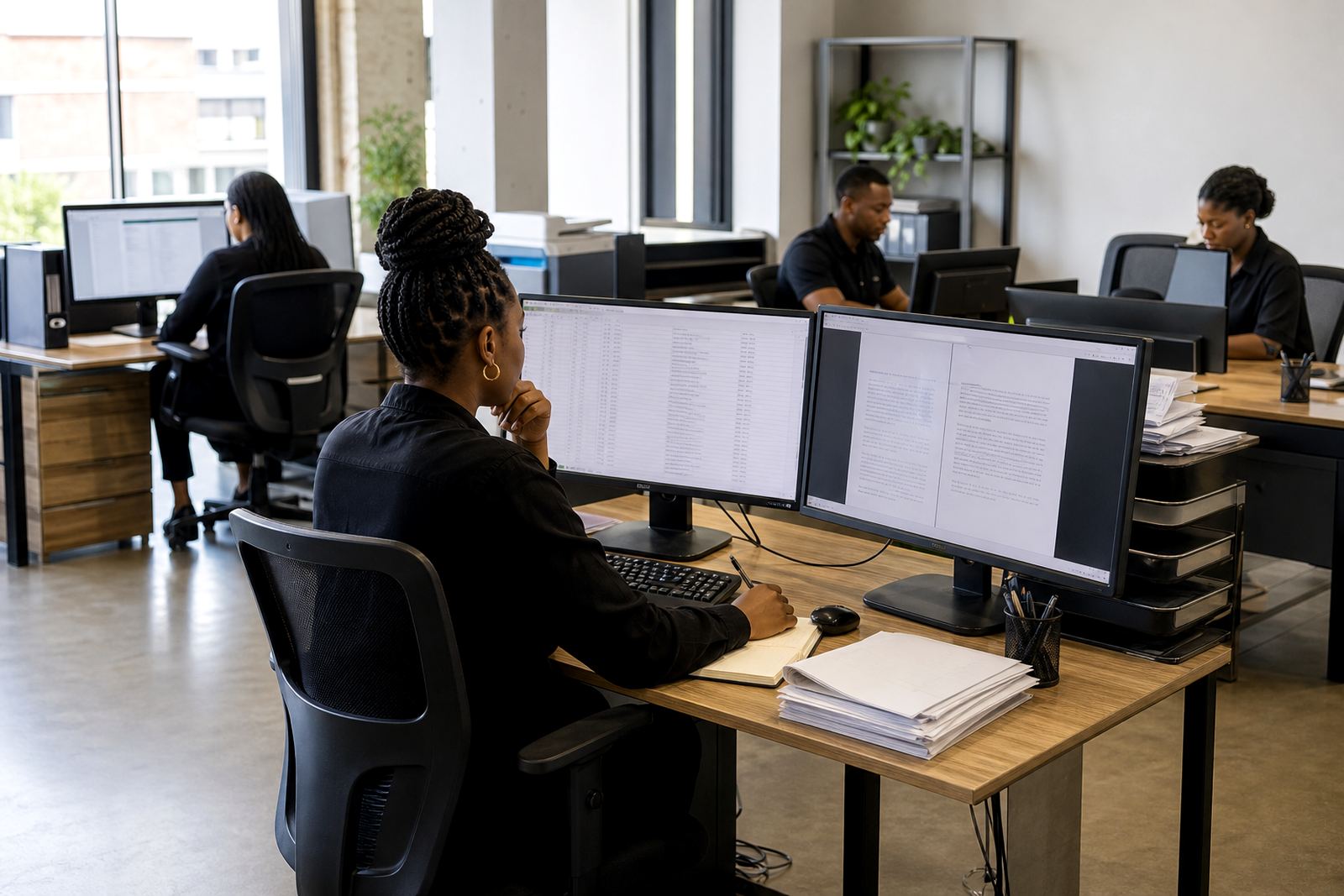



Built for firms that carry a heavy document load
Law Machines suits teams that draft the same document families often, but still need room for firm specific wording, matter details and review steps. That includes litigation practices, conveyancing teams, commercial counters, labour specialists and mixed practices that handle several work types under one roof.
The common thread is volume with control. When matters move between attorneys, paralegals and admin staff, the software helps keep templates tidy, matters easy to follow and deadlines visible without forcing everyone into scattered folders or message trails.
When your matters need steadier oversight
Some firms need a clean view of every file, while others only need tighter control over selected matters. The platform supports those differences with matter pipelines, permissions and searchable queues that make handovers less awkward.
- Smaller practices can keep a close eye on each matter from intake to close.
- Growing firms can separate responsibilities across teams and offices.
- Multi practice operations can track work without mixing up active files.
- Partners can review progress without chasing paper files around the office.
This helps where deadlines, affidavits, notices and evidence packs all move at once, and one missed step can slow the file down.
Teams that deal with evidence and review material
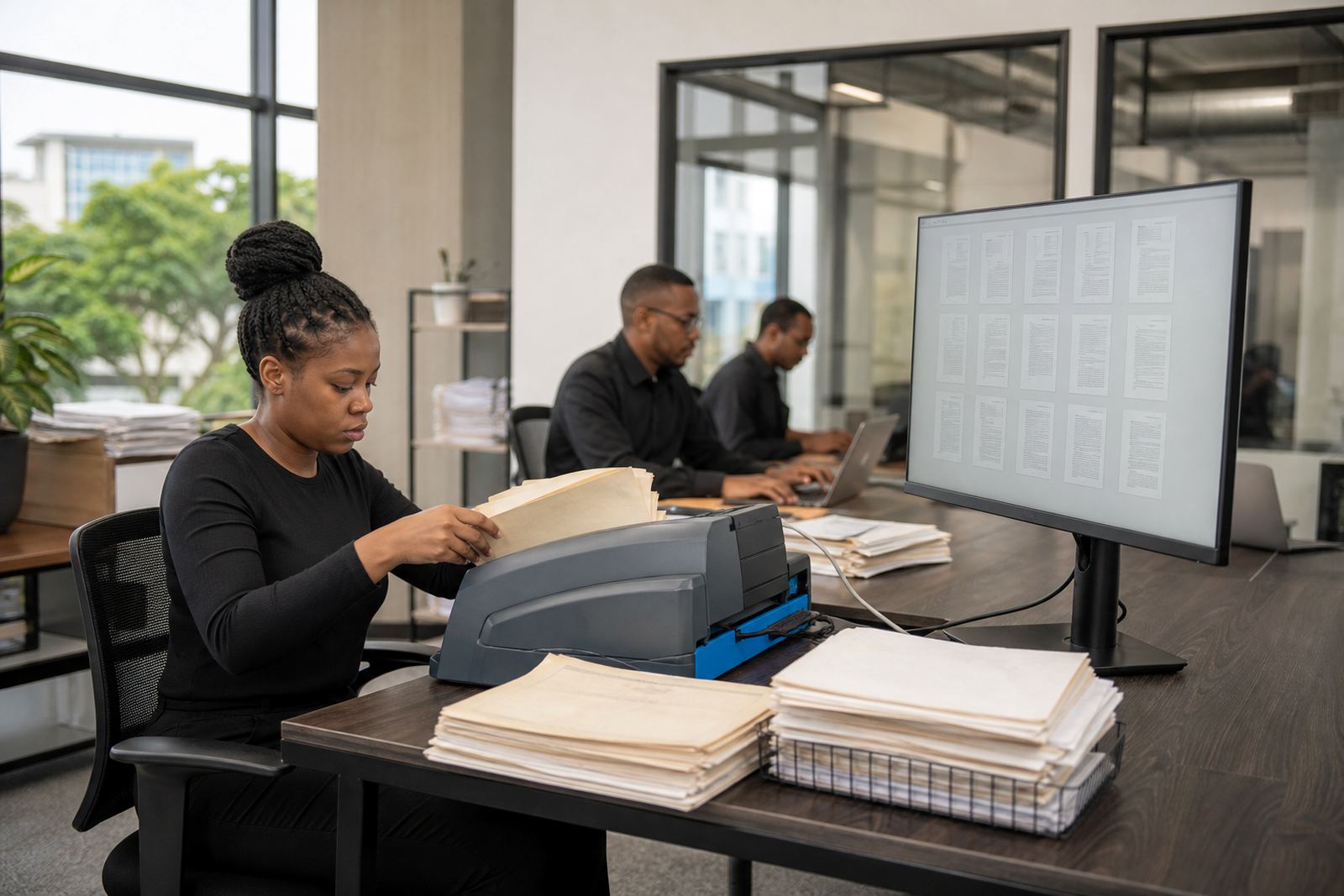
E-discovery work needs order, not clutter. Firms handling large document sets, scanned bundles, witness material or digital records need a way to sort items, search them properly and keep review work traceable.
Law Machines supports evidence imports and review queues for that kind of workload. It is useful where the team must keep source material organised, limit who sees sensitive items and maintain a clean path from collection to review. POPIA related handling stays part of the picture, especially where personal information sits inside case files.
- For discovery teams managing large batches of documents.
- For litigation support staff who need a searchable review flow.
- For firms that want clearer storage, access and audit discipline.
Offices that work across more than one city
The same software can support a single Sandton office or a practice with teams in Pretoria, Cape Town, Durban and Bloemfontein. That matters when the firm wants the same template set, the same matter stages and the same security rules in each location.
Johannesburg firms often need tighter internal coordination because matters move quickly between departments. Coastal offices may need extra care around document storage and hardware handling in humid conditions, while inland teams often want simple structures that are easy to maintain as headcount changes.
Firms that want less friction in admin work
Administrative teams carry much of the day to day load in legal work. When template builds, user training, permissions and workflow setup are planned properly, the platform becomes easier to run for both legal staff and operations staff.
- Template Specialist work for standard letters, notices and pleadings.
- Workflow Configuration for intake, drafting and approvals.
- Permissions Setup for teams with different access needs.
- Secure Hosting Setup for firms that want tighter control over data handling.
That mix suits firms that want cleaner internal routines, not another system to babysit.
How the fit usually gets matched to the firm
Different firms need different levels of setup. A small practice may only need a few templates, a simple matter pipeline and basic training. A larger office may need data migration, evidence imports, admin training and health checks after go live.
Before the work starts, the team looks at the firm’s document types, matter flow, user roles and storage habits. That gives a practical view of where automation will save time and where manual review still makes sense. The goal is to fit the software to the firm’s working rhythm, not force the firm into a rigid pattern.