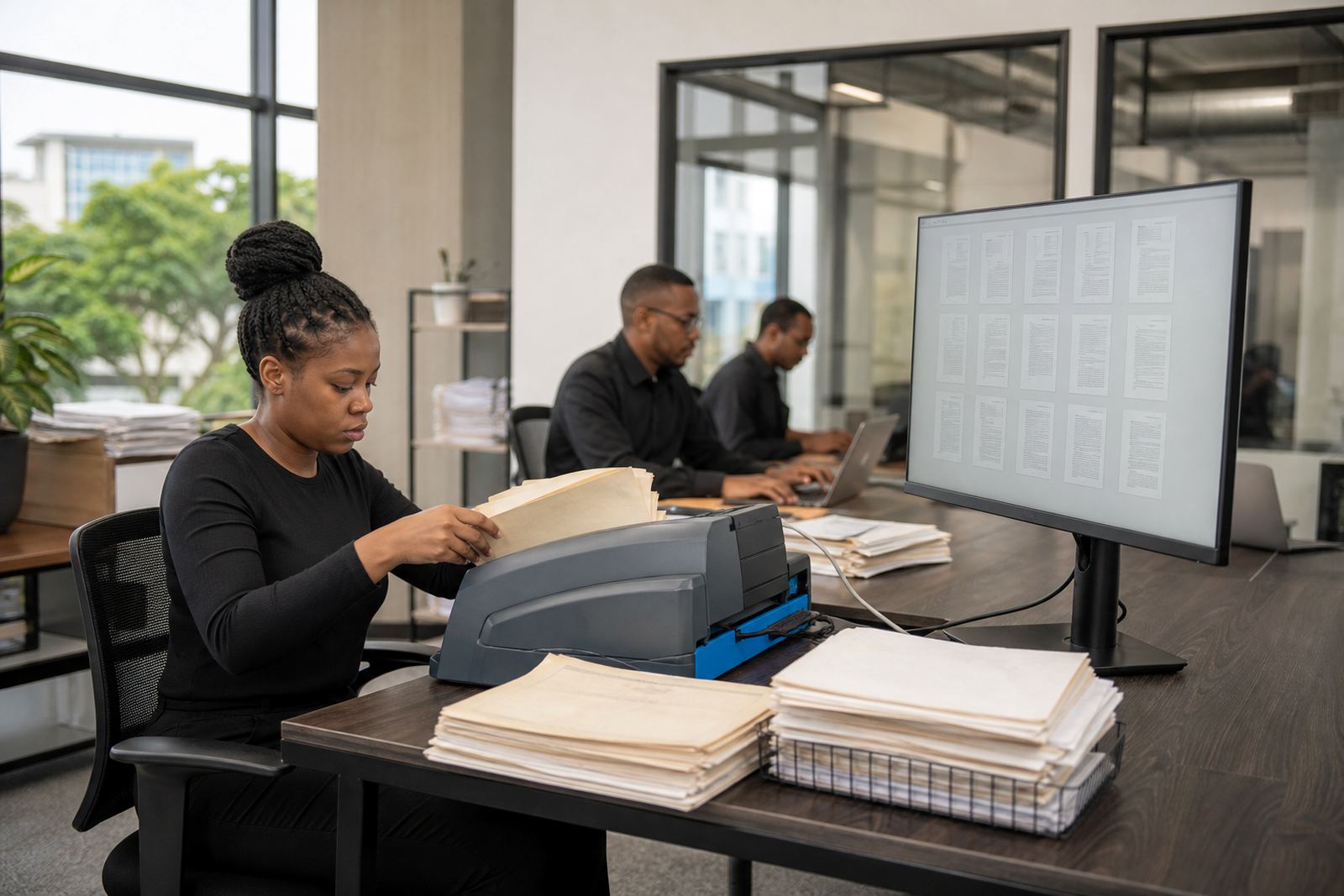
When paper stacks are running the matter
In many South African firms, the bottleneck is not the legal work itself but the way paper moves through the office. Files arrive from court, messages are printed for signing, pleadings are scanned in batches and the same matter can sit in a tray, a drawer and a shared folder at the same time. That is where misfiled pages, duplicate versions and missing attachments creep in.
Law Machines is built for that kind of pressure. It helps firms turn scanned records into organised matters with document assembly, matter tracking and searchable review queues. The aim is to keep the office working from one set of facts, not three different versions of the same file. POPIA concerns around access and retention also become easier to manage when permissions and record handling are defined from the start.
For firms in Sandton, Johannesburg and the other major centres, the biggest gain is usually not speed for its own sake. It is the ability to find the right version, see what is waiting and know which matter needs attention before a deadline gets close.
The equipment mix that usually sits around a paper-heavy office
A paper-heavy practice normally runs on a practical set of office equipment rather than specialist hardware. The software has to fit around that reality. Typical set-ups include high-volume scanners for batch capture, benchtop scanners for smaller teams, multi-function printers, document stations for incoming post and office PCs used by attorneys, paralegals and admin staff. Some offices also keep label printers for file marking and barcode-style tracking internally.
- Batch scanners for older files, bundles and correspondence
- Multi-function devices for day-to-day copying and scanning
- Workstations for matter setup, template filling and review
- Secure storage for scanned evidence and signed records
The useful question is not whether a firm owns the right machine, but whether each item has a place in the workflow. If scanned pages land in a general inbox and someone must rename them later, the office has only moved the mess to another table. A better layout gives each document type a route, from intake to indexing to the correct matter.
A layout that works for scanning, filing and retrieval
For most firms, the cleanest setup starts with intake at one point, review at another and final filing in a controlled matter structure. Incoming paper should be sorted before it is scanned, not after. That means separating court bundles, client correspondence, signed documents and supporting evidence into clear groups. Once captured, the files need matter names and document types that staff can recognise without guessing.
Document assembly is most useful where the same forms and letters are produced repeatedly. Templates for notices, standard correspondence and filing packs reduce typing and cut down on version drift. Matter management then ties those documents to the right file, with deadlines, tasks and responsible staff visible in one place. In a busy office, that matters more than fancy features.
- Keep one scan point for incoming paper
- Use matter names that match office practice
- Set permission levels for attorneys, support staff and reviewers
- Separate active matters from archived records
In Johannesburg and Pretoria, where some firms still handle a heavy paper flow alongside digital correspondence, the best results come from steady habits not dramatic change. A smaller, consistent filing logic is easier to keep up than a big system no one uses properly.
Common mistakes that slow the whole office down
The same mistakes come up often. The first is scanning everything into one catch-all folder and hoping staff will remember where things are. The second is keeping templates in several places, so the version used for a matter is not always the latest one. The third is giving too many people edit rights on core documents, which leads to accidental changes and gaps in the audit trail.
Another common problem is treating evidence like ordinary correspondence. Evidence files need clearer naming, better indexing and a more careful review path. If photos, PDFs, messages and attachments are all mixed together, the team wastes time searching instead of working. Storage is another trap, because large scans and old matter records can become hard to manage if retention rules are vague or if the folder structure grows without control.
A firm also needs to be honest about staff habits. If the team still prints the same matter twice a week, the software setup should support that pattern while gradually reducing it. Forcing a dramatic change on day one often creates confusion and half-finished processes.
What implementation usually needs in Rand terms
Budget depends on the size of the office, the amount of paper already in circulation and how many templates and workflows need to be built. A small practice with a few core matter types may spend around R45,000 to R90,000 on setup, including planning, template work and basic migration. A mid-sized firm with heavier scanning, permissions setup and multiple work streams can land in the R120,000 to R280,000 range. Larger teams with deeper evidence handling, more complex matter stages and broader training often sit above that.
Those ranges are not fixed quotes, but they give a practical sense of what the work can involve. Costs rise when older files need cleaning before import, when template sets are numerous, or when a firm wants tighter permissions across departments. Secure hosting setup and incident response planning can also add to the picture, especially where data security needs careful handling.
It is usually better to budget for a usable structure than for a loose start that needs rework in three months. Paper-heavy firms pay for confusion in time, not only in Rand.
How onboarding is handled across multiple offices
For firms with teams in Sandton, Rosebank, Centurion or further afield, the first job is to map how matters actually move between offices. Some teams centralise scanning while others let each office capture its own records. Some keep one shared template set, while others need different matter groups for different locations. Law Machines supports that practical split by setting up workflows, permissions and matter pipelines around the firm’s real structure.
Onboarding usually includes implementation planning, data migration, template builds, workflow configuration, permissions setup, user training, admin training, secure hosting setup, evidence imports, go live support, health checks and incident response. The useful part is that staff can learn the same logic across offices, even if each branch handles a different volume of paper.
- Centralised oversight for ops teams
- Local access for staff working on active matters
- Controlled rights for scanning, editing and review
- Clear folders for archived and live records
That kind of setup suits firms in Cape Town, Durban and Bloemfontein too, especially where document flow needs to stay tidy across branches and remote work arrangements.
Keeping the paper load under control after go live
Once the system is live, the work does not stop. Health checks help confirm that folders, templates and matter stages are still behaving as expected. If new document types appear or a team starts using a different naming convention, the setup should be adjusted before it becomes a habit. Support teams also need a clear way to handle incidents, because an error in permissions or indexing can affect more than one matter.
For paper-heavy firms, the most useful discipline is steady review. Check whether files are still searchable, whether scans are being attached to the correct matter and whether old records are being stored the way the firm expects. A calm system is not one that never changes, but one that can absorb change without throwing the whole office off balance.
That is the kind of environment Law Machines is built to support: practical document assembly, matter management, evidence handling and secure access for South African law firms that want less clutter and better control.