

































Skip to content
Home / Software

Legal Software

Law Machines builds focused software units for drafting, matter flow, evidence review and secure administration. Each module is designed for South African law firms that need practical control without extra clutter.

Legal Software
Document Assembly

Document Assembly

Generate repeat legal documents from approved templates, clauses and matter data.

Clause Library

Clause Library

Store approved clauses in a controlled library for faster and more consistent drafting.

Template Governance

Template Governance

Control who updates templates, how versions change and when new precedents go live.

Precedent Library

Precedent Library

Keep common precedent documents searchable, grouped and easier to maintain.

Intake Forms

Intake Forms

Capture new matter information through structured internal forms that reduce retyping.

Matter Pipelines

Matter Pipelines

Track work stages across active matters using visible pipelines and status rules.

Task Deadlines

Task Deadlines

Set due dates, reminders and responsible owners for recurring legal work.

Court Calendar

Court Calendar

Coordinate hearings, filing dates and internal preparation events in one calendar view.

Filing Checklists

Filing Checklists

Use repeatable filing checklists to reduce missed steps before submission.

Client Onboarding

Client Onboarding

Standardise the opening of new matters with shared intake steps and required records.

Conflict Checks

Conflict Checks

Record parties and search past matter names to support internal conflict processes.

Fee Note Prep

Fee Note Prep

Prepare cleaner fee note inputs from tracked matter activity and recorded tasks.

Time Capture

Time Capture

Log activity against matters so teams can see effort and follow-up work.

Correspondence Logs

Correspondence Logs

Track incoming and outgoing matter communications in a central record.

Message Filing

Message Filing

Link important messages to matters so records stay easier to find later.

Scanned OCR

Scanned OCR

Convert scanned legal papers into searchable text for easier review and retrieval.

Evidence Indexing

Evidence Indexing

Index exhibits, statements and source files with clearer categories and references.

Review Queues

Review Queues

Sort documents into review queues for relevance checks, coding and follow-up.

Privilege Tagging

Privilege Tagging

Apply controlled tags during review to separate sensitive or restricted material.

Bundle Builder

Bundle Builder

Assemble indexed hearing or briefing bundles from organised matter documents.

Affidavit Packs

Affidavit Packs

Prepare standard affidavit packs with reusable supporting sections and annexure structure.

Conveyancing Pack

Conveyancing Pack

Manage recurring conveyancing document sets with standard fields and workflow prompts.

Litigation Pack

Litigation Pack

Group common litigation templates and steps into a repeatable working set.

Labour Pack

Labour Pack

Arrange standard labour matter documents and matter-stage tracking in one module.

Commercial Pack

Commercial Pack

Support recurring commercial drafting and review with templated document groups.

Family Pack

Family Pack

Structure recurring family law paperwork and matter stages more consistently.

Estates Pack

Estates Pack

Keep estates paperwork, references and progress notes grouped by matter stage.

Debt Collection

Debt Collection

Track high-volume debt recovery work with standard documents and activity rules.

Reporting Dashboards

Reporting Dashboards

View workload, ageing matters and activity trends through practical internal dashboards.

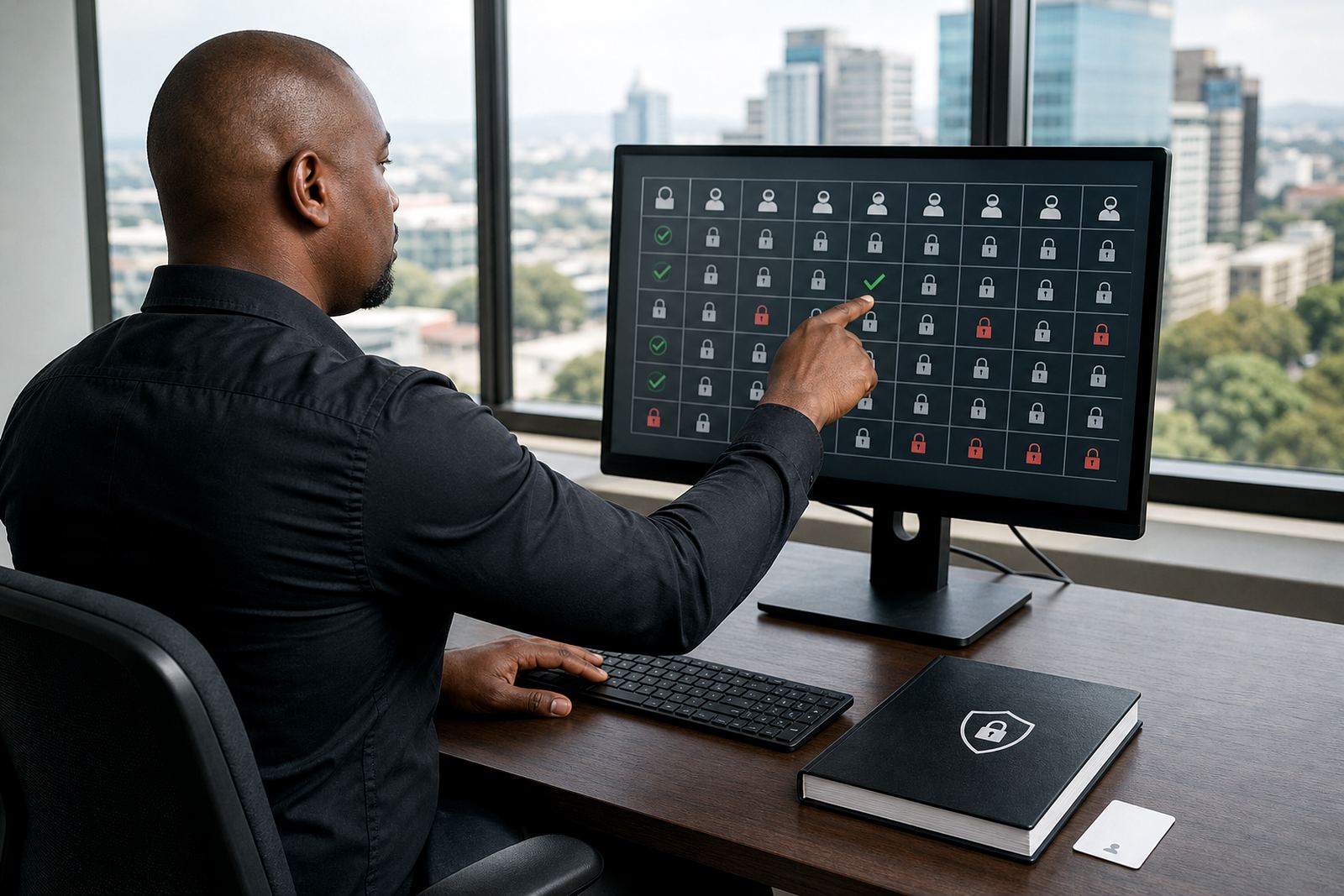
Permissions Controls

Permissions Controls

Set user roles and access rules to limit who can view or change records.

Audit Trails

Audit Trails

Record who changed templates, matter fields and document statuses over time.

POPIA Controls

POPIA Controls

Support general POPIA-aware information handling through access, retention and export controls.

Software units built around firm pressure points

Our legal software hub groups the parts of a firm that tend to strain under volume. Drafting, matter tracking, evidence review and admin controls can stand alone or work together, so firms can match the setup to current needs without piling on unused features.

That usually suits attorneys, paralegals and operations teams that want tighter control over documents, deadlines and review queues. The focus stays on work you can measure inside the firm, not on general software jargon.

Document assembly that keeps wording steady

Template-driven drafting helps teams produce repeatable documents with the right clauses, fields and matter details filled in from a controlled source. It cuts down on copying between shared files and reduces the chances of using an old version by mistake.

  • Template Builds for agreements, notices and standard pleadings
  • Workflow Configuration for approval steps and filing checks
  • Permissions Setup so only the right users edit core wording
  • User Training and Admin Training for everyday use

For firms with several practice areas, template control matters a lot. One stray clause can slow a matter down, so the system is built to keep wording tidy and easy to audit.

Matter pipelines that show where work is sitting

Matter management is easier when each file has a clear path from intake to closure. Our setup helps teams see what is waiting for review, what needs a follow-up and what has already moved to the next stage.

That supports busy offices in Johannesburg, Pretoria, Cape Town, Durban and Bloemfontein, where different teams may touch the same matter over a few days. The result is cleaner handover and less time spent asking where a file went.

  • Implementation Planning for matter stages and responsibilities
  • Data Migration when old records must be brought across carefully
  • Health Checks to review structure, fields and working habits
  • Go Live Support when the new process starts carrying real files

Evidence review that stays searchable

E-discovery workflows need order, not noise. Searchable review queues, tagging and controlled access help teams sort evidence into usable groups, then keep track of what has been reviewed, flagged or set aside.

For larger matters, this is where clean indexing really matters. If documents are scattered across shared drives or mixed up in message threads, the review stage can turn messy very quickly.

  • Evidence Imports for structured loading of documents and folders
  • Searchable queues for review, tagging and follow-up
  • Incident Response support when access or workflow issues appear
  • Secure Hosting Setup for controlled handling of sensitive records

Security and admin controls for sensitive files

Law firms handle material that needs careful handling, especially where client information, draft documents and internal notes sit in the same environment. We build the admin side with access control, auditability and practical security in mind, while keeping POPIA considerations in view at a general level.

That includes user permissions, hosting choices and the way records are stored and retrieved. In offices with shared admin duties, these controls help keep responsibility clear, which matters when deadlines pile up and several people touch the same matter.

Picking the right module for the job

Some firms only need better drafting control. Others want matter pipelines, evidence review and admin safeguards working together. The right fit depends on where the pressure sits inside the practice, and which process causes the most friction day to day.

If your team is spread across Sandton, Rosebank or Centurion, or coordinating work between branches in other cities, the aim is the same: less duplication, clearer file movement and steadier control over deadline-sensitive work.

  • For drafting problems, start with Template Builds and Permissions Setup
  • For file handling problems, start with Matter Pipelines and Workflow Configuration
  • For evidence-heavy matters, start with Evidence Imports and search controls
  • For broader clean-up, combine Implementation Planning with Health Checks

Questions we get asked

What does the legal software hub cover?

It covers drafting support, matter management, evidence review and secure administration for South African law firms. The modules can be used separately or connected into one working environment.

Can the system support different practice areas?

Yes. Template structures, matter stages and permissions can be arranged around the way a firm handles its own files, whether the work is litigation, commercial matters or other legal processes.

How does the platform handle sensitive information?

Access control, secure hosting choices and audit-friendly administration help keep records organised and restricted to the right users. POPIA is kept in mind generally, along with everyday firm security needs.

Send Law Machines a message

Contact form