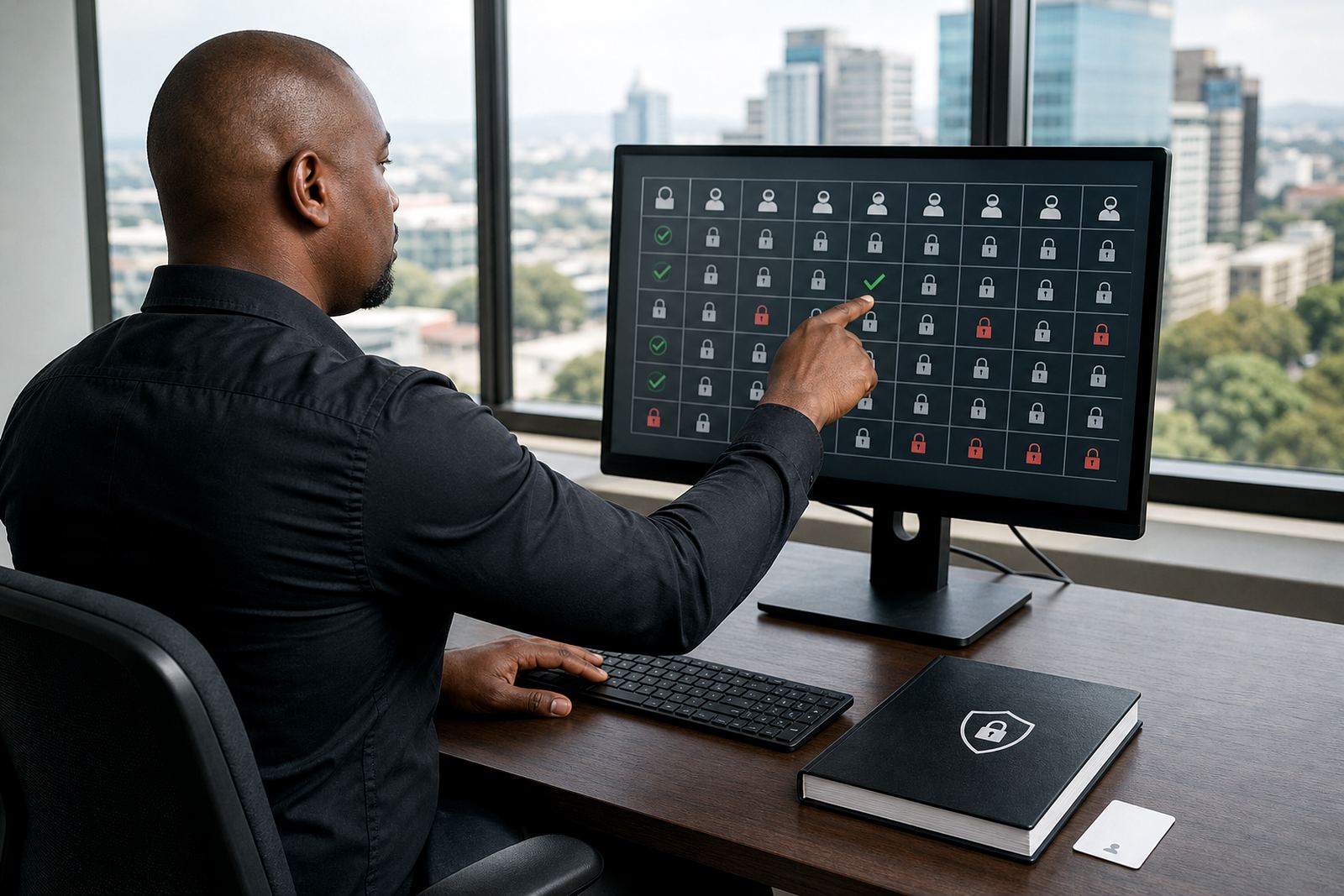
A single record for every matter conversation
Correspondence Logs is the part of the platform that turns scattered communication into a usable matter history. Incoming mail, outgoing letters, internal notes and attached documents sit under one matter number, with dates, sender details, tags and status fields that make later checking far less painful. It is built for attorneys, paralegals and operations teams that handle several files at once and need the record to stay tidy when deadlines start stacking up.
The module works well where teams want a clean audit trail without living in shared drives or hunting through inboxes. You can log an item manually, connect it to a matter, assign responsibility, mark it urgent and set a follow up date. If a communication affects a deadline, the record can carry that link as part of the matter view, so the file stays practical instead of becoming a loose folder of messages.
Sizes and configuration choices that suit different firms
There is no one firm shape in legal work, so the module is set up in usable sizes rather than a fixed bundle. A smaller office may only need core logging, matter links and search. A larger practice may want more layers for queues, permission groups and filing rules across departments or branches. The structure can be kept lean for boutique work or expanded for a busy litigation, conveyancing or commercial environment.
- Core matter log with date, time, sender and recipient fields
- Keyword search across correspondence notes and attachments
- Status labels for sent, received, awaiting action and closed
- Role based access for fee earners, support staff and administrators
- Optional workflow rules for review, sign off and filing
- Branch level views for firms operating across more than one office
For firms in Sandton, Johannesburg, Pretoria, Cape Town, Durban and Bloemfontein, the configuration can be shaped around local teams and local matter volumes. A firm with heavy litigation traffic may need sharper sorting by case stage, while a practice handling more advisory work may want a lighter log with cleaner note fields and document links.
Where correspondence logs fit best in daily legal work
This module suits firms that deal with steady client updates, court related notices, opposing correspondence, expert communication and evidence chain notes. It is useful where several people touch the same matter and the office needs one version of the truth. The log helps when an attorney needs to see who sent what, when a paralegal needs to file a notice properly, or when operations staff must check whether an important document has been recorded.
It also supports firms that need a more disciplined way to handle POPIA related care around access, retention and visibility. Information can be limited to the right users, and sensitive attachments can sit behind permission settings instead of floating around on a general shared drive. That matters in a legal office where a small slip in filing can affect the whole matter record.
- High volume litigation teams with constant back and forth
- Conveyancing and commercial practices with repeat correspondence patterns
- Branch based firms needing consistent filing across offices
- Teams that want searchable matter histories for handovers and leave cover
- Operations units that need a clearer record for admin checks
Set up, fitting and the bits that matter on a real site
Correspondence Logs is software, so the fitting work is about setup rather than physical installation. The practical side usually includes user roles, matter categories, filing logic, template fields and any links to existing document assembly or review workflows. If the firm wants structured migration, older correspondence records can be brought in and aligned to matter numbers, dates and tags so the archive remains usable.
For firms running secure hosting on office systems or approved cloud environments, the setup needs careful permission planning. This is especially important where directors, associates, secretaries and support staff should not all see the same material. Johannesburg offices often want tighter controls around live matters, while multi site firms may need branch filters and central oversight that still leaves each office working properly.
Power is only relevant in the background through the systems that host the platform and the office equipment used to access it. The real requirement is stable access, secure login and clean user setup, plus a sensible internet connection for teams working across more than one location. If a firm uses scanners or bulk imports for evidence bundles, those links are planned into the workflow from the start.
Keeping the record clean after go live
A correspondence log only stays useful if the filing habits remain disciplined. That means naming matters properly, checking duplicate entries, keeping attachments matched to the right file and making sure staff use the same status labels. The module helps with that through search, filters and controlled fields, but the firm still needs a clear internal rule for what gets logged and who signs off certain items.
Care is straightforward: review permissions after staffing changes, check for old draft entries that should be closed, and keep an eye on documents that were imported in bulk so nothing lands in the wrong matter. Where a firm manages many active files, a monthly or quarterly health check helps catch odd gaps before they become hard to trace. No one wants to pull a missing letter out of three different folders on a Friday afternoon.
- Review matter labels so search stays useful
- Close stale items instead of leaving them pending
- Check that attachments still match the correct matter
- Adjust access when staff move roles or leave
- Keep a clear rule for urgent and deadline linked correspondence
Details to confirm before the build starts
Before Correspondence Logs is configured, it helps to confirm a few working details so the structure matches the firm’s routine. The team will usually look at current matter types, who captures correspondence, what fields must be visible, and whether the office wants simple logging or deeper workflow control. That keeps the module practical from day one and avoids a setup that looks good but gets ignored in real use.
Useful details include the number of users, branch locations, document types, retention preferences and any existing filing style that should be preserved. It also helps to know whether correspondence must connect to deadlines, review queues or evidence bundles, and whether the firm needs a cleaner handover process for leave cover or matter transfers. If imported data is involved, the source format and document volume should be checked early.
- Number of users and their roles
- Branch offices that need access control
- Matter categories and logging rules
- Required fields for sender, recipient and status
- Existing correspondence files that need migration
- Any security or POPIA related access limits
Key facts
| Module type | Matter correspondence logging and search |
|---|---|
| Core fields | Date, time, sender, recipient, status, matter number, tags |
| Access control | Role based permissions with branch level visibility |
| Search | Keyword, matter number and status filtering |
| Hosting | Secure hosting setup available for approved environments |
| Related services | Implementation planning, data migration, workflow configuration, user training |