Indexing that keeps the file trail readable
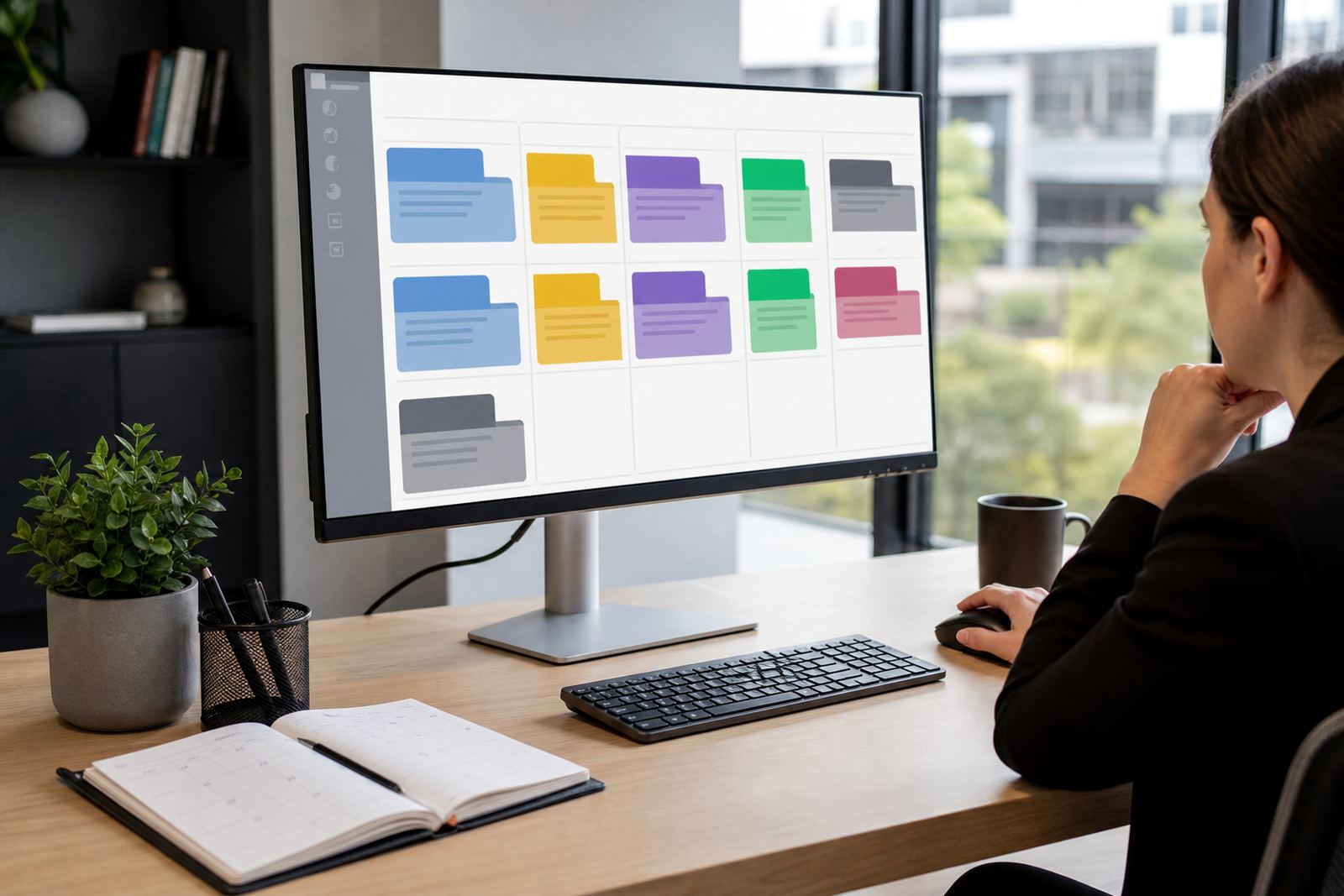
Evidence Indexing turns scattered uploads into named sets that make sense inside a matter file. Exhibits, witness statements, scanned PDFs, message exports and image files can be tagged to the right matter, then grouped under clear references that are easier to review later. That helps when several people touch the same file and no one wants to guess which version is current.
The module supports matter-level filing, document labels, source references and review notes in one place. It works well for litigation support teams, paralegals and operations staff who need the record to stay orderly across the full matter lifecycle, not just on the day a bundle is prepared.
- Reference fields for exhibit number, source, date and matter code
- Document categories for statements, correspondence, scans and attachments
- Searchable notes for context, labels and reviewer comments
- Version visibility for revised files and replaced uploads
Options for small teams and heavier review loads
Firms can use the module in a lean setup for a few active matters, or scale it for a larger practice with many documents moving through review. Smaller teams often start with a simple filing structure and a narrow set of categories. Larger offices usually want deeper metadata, tighter permissions and more detailed review queues.
The usual setup choice is between a basic indexing structure and a more detailed one with custom fields. Some firms prefer a fixed template across all matters, while others want different document categories for disputes, commercial work or family matters. The best fit depends on how your team already names files and who must sign off before a document moves forward.
- Basic indexing for compact matter lists and smaller document sets
- Expanded metadata for heavy evidence review and audit trails
- Custom categories for practice-specific filing rules
- Permission controls for users who should only view selected material
Where evidence indexing suits the daily workflow
This module suits firms that handle litigation packs, discovery bundles, affidavits, scanned source documents and related correspondence. It is also useful where multiple staff members need to work from the same matter record without pulling files from shared drives or digging through our contact form threads. In Johannesburg, Pretoria and Sandton it often supports fast-moving commercial files. In Cape Town, Durban and Bloemfontein it helps branch teams keep the same filing logic across offices.
When the matter has many moving parts, indexing reduces the chance of duplicate names and loose attachments floating between folders. The result is a cleaner working file that is easier to hand over, review or export when a matter changes hands inside the firm.
Setup details that shape the fit
Implementation usually starts with the matter structure, document categories and naming rules your team already uses. From there, the indexing fields are mapped to the way your firm stores exhibits, statements and source documents. If the practice has older files to move across, those records can be prepared for import so the new structure does not start with mixed labels and broken references.
Access control matters as much as the labels. Secure hosting setup, permissions setup and user roles can be arranged so only the right people see sensitive material. POPIA concerns are handled in general terms through access limits, auditability and controlled sharing, which matters when evidence includes personal information or private correspondence.
- Matter code structure and exhibit numbering rules
- Fields for date, source, reviewer and file type
- Import format for older evidence sets and scans
- Permission levels for viewing, editing and exporting
Care, upkeep and handling after go-live
Once the indexing structure is live, care is mostly about consistency. Teams should apply the same naming pattern, keep categories clean and retire unused labels when they are no longer needed. That keeps search results useful and stops the review queue from turning into another mixed storage area.
Health checks and incident response support are useful when a workflow slips, a category is duplicated or a batch of imported files lands in the wrong place. For firms with high document volumes, regular review of permissions and folder logic helps keep the system aligned to current work, not last month’s habits.
- Check naming consistency across active matters
- Review category use after major file imports
- Remove duplicate labels that confuse search results
- Confirm permissions after staff changes or new roles
What to confirm before a firm orders the module
To spec the module properly, it helps to confirm how many matters will use it, what file types are most common and which staff groups need access. A practice with mainly PDFs and scans will shape the setup differently from one dealing with source folders, image evidence and long message chains. The team should also decide whether each matter needs the same indexing pattern or whether separate templates are needed for different practice areas.
It also helps to note whether the firm wants evidence indexing on its own or linked to matter pipelines, template builds and secure review queues. That affects the import plan, permissions and training scope, especially where staff in Sandton need to work alongside colleagues in Pretoria, Cape Town, Durban or Bloemfontein. Clear references upfront save a lot of tidy-up later, and that usually shows in the file structure pretty quickly.
Key facts
| Core function | Evidence, exhibit and source file indexing for legal matters |
|---|---|
| Reference fields | Exhibit number, source note, date, matter code and reviewer |
| Document support | PDFs, scans, statements, images and exported correspondence |
| Access control | Role-based permissions and controlled viewing |
| Search | Filter by matter, label, category, date and reference |
| Deployment fit | Single-office teams, multi-branch firms and larger review workflows |