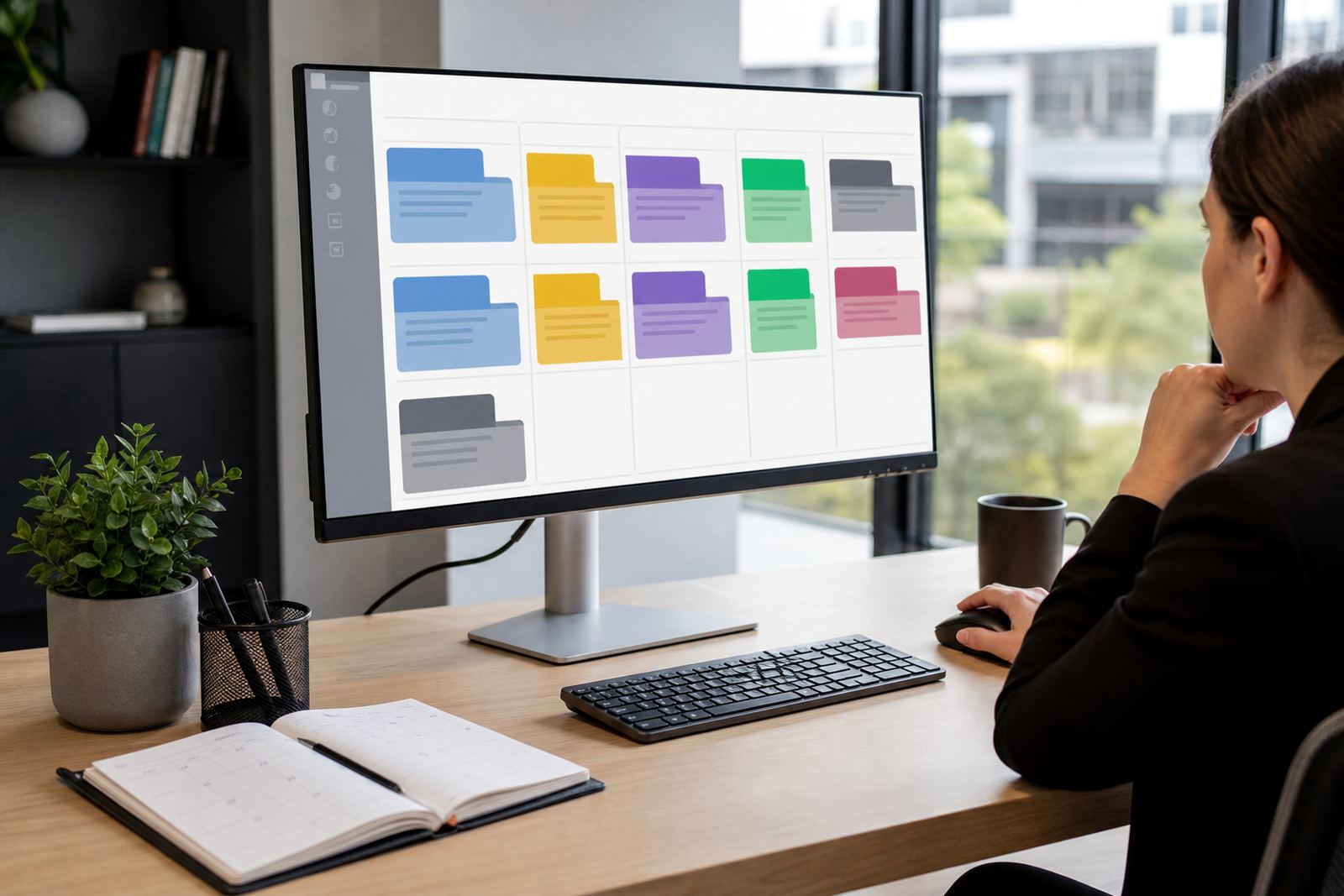
A filing room for repeat legal documents
The Precedent Library holds the documents your firm uses often, from letters and pleadings to notices, affidavits, mandate forms and matter packs. Each item sits inside a controlled structure so attorneys and paralegals can find the right version without trawling through shared folders or old message chains.
Entries can be tagged by matter type, practice area, court roll, office, or document family. That makes the library useful for firms that handle a steady flow of similar work, where a draft in the wrong format can waste hours. The aim is plain and practical, with the document set staying searchable and the names staying clear.
- Search by title, matter type, tag or document status
- Group by department, office, court or workflow stage
- Keep active templates separate from archived precedent copies
- Use access controls so only the right people edit master files
How the library is organised
The library can be set up with a simple folder structure or a more detailed taxonomy, depending on how the firm works. A small practice may keep it to departments and document categories, while a larger office may split it further by litigation stream, transaction type, or regional team. The structure is built to suit the way your precedents are used in daily practice.
Versioning is a key part of the module. When a precedent is updated, the new file can be tracked against the earlier draft so teams know which wording is current. That helps when several staff members work on the same file and everyone needs the same base document. It also supports cleaner file hygiene, which matters when matters move between offices or teams.
- Document naming rules for consistent file titles
- Metadata fields for practice area, author, review date and status
- Version history for controlled updates and comparison
- Archive labels for retired or superseded precedents
Where it suits the day to day work
The Precedent Library suits firms that draft similar documents often and need a steady, central reference point. It works well in litigation teams, conveyancing counters, commercial teams, labour practices and general advisory offices where a document set needs to stay orderly across multiple users. Johannesburg, Pretoria, Sandton, Cape Town, Durban and Bloemfontein offices all handle this kind of pressure in different ways, but the need for a clean precedent base is the same.
For firms with more than one branch, the library can be used to align naming, template ownership and review status across sites. That helps reduce duplication and keeps local adjustments visible. It also helps where teams work hybrid, because the same precedent list can be reached without digging through local machine folders or scattered shared drives.
- Useful for single offices and multi-branch firms
- Fits litigation, commercial, property and advisory work
- Helps teams working across Sandton, Rosebank and Centurion
- Supports shared precedent control across busy file teams
Setup notes for secure use
Setting up the library usually involves importing existing templates, cleaning up duplicate files and assigning ownership to the right team members. If the firm already has long-standing document sets, those can be reviewed and grouped before migration. That reduces the risk of carrying old drafts into the new structure and keeps the library useful from the start.
Permissions matter here. Some files should be open to all users, while others need tighter control for editing or approval. Secure hosting setup and permission rules help keep the library aligned with good data handling practice and general POPIA awareness. The module can also sit alongside matter pipelines and evidence queues where documents must be pulled into a live file with care.
- Template import and duplicate clean-up
- Access levels for viewing, editing and approving
- Hosting and security settings for controlled document storage
- Linking to matter files, evidence sets and workflows
Working with deadlines and document control
Precedents are most useful when the firm can trust them under deadline pressure. The library supports that by keeping standard documents close at hand and reducing the time spent checking which file is current. This helps where a deadline is tied to court dates, filing windows, correspondence cut-offs or client delivery points. The value lies in order, not in extra noise.
Teams can pair the library with matter management so document creation and file progress stay connected. A precedent can be linked to a matter stage, a task list or a review step. That makes the workflow more grounded when several people touch the same file. It also helps avoid confusion between draft copies, approved versions and final issue files.
- Supports matter-linked document use
- Helps keep active files separate from working drafts
- Reduces repeated searching across local folders
- Fits busy teams handling multiple deadlines at once
Care, upkeep and ordering details
Keeping the library in good shape is mostly about regular attention. Old precedents need review, names need consistency and unused files should be archived rather than left loose in the active set. A monthly or quarterly health check is useful for larger firms, especially where several departments add documents over time. Small gaps in naming or ownership can cause unnecessary drift.
When ordering a precedent library setup, confirm the document types to be included, the number of practice areas, the preferred naming rules and whether the firm needs one central library or separate libraries for branches. It also helps to note who may edit, who may approve and which legacy files need migration. If the firm wants evidence imports, template builds or workflow configuration alongside the library, those should be listed at the same time so the setup is complete.
- Confirm document families and practice areas
- Set naming rules for titles, tags and archive status
- List editing rights, approval rights and admin owners
- Identify old files to migrate, retire or merge
Key facts
| Module type | Searchable precedent and template library |
|---|---|
| Core use | Document grouping, version control and controlled access |
| Typical users | Attorneys, paralegals, practice managers and ops teams |
| Key features | Tags, metadata, archive states, approvals and search |
| Deployment | Hosted with permissions and matter system integration |
| Common add-ons | Template builds, workflow configuration, data migration and secure hosting setup |