A working bundle for live litigation files
The Litigation Pack is a reusable setup for firms handling motion work, summons files, opposed matters and staged litigation schedules across several practitioners. It ties common pleadings, notices, affidavits, service checkpoints and filing checks into one controlled workspace, so the file does not wander between shared folders and mismatched versions.
Each pack is built for real matter movement, not loose document storage. Teams can group template sets, matter status stages, evidence review queues and internal notes against one file reference, which helps attorneys and paralegals keep the same structure from intake to final archiving.
What sits inside the pack
The pack normally combines document assembly, matter management and e-discovery handling in a way that suits South African litigation teams. You can map filing steps, maintain versioned drafts, and keep scanned evidence or exported records in a searchable queue that supports review without cluttering the main matter timeline.
- Reusable pleading and notice templates with matter variables
- Deadline checkpoints for service, filing and follow up steps
- Searchable evidence review queues for attachments and scans
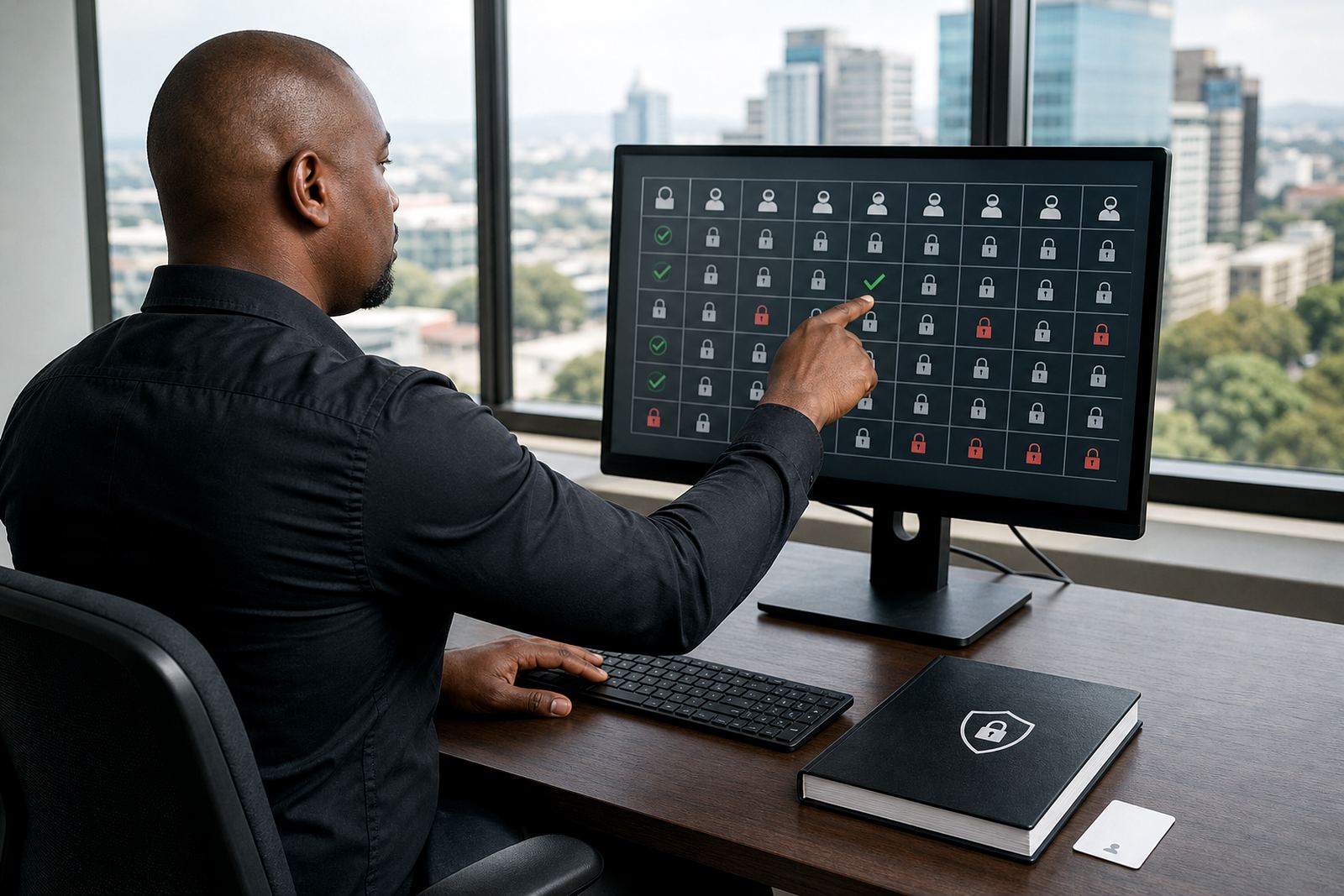
- Permission settings for attorneys, paralegals and ops staff
- Secure hosting setup with access control and audit trail support
- Workflow configuration for motion, trial and enforcement paths
Sizes and layout options for different firms
Some firms only need a compact litigation set for a single practice area, while others want a broader structure that covers several departments and office locations. The pack can be arranged as a small file group for a focused team, or extended into a wider template library with matter pipelines, sub folders and review queues for heavier caseloads.
Typical options include a starter layout for one team, a standard office set for mixed matters, and a multi team configuration for firms working across Johannesburg, Pretoria, Cape Town, Durban or Bloemfontein. Where a firm runs several users on the same matters, permissions and naming rules are set early, so the file path stays readable and the wrong draft does not end up in circulation.
- Starter set for a single litigation team
- Standard set for a busy practice with shared matters
- Multi office set with controlled access by location
- Custom template mapping for specialist procedures
Where the Litigation Pack fits best
This product suits firms that handle repeated litigation work and need a steadier way to keep documents, evidence and task stages aligned. It works well for teams in Sandton, Rosebank and Centurion that want tighter file discipline, as well as regional offices that need one common structure across different personnel and municipal court routines.
It is especially useful where deadlines, service proof and document versions must be visible at a glance. The same applies to firms dealing with large evidence bundles, witness material or files that move between fee earners and support staff. POPIA related handling can be built into the access controls and storage rules, so sensitive matter data is treated with care.
Set up, permissions and file handling
Installation is handled as a working configuration rather than a simple download. The setup may include implementation planning, data migration from existing matter lists, template builds, workflow configuration, permissions setup and secure hosting setup. Where a firm already has document libraries or review folders in place, those can be mapped into the Litigation Pack so the team keeps familiar naming while gaining cleaner control.
Access rights matter here because litigation files often pass through attorneys, support staff and operations teams at different stages. The pack can separate draft access from final issue rights, keep review queues visible only to relevant staff, and preserve a reliable matter trail for internal checks. That kind of structure is worth the effort when multiple people touch the same file during a busy week.
- Data migration from spreadsheets, shared drives or legacy folders
- Template builds for standard pleadings and notices
- Permissions setup by role or office
- Incident response support where file control needs tightening
Care, upkeep and ordering details
Ongoing care is mostly about keeping the templates current and the workflow rules aligned with the way the firm actually works. As forms change or internal naming rules shift, the pack can be adjusted so new matters follow the same structure without clutter. Security checks, user access reviews and health checks are sensible where several staff members handle confidential case material.
When confirming an order, it helps to have the matter types, team structure, number of users, required template groups and evidence handling needs ready. It is also worth noting whether the firm wants one central setup or separate packs for different locations, because that changes permissions, review queues and the way matters are grouped. The more clearly these points are set out at the start, the cleaner the final structure will be.
- Matter types to be covered
- Number of users and role groups
- Template list and naming pattern
- Evidence volume and review workflow needs
- Office locations to be included
- Security and access restrictions required
Key facts
| Product | Litigation Pack |
|---|---|
| Use | Document assembly, matter tracking and evidence review |
| Core modules | Templates, matter pipelines, searchable review queues |
| Typical users | Attorneys, paralegals, firm operations teams |
| Coverage | Johannesburg, Pretoria, Cape Town, Durban, Bloemfontein |
| Security | Role-based access, audit trail support, secure hosting setup |