When one attorney is doing the work of three
Sole practitioners often handle intake, drafting, filing, client updates and deadlines in the same morning. That is where document assembly and matter tracking help most, because the work stops living in scattered folders, phone notes and half-finished templates. A matter should show its next step clearly, with the draft, the evidence and the follow-up in one place.
For a small practice in Sandton, Pretoria, Rosebank or Bloemfontein, the daily pressure is usually not about volume alone. It is about avoiding missed steps when a hearing date changes, a client sends a fresh bundle after hours, or an affidavit needs a cleaner version before it goes out.
A practical setup for a one-attorney office
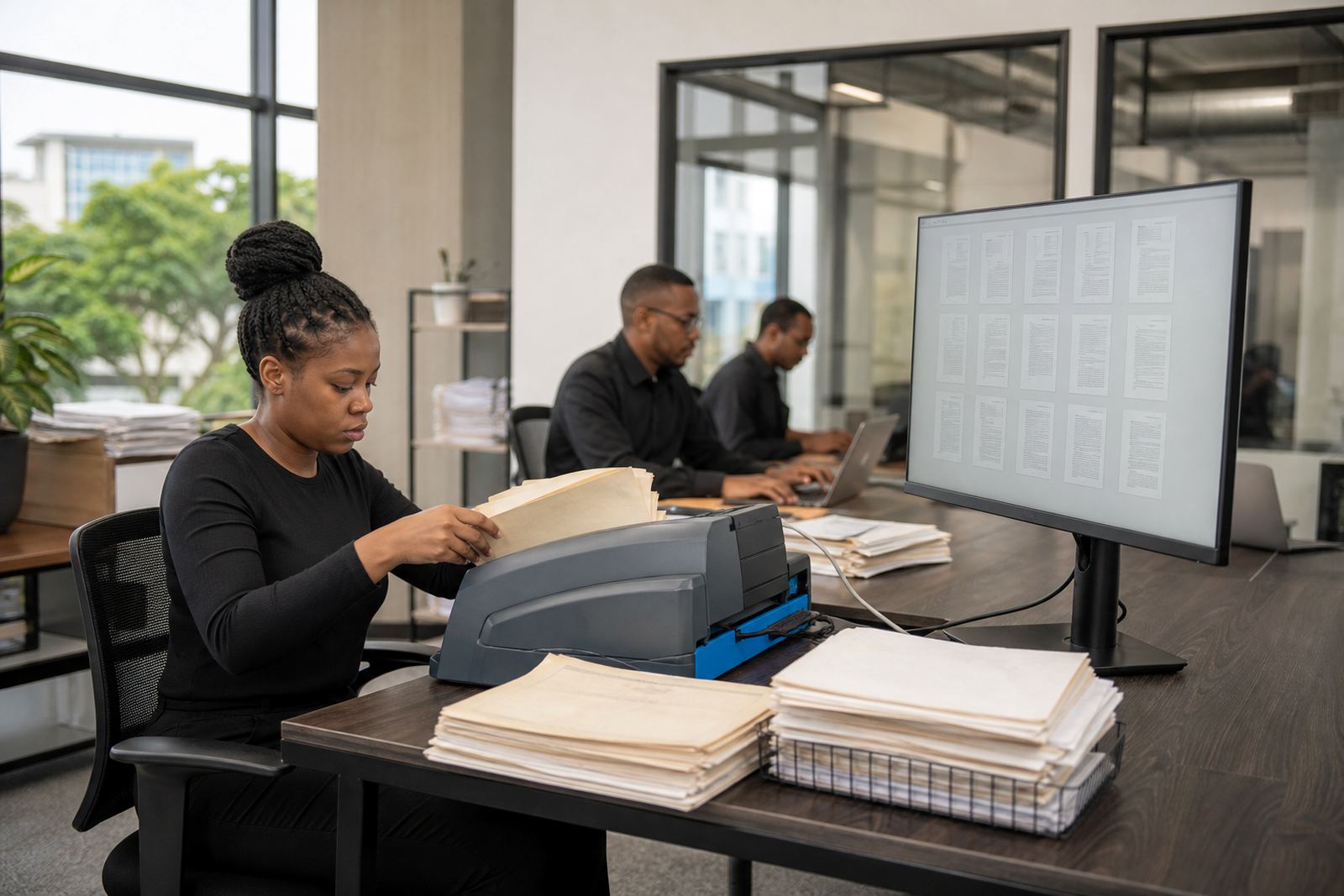
A lean setup works best for a sole practitioner. Most offices only need a reliable laptop or benchtop, a scanner for signed papers, a second screen for side-by-side review, a printer for urgent hard copies, and secure cloud access for matters and evidence. In many firms, a modest UPS is also useful where load-shedding can interrupt scanning or signing work.
- One primary workstation with enough memory for large PDFs
- Scanner that handles mixed page sizes and multi-page bundles
- Encrypted document storage with role-based access
- Searchable matter folders instead of loose shared-drive naming
- Template library for letters, notices, affidavits and schedules
When the setup is tidy, you waste less time looking for the latest version of a document, and the office feels easier to run on a normal day, not only on a quiet one.
How the workflow stays manageable
Single-attorney firms usually need a system that keeps each matter moving without demanding constant admin. That means templates that auto-fill the right party names, matter numbers and dates, together with a pipeline that shows what is drafted, what is awaiting review and what still needs evidence.
- Build standard document sets for repeat matter types
- Set permissions so staff only see the files they need
- Use review queues for evidence, discovery and drafting changes
- Keep deadline reminders tied to the matter, not a separate notebook
For e-discovery or evidence review, searchable tagging makes a real difference. A sole practitioner does not need a giant archive, but does need to find the right message, attachment or statement quickly when a client asks for it or a matter turns on one document.
Layout and planning for small-firm work
The best layout for a compact legal practice is usually the one that reduces interruptions. Keep the scanner close to the main work point, store signed originals separately from working copies, and keep one clear place for incoming papers that still need to be checked. In smaller offices, a poor filing habit becomes a daily bottleneck very quickly.
Planning should also reflect the type of matters handled. A sole practitioner who does debt recovery, family work or commercial agreements may need different templates, different retention rules and different matter stages. A clean setup makes it easier to move between those files without dragging the wrong clause set into the wrong document.
Mistakes that slow a small practice down
Most friction in a one-attorney office comes from a few familiar habits. Files get named by memory instead of meaning, draft versions multiply, and evidence lands in a general folder with no clear owner. Another common issue is giving too many people the same level of access, which can blur accountability and create security gaps.
It also helps to avoid building the whole office around a single long spreadsheet. A spreadsheet can support part of the job, but it is not a matter system. When deadlines, notes and attachments all sit in different places, the practice ends up depending on the attorney's memory instead of a clear process.
- Mixed naming conventions across matters
- No clear version control for templates
- Evidence stored in open folders with weak permissions
- Too many manual follow-ups for routine steps
- Using one tool for everything, even where it does not fit
Budget ranges for a sole-practitioner rollout
For a small South African practice, the budget depends on how much of the workflow needs setup. A lighter rollout with template builds, matter stages and basic permissions can often sit in the range of R18 000 to R45 000. More involved work, such as data migration, evidence imports, user training, admin training and secure hosting setup, can move into the R45 000 to R120 000 range depending on the volume of files and the number of workflows being built.
Ongoing costs usually reflect hosting, support, health checks and any future template changes. For a sole practitioner, the point is not to buy a large system for its own sake. It is to put money into the parts that remove daily repetition and protect the files that matter most.