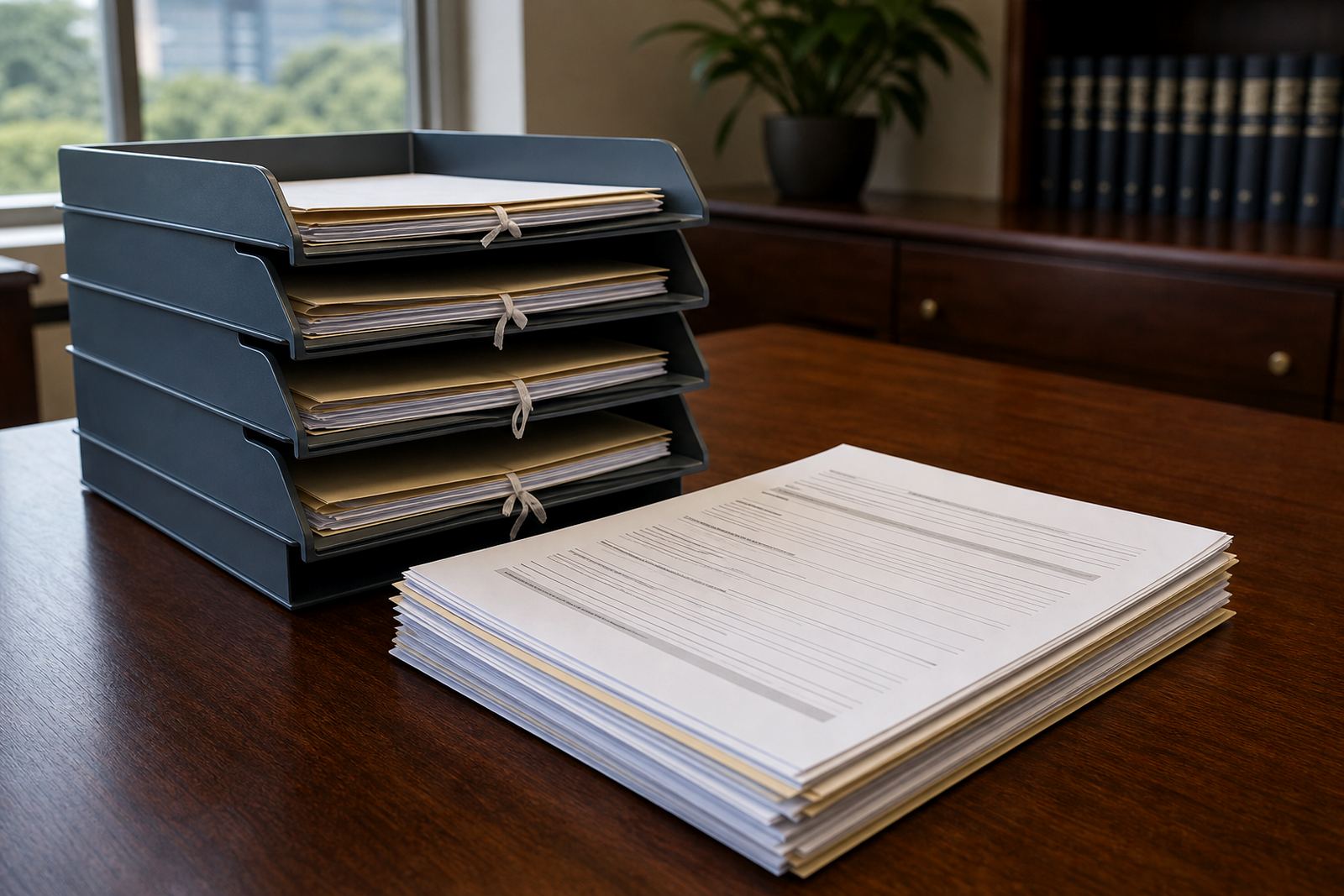
When an export becomes a risk point
A file export looks harmless when it is only a PDF bundle or a spreadsheet pulled from a matter system, yet it can carry far more than the user intended. Names, matter notes, dates, attachments, metadata and review comments may travel together, then sit on a laptop, a shared folder or a USB drive where they are harder to track.
For South African firms, that matters because legal records often move between attorneys, support staff, counsel and outside consultants. If the export is broad, the business can lose control of who saw what, which version was used, and whether the copy that left the system was the right one. A controlled export process keeps the scope narrow and the purpose clear.
Scoping exports to the matter, not the whole archive
The safest export is the one that contains only what the task needs. That might mean a single matter, a defined date range, a specific custodian list, or one review queue rather than the full evidence set. Export scope should be chosen before the file is generated, not sorted out later when someone is already chasing missing pages.
In practice, scoping also helps staff move faster because they are not spending time cleaning up the wrong data. A labour matter in Johannesburg may need a bundle of pleadings and correspondence, while a property dispute in Cape Town may only need a small evidence set and a chronology. Different jobs need different cuts of information.
- Limit exports to the matter, client, custodian or time window being worked on.
- Exclude internal notes unless the task calls for them.
- Use separate exports for evidence, templates and matter history.
- Check file naming so the purpose is obvious at a glance.
The log trail that keeps everyone honest
Logging is not just an audit feature for compliance folders. It tells the firm who created the export, which fields were included, when the file was generated and where it went next. Without that record, a support team can only guess how a document ended up in a shared drive or why a version no longer matches the matter record.
Logs also make handovers easier. If an associate leaves a team and a paralegal picks up the work, the export trail shows what was sent out and whether the same material was reused for a later filing. In a busy office, that sort of clarity saves awkward searching through old messages and benchtop folders.
Handling the file after it leaves the system
Once a file has been exported, the handling rules should stay tight. A clean process usually covers where the file may be stored, who may open it, how long it may sit in a temporary folder and what happens when the work is finished. That is where many firms lose control, not in the export step itself but in the days after.
A Durban team dealing with coastal humidity may keep paper under tighter control because the firm already knows how easily records can suffer in poor storage. Digital exports deserve the same discipline. If a team member downloads evidence for review, it should not linger on a personal device after the matter has moved on.
- Store exported files in approved locations only.
- Restrict access to the smallest working group possible.
- Use encrypted storage or protected archives for sensitive sets.
- Remove temporary copies when they are no longer needed.
- Keep a clear rule for sharing with counsel or consultants.
How controlled exports fit South African practice
South African firms work within local confidentiality expectations and general privacy duties, including POPIA awareness where personal information is involved. Controlled exports support that by reducing exposure, limiting accidental sharing and making it easier to show that the firm handled data with care. That does not remove the need for professional judgement, but it does give the team a cleaner working method.
It also helps when matter teams move between offices. A Pretoria matter may be managed by one group while evidence review happens in Sandton. If exports are controlled through permissions and workflow steps, the firm can keep the matter moving without opening the whole file to everyone in the business.
A Sandton example from a busy litigation week
A litigation team in Sandton may need to prepare a review set for senior counsel before a pre-trial meeting. The task is not to export everything in the system, only the documents tied to that hearing, plus a narrow set of attachments and a dated index. If the export is too broad, the set becomes harder to review and the risk of unrelated matter data goes up.
In a controlled setup, the firm chooses the matter, defines the export scope, records the action and places the file into a protected review folder. When the team finishes, the copy is archived or removed under policy. That is plain workmanlike control, not extra ceremony, and it suits firms that are already juggling deadlines, evidence requests and client questions.