The folders that look tidy until you try to move them
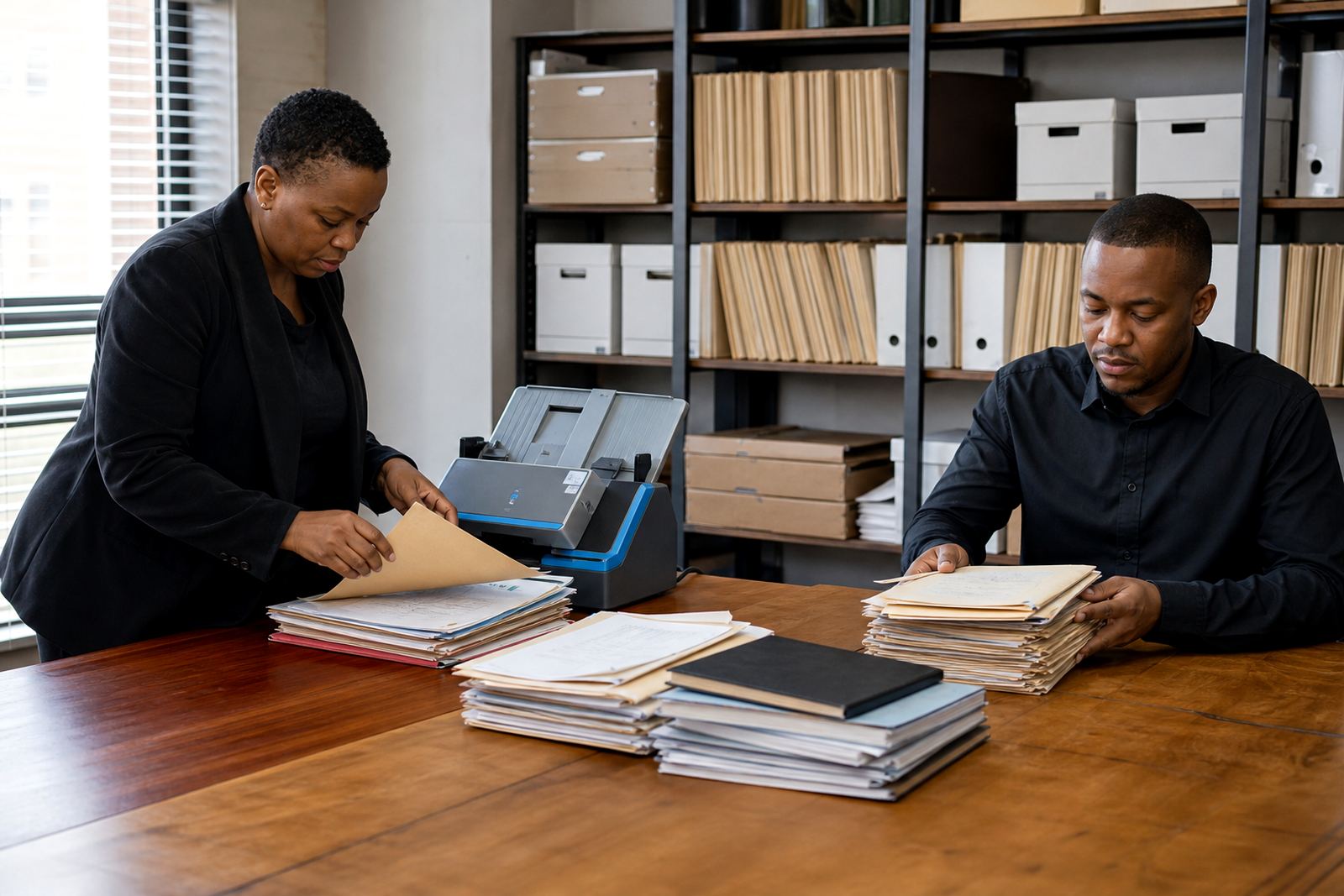
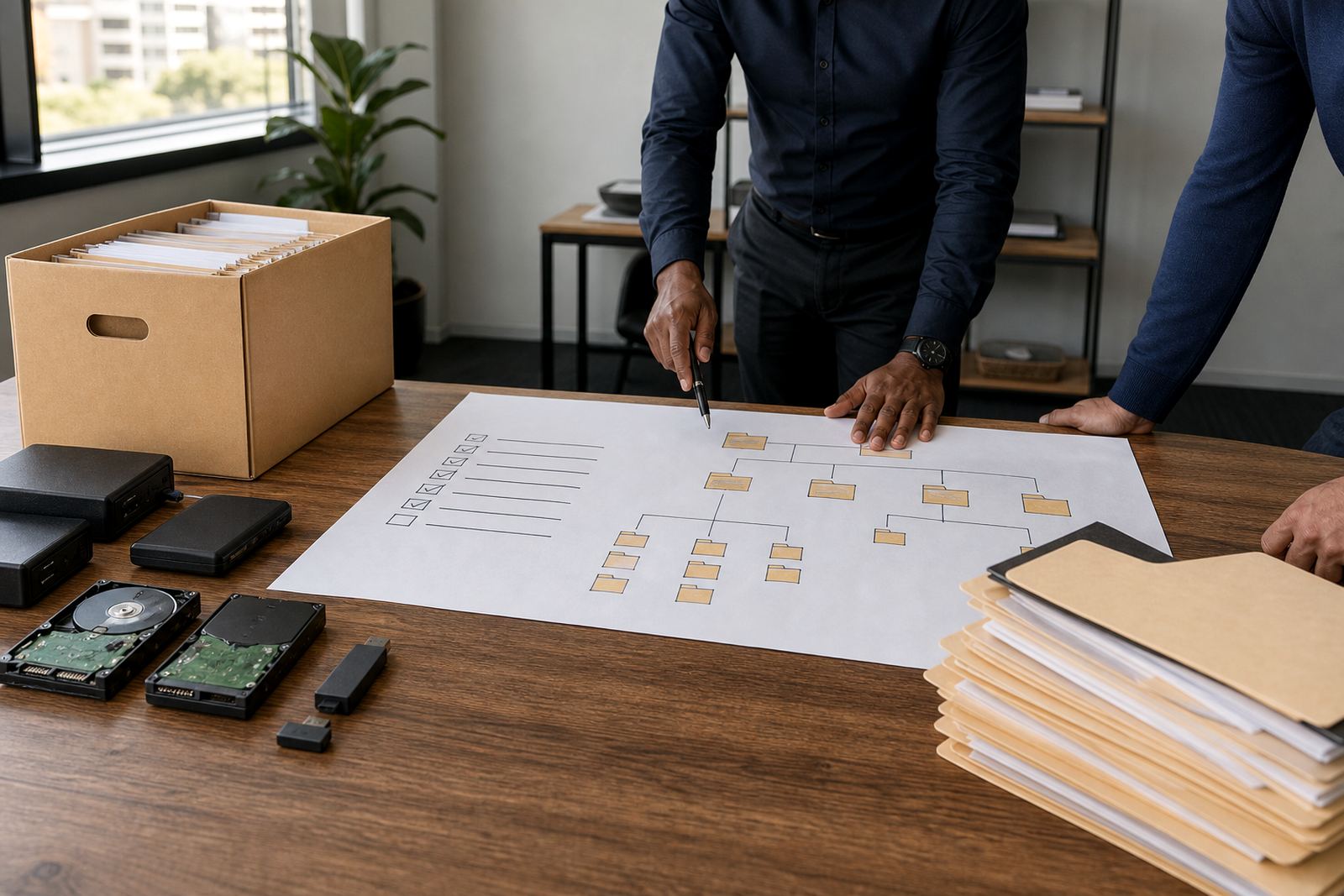
A file share can look organised on a screen and still be hard to migrate. One matter might hold a signed mandate, draft pleadings, marked-up PDFs and message attachments in three different places, which means the move becomes a sorting exercise before it becomes a software exercise.
Before any migration, firms should ask which content is still active, which content is closed, and which material must remain searchable for audit and review purposes. That question matters for attorneys and paralegals alike because a clean folder tree in theory often hides duplicated versions, private copies and notes stored by habit rather than by policy.
- Which matters are active, dormant or closed?
- Which folders contain working drafts that still change?
- Which files must remain linked to a matter record?
- Which documents need restricted access by role?
In Sandton and Rosebank, a medium-sized practice might have one conveyancing team, one litigation team and a commercial team all naming files differently. If those labels are not mapped before migration, the new system inherits the same confusion, just in a neater screen.
Template questions that show whether the move will hold up
Document assembly only works well when the source templates are consistent. A migration review should test whether a template is current, which clauses change by matter type, and whether the document carries logic that still matches the firm's current way of drafting.
Some firms keep one master template, then a dozen private versions edited over time. That is where migration starts to wobble, because nobody can easily tell which version is approved. A practical review asks who owns each template, who updates it and what happens when two versions disagree on wording, numbering or conditional text.
- Are there one or more versions of the same template?
- Do the fields pull from the right matter data?
- Are merge rules and clause logic still accurate?
- Do naming conventions make it obvious what each file is?
A Pretoria litigation office with shared precedents may discover that a few old templates still reference obsolete terminology or outdated contact fields. Catching that before migration avoids carrying problems into the new workflow and keeps the template library useful rather than decorative.
Matter history needs more than a date stamp
Moving matters is not only about copying matter numbers across. It is about preserving the trail of activity that lets the team understand what happened, who touched the file and which deadlines are still live. If matter history is incomplete, the new environment can look current while missing the context that people rely on every day.
Legal operations teams should ask whether matter metadata is complete enough to support deadlines, task ownership and review queues. If an item belongs to a court process, a commercial transaction or an evidence review, the system must keep that link clear. Otherwise the team ends up searching across notes, messages and shared drives to rebuild the story by hand.
- Does each matter carry the right client and matter type?
- Are deadlines, tasks and responsible people recorded?
- Is the matter status accurate before migration starts?
- Do closed matters need the same detail as active ones?
In Durban, where humidity and office turnover can make paper-heavy habits linger, firms often find that the old folder label is not enough. A migration readiness check should ask whether the digital record can stand on its own when someone new opens the matter months later.
Evidence, review queues and the problem of hidden duplicates
E-discovery and evidence handling introduce a different set of questions. A review queue needs clean tagging, a reliable source path and enough detail to show where a file came from. If a matter has scanned bundles, screenshots, voice notes or sent exhibits, the migration plan has to decide what gets imported, what gets linked and what stays outside the review space.
Hidden duplicates can slow down review and create confusion about the final set of documents. The team should ask whether the same file exists in several places, whether OCR text is available for searching, and whether the system can preserve file relationships without turning every folder into a copy of itself.
- Which evidence items must remain linked to the matter?
- Are scans searchable, or only image files?
- Do duplicate files need deduplication before import?
- Is access restricted for sensitive material under POPIA-aware controls?
A Bloemfontein firm handling a large dispute may have bundles from a previous assistant, scanned attachments from a client and message exports from the managing partner. If those sources are not reconciled, the review queue becomes cluttered and the team spends time checking the same document twice.
Security and permissions are part of readiness, not a later task
Security questions belong at the start of migration planning, not near the end. A legal practice needs to know who can open a matter, who can edit templates, who can export evidence and who can only view selected items. That structure protects work, but it also supports the rhythm of the office because people stop guessing where a file should live.
Readiness should also consider hosting, backups and access logging in plain terms. The firm needs confidence that sensitive documents remain controlled, that old permissions do not carry across by accident, and that the migration does not expose material to unnecessary users. POPIA concerns sit close to these decisions, even where the technical details differ from one firm to another.
- Who needs edit rights, and who only needs view access?
- Are admin rights limited to the right people?
- Will the old folder permissions be reviewed before transfer?
- Is the audit trail clear enough for internal checks?
A Johannesburg team working across several practice areas may find that the first real question is not about software at all. It is about whether the current permission structure matches how the firm actually works today, or whether old access rules have simply stayed in place because nobody had time to clean them out.
The questions that settle the order of work
When firms ask the right migration questions early, the project usually becomes calmer. The purpose is not to move everything at once. It is to move the right material in the right order, with the right people checking each stage before the next set of files changes hands.
That order often starts with templates, then matter structure, then historical content, then evidence, and finally permissions and user training. A firm that tries to import everything first and tidy later usually creates extra work for itself. A smaller practice in Centurion may feel that pressure most when one senior attorney and two support staff are trying to keep live work moving while old folders are still being sorted.
Useful questions sound ordinary, but they save time later: Which files are active? Which labels are still meaningful? Which users need access from day one? Which matters depend on accurate deadlines? If the answers are clear before migration, the new system has a much better chance of supporting the work instead of mirroring the old clutter.
- What must move first for the team to keep working?
- What can be archived, converted or left out?
- Which items need manual checking before import?
- What will the team test before opening live matters?