When a scanned page becomes useful again
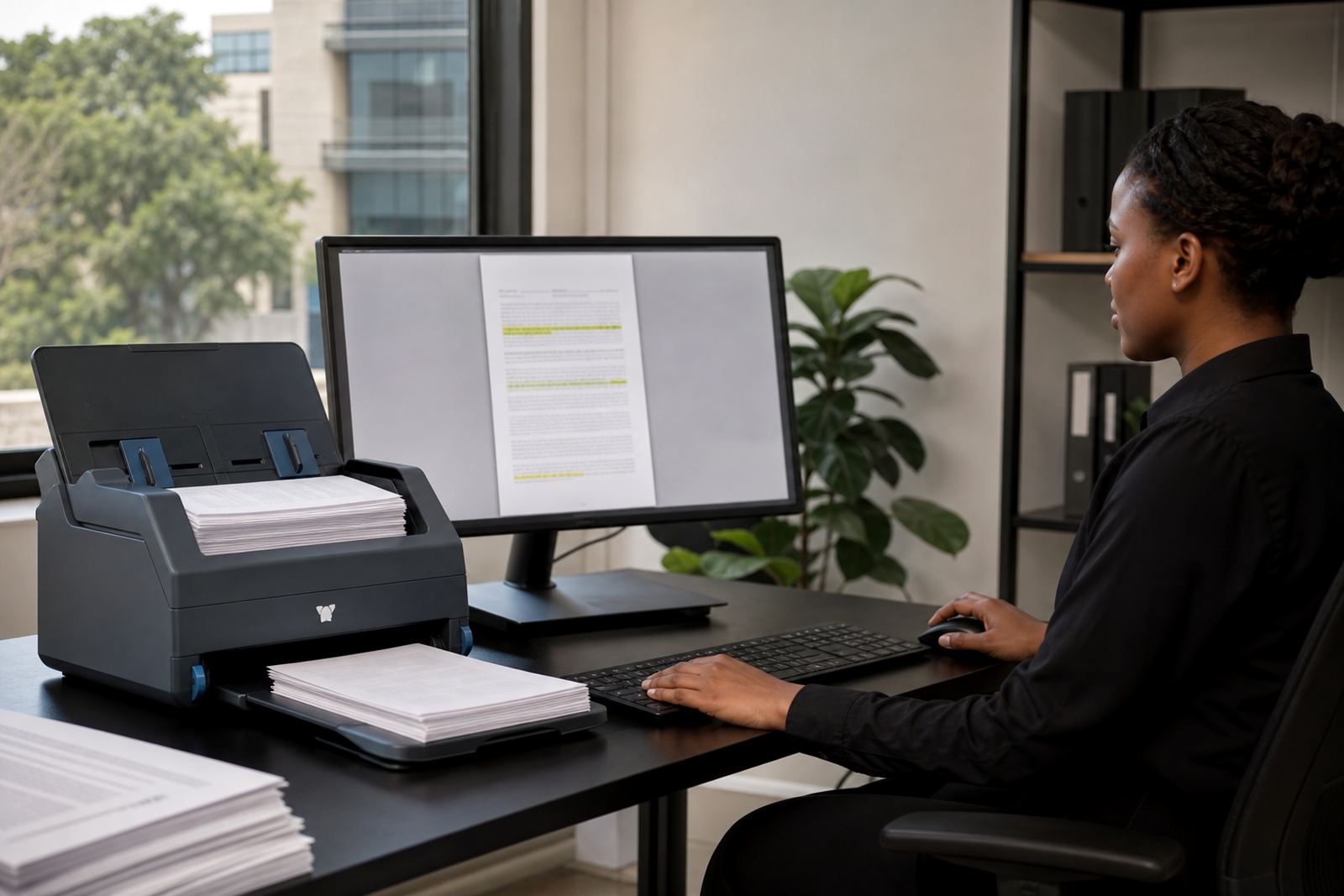
Most firms do not struggle because they lack scans, they struggle because the scans stay trapped as images. A bundle can sit in a shared drive for months, and the right page only appears when somebody has time to open each PDF one by one. OCR, or optical character recognition, changes that by reading the text in a scan and turning it into searchable content.
That matters in litigation, collections, conveyancing and general practice alike. A paralegal can search for a surname, a matter number, an invoice reference or a clause heading, then land on the right file much faster. The file itself still looks the same, but the hidden text gives it proper working value.
What OCR does with a paper-heavy matter file
OCR is not magic, and it does not fix poor scans. It works best when pages are straight, readable and captured at a decent resolution. Where a file contains old photocopies, stamps, signatures and marginal notes, the system still helps, but the quality of the source scan shapes the result.
- It extracts text from scanned letters, pleadings, affidavits and annexures.
- It creates searchable terms for names, dates, reference numbers and headings.
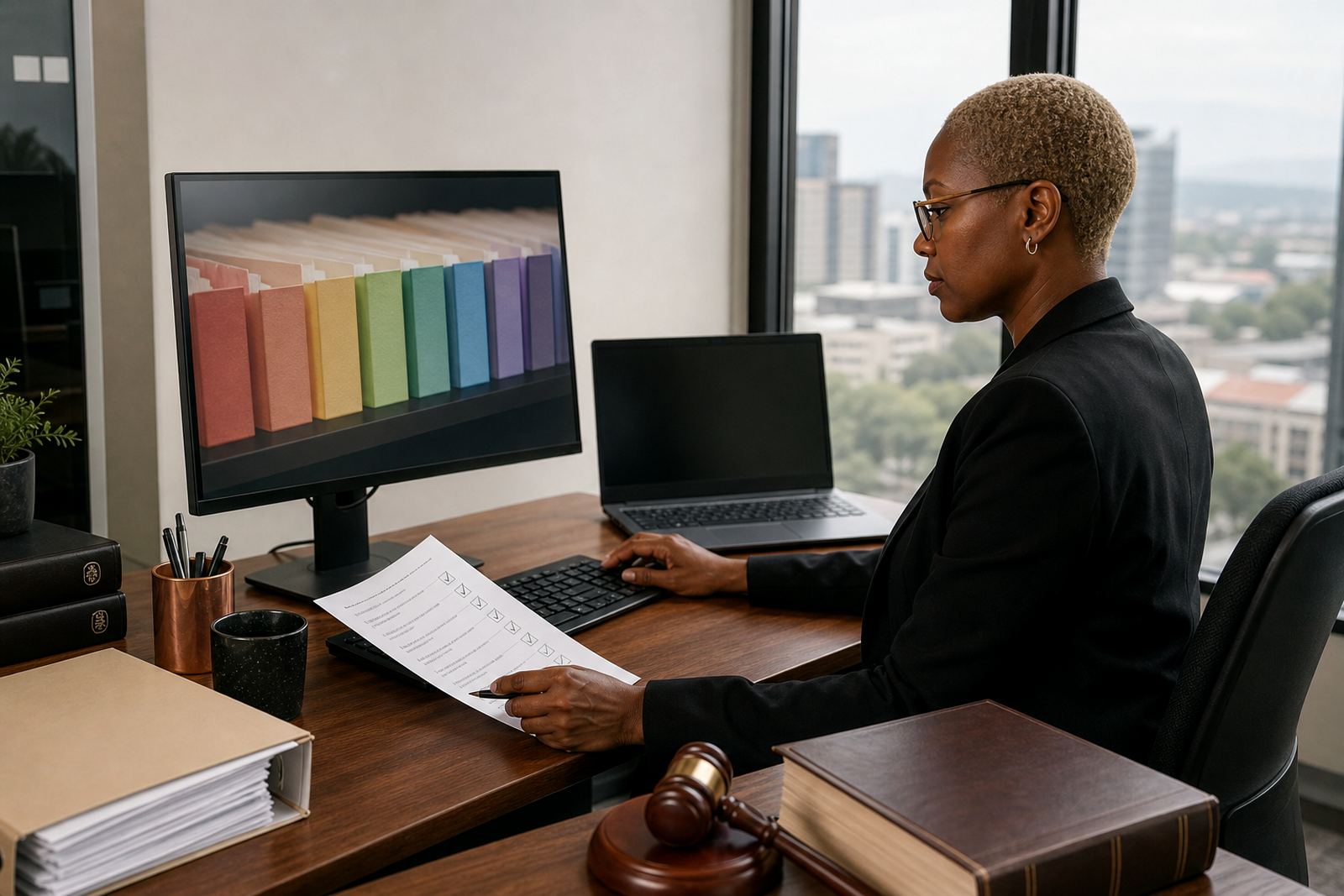
- It helps teams tag pages into a matter structure that makes later review easier.
- It supports review queues where evidence or file pages can be checked and re-filed.
For a firm in Sandton handling a mixed litigation and commercial load, that means less time hunting through folders and more time working from the correct version of the record. The benefit shows up most clearly when a deadline is close and nobody wants to guess where the signed copy ended up.
The search problems OCR solves in real firm work
A scanned file usually fails in predictable ways. Someone names it by a client nickname, another person saves it as final final, and a third copy lands in a different drive altogether. By the time the file is needed, the team has three versions and no quick way to prove which one holds the latest annotation.
Searchable scanning gives the firm a practical route through that mess. It lets teams look for content, not just filenames. That is useful where there are large bundles, long correspondence chains or many signed pages from one matter.
- Find a witness statement by searching a surname.
- Locate an annexure by searching the schedule number.
- Pull up a demand letter by searching the date or subject line.
- Trace a scanned instruction note inside the matter history.
For firms that work under pressure, the real value is confidence. The person opening the file can tell whether they are looking at the correct document, and that reduces avoidable backtracking.
How searchable scans fit into matter management
OCR only becomes useful when it sits inside a wider matter workflow. A scanned affidavit is helpful on its own, but it becomes much more useful when linked to the matter, the deadline, the reviewer and the stage of work. That is where matter management and document assembly start to meet.
In practice, the same team that files a scan may also need to assign it to a task, mark it for review and keep the evidence trail tidy. For a Pretoria or Johannesburg firm handling a busy caseload, that structure cuts down on duplicated effort. It also makes handovers cleaner when a matter moves between attorneys, paralegals and operations staff.
Law Machines supports this kind of workflow with searchable review queues, templates, matter pipelines and permissions that limit access to the right people. POPIA matters in that environment too, because scanned records often contain personal information that should not be floating around open folders.
Quality checks that save time later
Good OCR starts with disciplined scanning. A file captured in a rush can produce poor text, missed lines or broken page order, and those errors spread fast if nobody checks them. That is why the first pass matters, even when the goal is speed.
Small habits make a visible difference. Straight pages scan better, blank sheets should be removed, and a clear naming pattern prevents later confusion. A firm that scans court papers, client IDs and signed instructions every week should also decide who checks the output before it is stored as the working version.
- Use a consistent file naming pattern across all teams.
- Keep page order aligned with the physical bundle.
- Check that typed text and handwritten notes are captured properly.
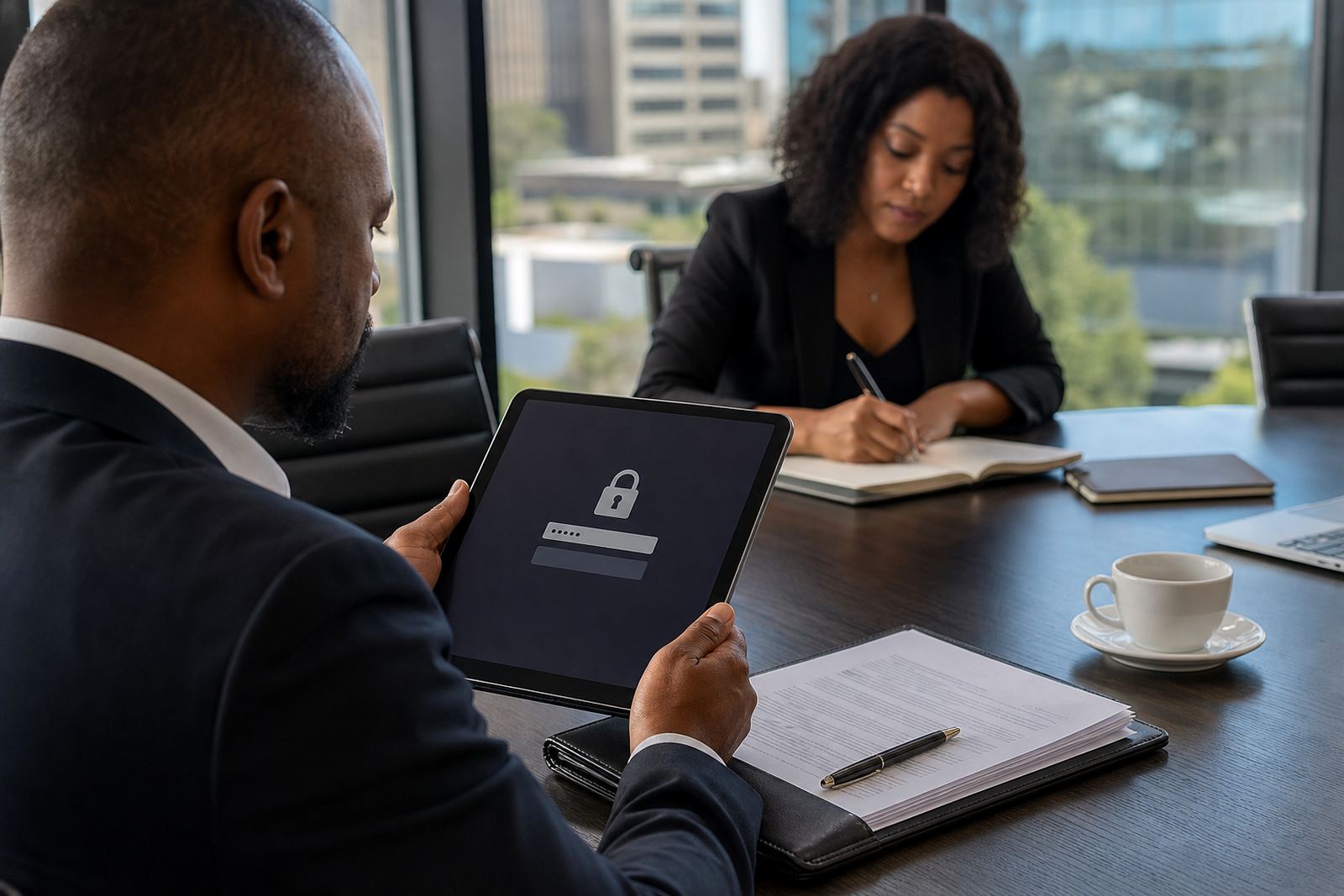
- Store sensitive files with access controls that match the matter.
Those checks sound ordinary, but they protect the useful part of OCR. Without them, search results can be patchy and the team ends up checking the paper copy anyway.
A Sandton firm handling old files and new deadlines
Picture a Sandton office with shelves of older matter files and a steady stream of new instructions. The team scans bulk correspondence, court documents and supporting records into one system, then uses OCR to make those files searchable by client name, matter number and key terms. When a deadline lands, the right page is easier to find, and the file does not depend on memory alone.
That kind of setup also helps firms with offices or onboarding across Johannesburg, Pretoria, Cape Town, Durban and Bloemfontein. A branch team can work from the same matter structure without shuffling paper between cities. Secure hosting, user permissions and evidence imports keep the record organised while the work continues.
For legal teams, searchable scanned files are not about making paper disappear. They are about making paper retrievable, traceable and useful when the next deadline or review step arrives.