Phones that belong in the matter flow
A phone or tablet is useful when it gives a lawyer a clean view of the matter, not a half-browsed folder of stray files. The best mobile setup lets users check a pipeline stage, open the latest version of a template, review a note, and see whether a deadline is close, all without hunting through shared drives or old message threads.
For firms in Sandton or Rosebank, the pressure often comes between court, client meetings and traffic on the M1. A mobile screen becomes part of the working day, so the structure behind it matters. If a person can see only the matters assigned to them, and only the documents they need, the device becomes useful without turning into a security gap.
Access control should stay tighter than the handset
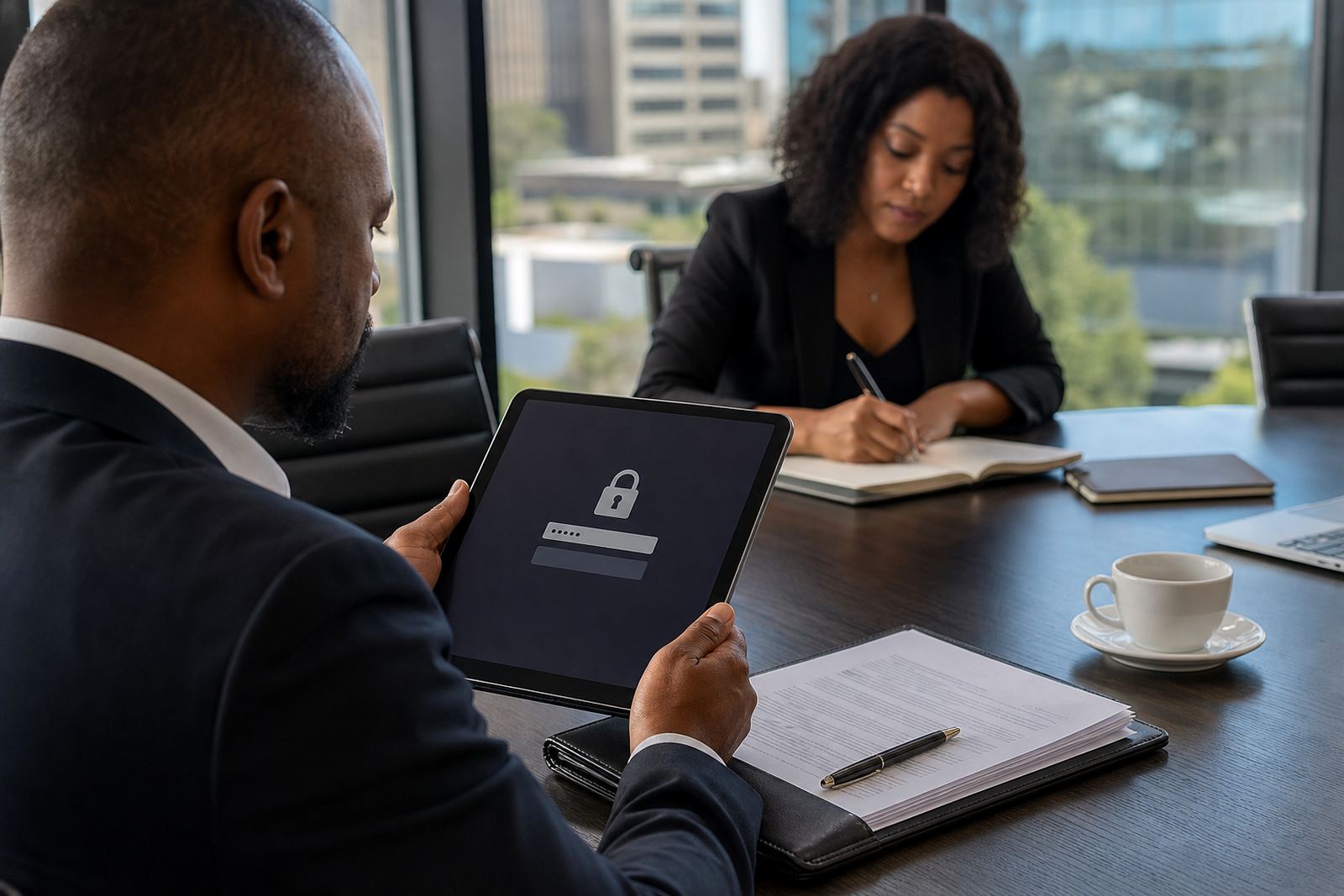
A lost phone is easier to replace than a leaked matter file. That is why mobile access has to sit behind proper user controls, not just a password people type once and forget. Role based access, session controls and device lock settings help reduce exposure when staff work in taxis, at court, or from a client site in Pretoria or Cape Town.
- Use individual user accounts rather than shared logins.
- Limit access to the matters and folders each role needs.
- Turn on screen locks and device encryption where the handset allows it.
- Use multi step sign in for sensitive functions or admin actions.
- Remove access promptly when a device is changed or staff roles shift.
These controls are not dramatic, but they lower the chance of an accidental disclosure. They also make it easier to separate ordinary case work from higher risk items such as correspondence marked confidential or evidence with personal information.
Documents need order before they reach a small screen
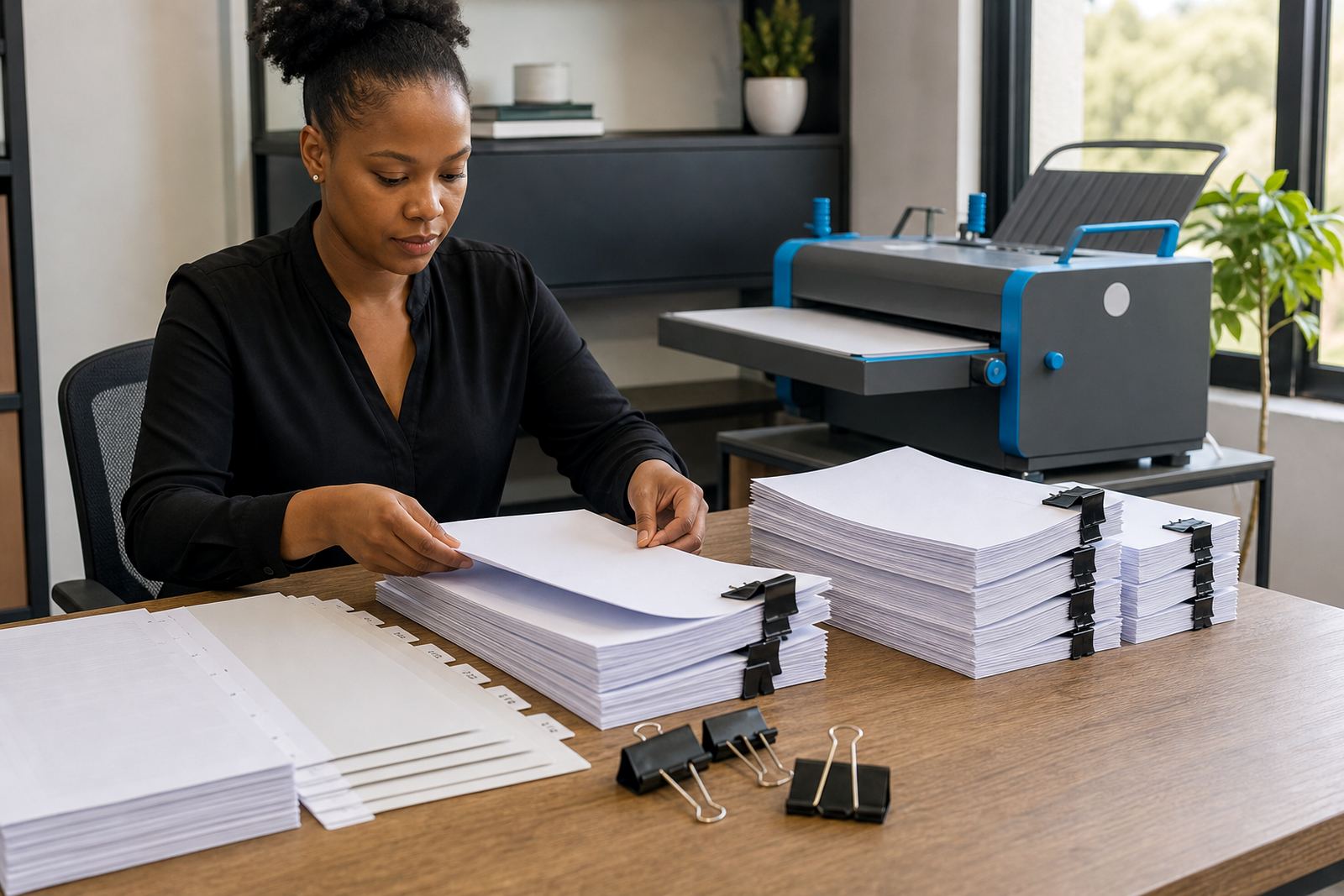
Mobile access becomes messy when the file structure is messy first. If a matter has three draft versions, four PDF scans and one file called final-final-new, no tablet will save the day. Clean document assembly starts on the benchtop side, then carries through to the phone or tablet in a form that is easy to search and hard to confuse.
For legal teams handling affidavits, notices, contracts or bundles, the mobile view should surface the current version, not every copy ever saved. That is especially useful when a professional is moving between offices in Johannesburg and Pretoria, or reviewing notes while travelling between court and the office in Bloemfontein. A slim view of the right file beats a crowded folder every time.
- Keep document naming consistent across the firm.
- Store templates separately from completed matter files.
- Tag evidence, drafts and signed documents in different ways.
- Keep the latest approved version visible and older drafts tucked away.
Deadlines need signals, not memory
Mobile access should help people stay ahead of deadlines, not make them depend on memory and a quick glance at a calendar. A matter system that surfaces upcoming tasks, filing dates, review points and follow up work can prevent a lot of avoidable pressure. The point is not to make the phone feel busy, but to make the right next step visible.
That matters in firms where attorneys move fast between client calls and court listings. A deadline alert on a tablet is more useful when it points to the matter, the task and the related document in one place. If the user still has to search for the file, the benefit drops sharply.
Good mobile task views also help support staff keep watch over process, not just people. If a matter stalls, if a draft is waiting for sign off, or if evidence has not been reviewed yet, the team can see the gap and act on it before it turns into a problem.
Evidence handling on a handheld device
Evidence review from a phone or tablet can be practical, but it needs care. Photos, scans, voice notes and bundles may all pass through the same screen, and that makes sorting important. The challenge is to keep review work traceable while avoiding confusion about what has been seen, copied or marked for follow up.
Searchable review queues are useful here because they reduce the temptation to store material in personal folders or messaging apps. When evidence stays inside the matter workspace, with proper labels and access control, the firm keeps a better record of what was reviewed and by whom. That is sensible for POPIA aware handling as well, because personal information should not wander further than needed.
- Separate review items from final evidence packs.
- Use notes that identify context, not casual shorthand.
- Restrict downloads where the file should stay in view only.
- Check that attachments remain readable on smaller screens.
A Sandton example from a mixed device day
A legal team in Sandton may start the morning with a benchtop in the office, then shift to a tablet in a boardroom and a phone in traffic on the way to a client site. The useful mobile setup does not try to copy the full office screen. It gives the user the matter name, current stage, latest document and pending actions in a form that works on a smaller display.
In practice, that means a partner can skim a matter note while a paralegal checks whether a template set has the right party details, and an operations lead can confirm that permissions still match the role. If someone joins from Cape Town or Durban, the same structure should behave the same way. Consistency matters more than flashy features.
For firms with busy litigation or commercial work, secure mobile access is less about mobility for its own sake and more about controlled continuity. Work keeps moving when the device is lost, the battery is low, or the day is split across locations. The right controls make that possible without turning the phone into an open filing cabinet.
Keeping the mobile layer calm over time
Mobile access is not a one off setting. Staff change roles, devices are replaced, and new workflows get added as the firm grows. Regular health checks help keep permissions tidy, templates current and evidence routes clear. That is where operations, product and security teams usually need to work together.
For a South African firm, the practical question is whether the mobile layer still supports real work after a few months of use. If users can find the right matter fast, open the right document and avoid mixing personal files with firm files, the system is doing its job. If not, the setup needs a closer look.
Calm mobile access is not about giving every person every file. It is about giving the right person the right matter view, on the right device, with enough control to keep confidential work under order.