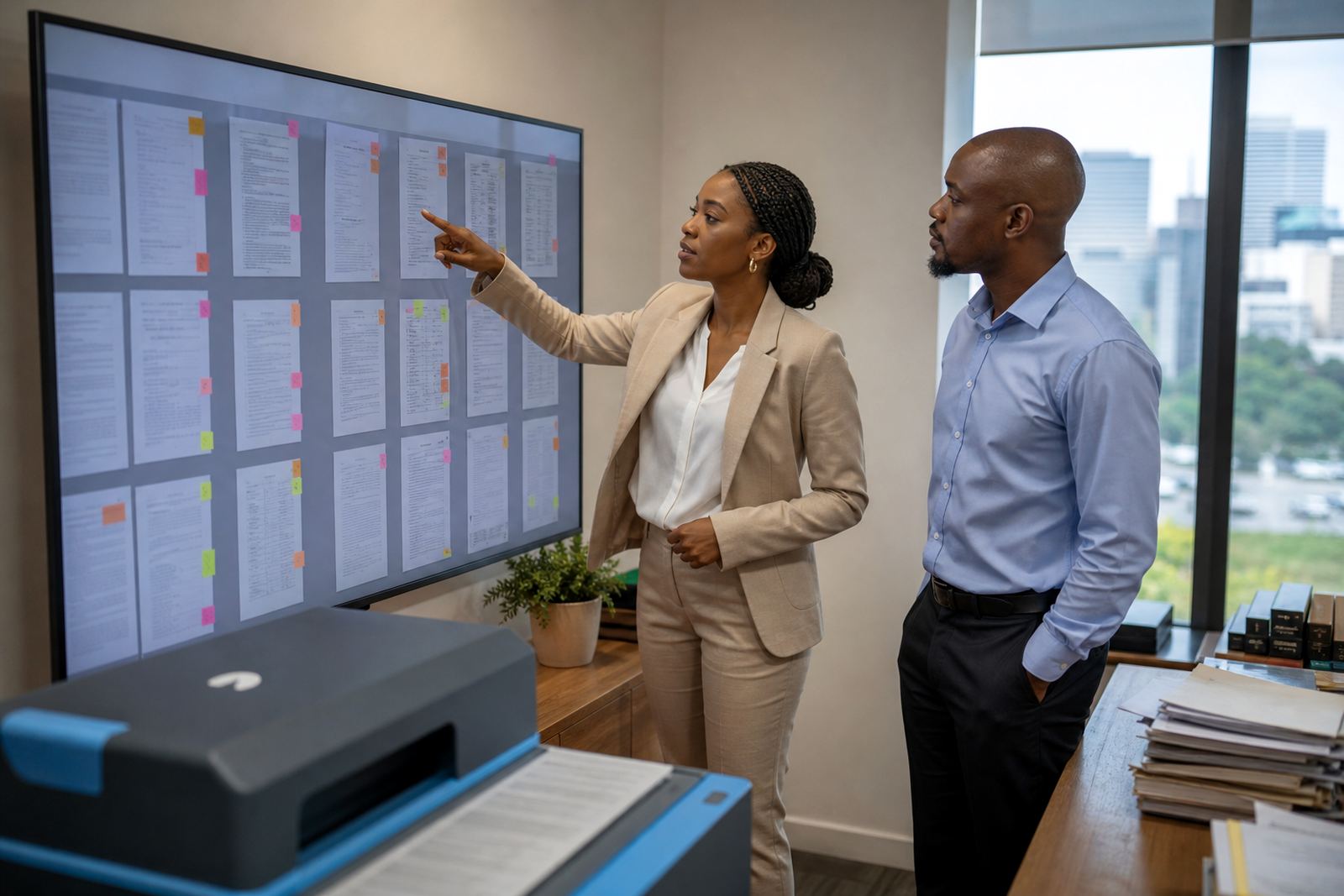
Record the work while the matter is still fresh
Fee note inputs are easier to prepare when the work is captured close to the point of activity. A call about drafting instructions, a court bundle check, or a settlement redraft becomes much harder to explain when it is written down days later from memory.
In a busy Sandton office, that gap shows up quickly. An attorney may handle a motion matter in the morning, a client call after lunch, then a brief update for counsel before close of business. If each step is noted in the matter record as it happens, the later fee note reads like a proper chain of work instead of a scrambled recollection.
That habit also helps paralegals and ops teams. They can see which tasks were completed, which ones are still open, and where time was spent without chasing three different shared folders.
Keep time, task and document notes in the same trail
Clean fee note inputs usually depend on a single trail of information. The task, the document, the deadline and the communication should all point back to the same matter. When those pieces sit in separate places, fee note drafting becomes a slow matching exercise.
- Capture the matter reference on every task record.
- Link document drafts to the matter and date of work.
- Note the purpose of each call, meeting or revision.
- Record who requested the work, especially on multi attorney matters.
- Keep the final version and draft history together for review.
That structure matters for fee note inputs because vague labels are hard to bill cleanly. “Update sent” is thin. “Prepared revised drafting note, compared annexures, and sent to counsel for settlement review” gives a far clearer basis for internal billing checks.
Write entries that describe work, not just motion
A fee note input should say what was done, why it mattered, and which matter it belongs to. Good entries do not need decoration, but they do need enough detail to stand up in review. A note that only says “admin” or “follow up” leaves too much open.
For South African firms, this is especially useful where deadlines are tight and multiple people touch the same file. The person preparing the fee note may not have attended the hearing or drafted the letter, so the record must carry the meaning on its own.
- Use plain language that identifies the task clearly.
- Include the document name or matter stage where useful.
- Note whether the work was internal, client facing, or court related.
- Keep abbreviations consistent across attorneys and support staff.
- Avoid one line entries that hide several separate tasks.
That sort of consistency helps when templates and matter workflows are managed in one system. It also makes later searches easier when a firm needs to review older work, compare stages, or answer internal queries on a live matter.
Use deadlines as a record cue, not only a reminder
Deadlines are more than alerts on a calendar. They are also a useful marker for fee note inputs because they show why work was done at a certain pace and in a certain sequence. A filing deadline, a consultation before court, or a last minute evidence review all explain the pressure around the task.
When deadlines are recorded properly, the fee note has context without needing a long explanation. That is useful in litigation, collections, and commercial work where the pace changes quickly and the file can shift from quiet to urgent overnight.
At the same time, deadline records help firms see where the real load sits. If several matters all demand preparation in the same week, the billing trail should reflect that work clearly instead of leaving blank patches that are hard to reconstruct later.
Treat evidence material and correspondence with the same discipline
E-discovery and evidence review create a heavy paper trail, even when the files are digital. Search notes, review queues, tagged messages and uploaded documents all support cleaner fee note inputs later. The key is to record the activity as part of the matter, not as loose attachments scattered across folders.
For firms dealing with sensitive information, the record should also support security and access control. POPIA concerns are generally part of that picture, so only the right users should see the right files, and the audit trail should show what was handled, when and by whom.
- Tag evidence uploads to the correct matter and phase.
- Record review actions, not only file names.
- Keep correspondence grouped by issue, not by inbox order.
- Note restricted access where material is confidential.
- Separate draft review notes from final production sets.
That discipline lowers the risk of missing work in the fee note. It also helps a firm manage large matters without turning every folder into a guessing game.
Make the billing review easier for the people who check it
Fee note inputs are not only for the person drafting the bill. They are also for the partner, practice manager, or finance team member who needs to review the record before it moves forward. If the entries are clean, the review is steadier and less dependent on memory.
In a Johannesburg office handling a mixed litigation and advisory load, that can mean the difference between a tidy monthly run and a pile of questions. Clear matter notes, structured task history and linked documents let the reviewer see whether the entry matches the work on file.
That is where practical software helps. A matter pipeline, template library and secure review queue can keep the record in one place instead of spreading it across messages, folders and handwritten reminders.
A small example from a Pretoria matter team
A Pretoria team dealing with an urgent contractual dispute may draft one notice, revise it twice, prepare an evidence bundle and answer several client calls in the same week. If each action is recorded as it happens, the fee note inputs later show a clear sequence: drafting, revision, document comparison, client communication and file management.
Without that record, the same week becomes a blur. Someone has to piece together the work from inbox searches and memory, which is where detail gets lost and billing notes become vague. A good matter record keeps the work readable months later, not just on the day it was done.
That is the practical value of cleaner inputs. They do not just support billing, they support order across the whole file.