Keep one living view of each matter
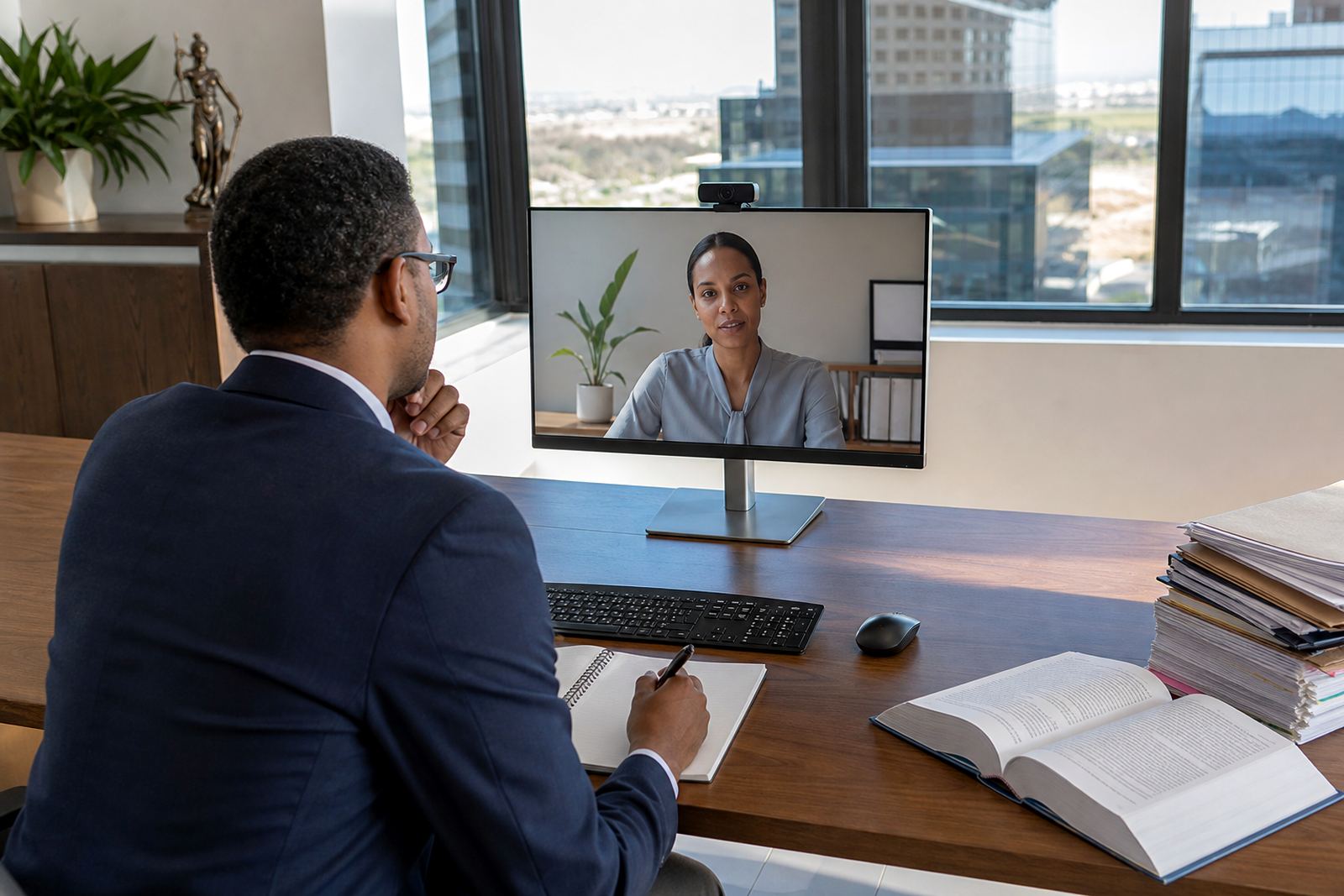
When attorneys are in Sandton and paralegals are working from home in Midrand or Gqeberha, the matter itself must stay in one place. A shared matter view gives the team a current record of parties, dates, tasks, documents and next steps without forcing people to search through personal inboxes or scattered folders. That single view is more useful than a long status meeting because it shows what is active right now.
Clean matter management also reduces the small errors that happen when two people update different copies of the same file. A good routine is to assign one owner for each matter stage, then record every handover in the system so no one is guessing who is carrying the file. This matters even more when deadlines are tight and the office is busy with court prep, client queries and evidence sorting at the same time.
- Use one matter record for every live file.
- Log deadlines, notes and document changes in the same place.
- Assign a clear owner for each stage of work.
- Keep handover notes short, dated and easy to find.
Set a daily rhythm that suits office and remote staff
Hybrid teams do better with a short rhythm than with long catch-up calls. A morning check-in can cover urgent hearings, filing dates, client approvals and any documents waiting for review. Later in the day, a brief afternoon sweep helps the team spot blocked tasks before they turn into late-night work.
The aim is not to fill calendars, but to give the firm a steady pattern that people can follow without confusion. In practice, that means using the same time each day for task review, keeping one channel for urgent updates and making sure remote staff do not rely on hearsay from the office. In legal work, a missed note about one bundle or affidavit can unsettle the whole week.
- Hold short check-ins at fixed times.
- Keep one channel for urgent matter updates.
- Review blocked tasks before the day closes.
- Record any change that affects a deadline.
Build templates that support real drafting habits
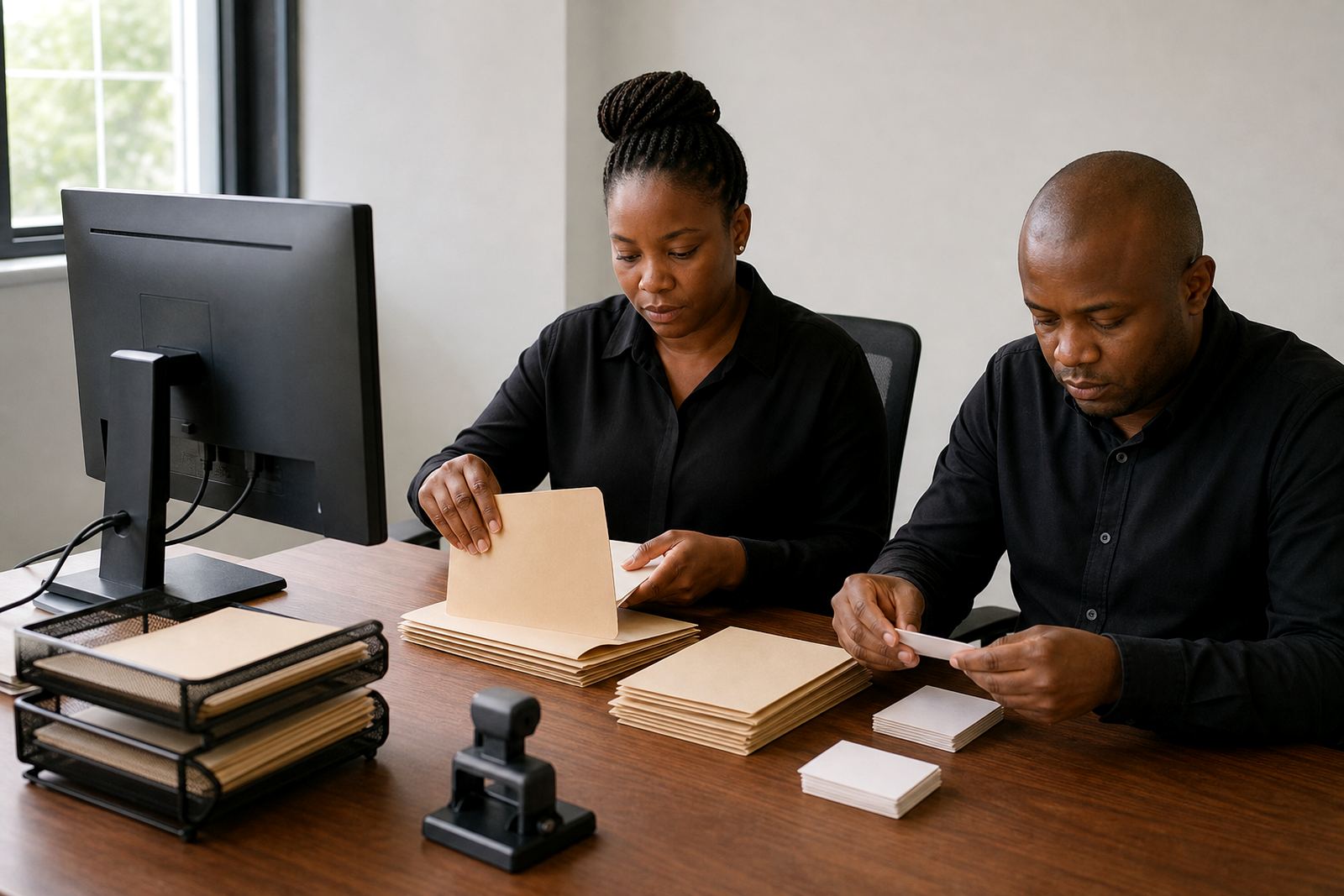
Document assembly becomes far calmer when templates reflect the way the firm actually drafts. A template should carry the right headings, clause order, matter details and style choices so attorneys are not rebuilding the same document structure each time. That is useful for remote staff too, because it keeps draft quality consistent whether someone is in the office, at home, or travelling between courts.
Template discipline also helps with version control. When one person edits the body of a document and another updates the matter details, the team still needs one clear source of truth. For firms handling high volumes of correspondence and court papers, that consistency saves time and reduces the back-and-forth that slows down approvals.
- Store approved templates in one controlled library.
- Limit who can edit master documents.
- Use matter fields that populate repeatedly used details.
- Review formatting so every draft looks the same.
Treat evidence review like a managed queue
E-discovery and evidence review need structure, not a loose shared drive with mixed file names. A searchable review queue lets the team tag documents, filter by matter and sort items that need attention. That is especially valuable when a Johannesburg team is reviewing one set of files while a Cape Town colleague handles another matter from a different location.
The practical routine is simple. Import evidence in a controlled way, label it properly and keep review decisions visible to the right people. Sensitive material should sit behind the right permissions, with access limited to staff who need it for their role. That keeps the process steadier and supports a more careful approach to data security and POPIA related handling without turning the work into paperwork for its own sake.
- Use clear labels for every imported file.
- Separate active review from completed review.
- Limit access by role, not by convenience.
- Keep sensitive material out of loose shared folders.
Handover notes must survive load and leave days
Hybrid work is often tested when someone is out of office, on leave, or pulled into court at short notice. If the handover note is thin, the next person wastes time reconstructing the file from scratch. A solid routine gives each task enough context to stand on its own: what has been done, what still needs attention, and which document or message is waiting for action.
This is where admin discipline matters as much as legal drafting. Paralegals, attorneys and support staff should all use the same naming approach and the same matter tags so the file reads the same no matter who opens it. In a firm with staff in Pretoria, Rosebank and Sandton, that kind of consistency saves real time when work shifts between counters, home offices and meeting rooms.
- Write handovers in complete sentences.
- Include the next action and due date.
- Use the same naming pattern for every document.
- Keep notes short enough to scan quickly.
A Sandton routine that fits a busy week
A Johannesburg firm with teams in Sandton and Pretoria might start the day by checking active matters, then move straight into drafting, evidence review and client follow-up. Later, one operations lead can sweep the matter list for overdue tasks while the template specialist checks whether the latest draft matches the approved format. That kind of routine works because everyone sees the same live information, not a patched-together summary from different inboxes.
Law Machines is built around that kind of firm rhythm. The platform supports document automation, matter tracking, permissions, evidence review and controlled workflows so office and remote staff stay aligned on the same work. Thabo Shezi and the team in Sandton focus on practical setup, from template builds and migration through to secure hosting setup, user training and incident response when a matter needs careful attention.
For firms in Johannesburg, Pretoria, Cape Town, Durban and Bloemfontein, the value lies in steadier routines rather than more admin. When every person can see the same matter status and the same document trail, hybrid work feels less scattered and the file stays easier to manage.