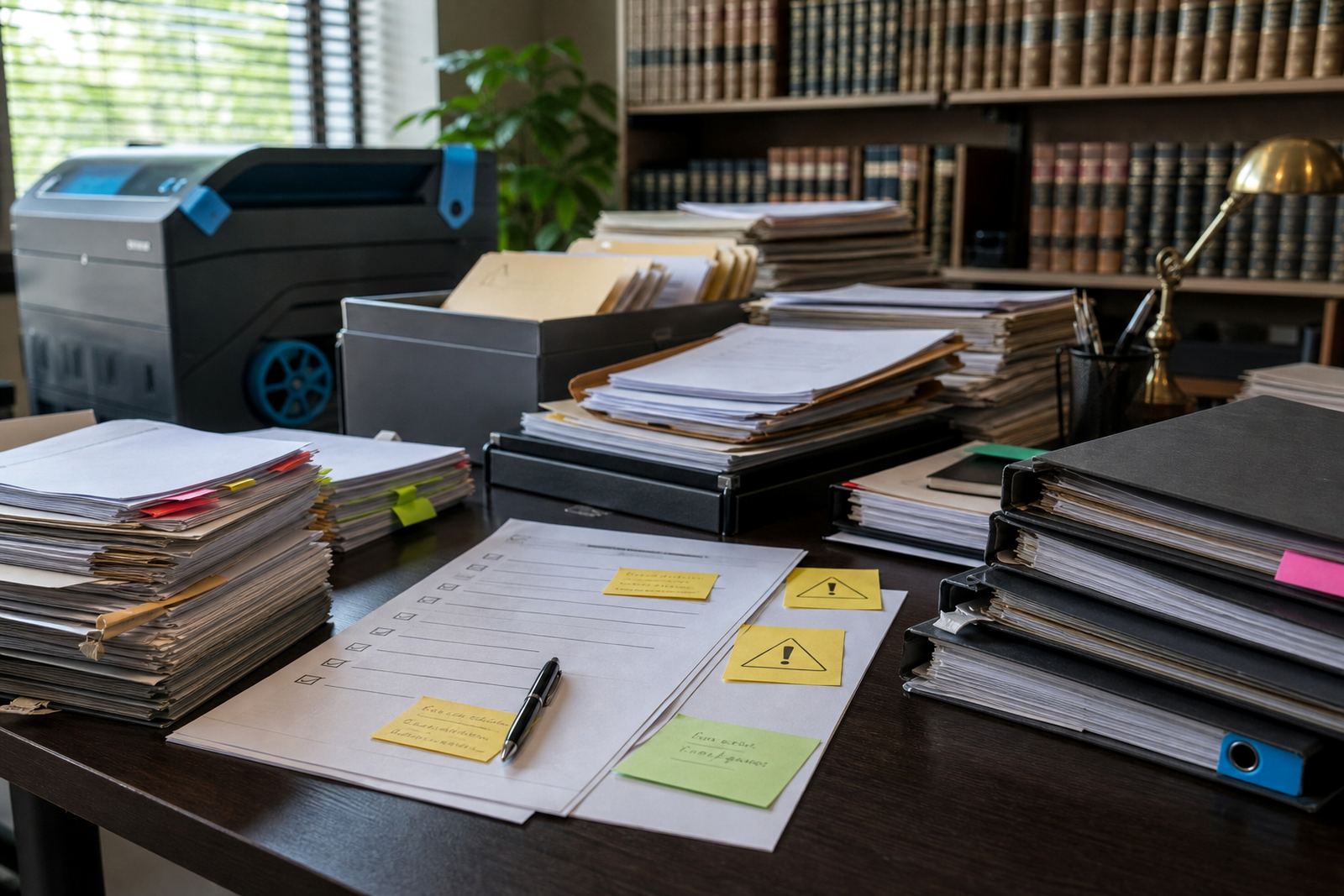
When the draft stops matching the matter
One of the earliest signs of process drift is a document that no longer looks like it came from the firm’s own system. A template may still carry the right heading and matter number, yet the body text has been altered so often that attorneys are typing around gaps instead of assembling a clean draft. That usually happens when staff cannot find the right version, or when older copies linger in shared folders and local downloads. In practice, the matter gets a fresh file each time, but the wording drifts further from the standard set by the firm.
Another clue is when teams start keeping private shortcuts outside the main template library. A secretary may save a personal copy with extra clauses for a familiar client, while a paralegal keeps a separate version for court papers. Those small detours save a few minutes on a busy morning, then create confusion later when someone else must carry the matter forward. The draft looks usable, but it no longer reflects the current instructions or the approved structure.
In Sandton and Rosebank firms this often shows up in high-volume litigation work, where several people touch the same file over a short period. If the template pack is no longer trusted, staff improvise. That is where errors slip in: wrong matter references, outdated signature blocks, or missing annexure labels that should have been part of the form all along.
Workflow shortcuts that reveal themselves in the inbox
When a workflow is healthy, matter steps move through a clear sequence. Review, approval, filing, service, follow-up and storage all sit in the same order every time. Once process drift sets in, the inbox becomes the real system. People send instructions through our contact form because they are not sure where to record them, or they ask the same question in three different threads because the matter pipeline is unclear. The file still exists, but the working route around it has become the habit.
- Tasks are assigned twice because no one can see what was already completed.
- Deadlines sit in separate calendars, notes, and message flags.
- File names change from one matter handler to the next.
- Approval steps are skipped when the matter feels familiar.
- Drafts are sent for review before the source documents are attached.
That pattern often begins with a single urgent matter. A team member bypasses the ordinary step to keep things moving, and the shortcut becomes normal. In Pretoria or Bloemfontein, where firms may handle both court work and commercial instructions under pressure, this can leave staff unsure which version is current, or who last touched the file. The issue is not always discipline. Often it is a sign that the workflow no longer matches how the firm actually works.
Deadline behaviour changes before the deadline is missed
Deadlines do not usually disappear without warning. The warning is in the behaviour around them. Follow-up dates get written in one place but not another. A team member asks for a reminder that used to be automatic. A task marked urgent stays in a queue because nobody knows which matter takes priority. These are process drift signs because the team is still busy, yet the rhythm has broken down.
For firms using matter management software, the signs can be quite clear. Open matters stay open long after the next step should have been closed out. Tasks are left in draft state with no owner. Notes are added in free text instead of recorded in the proper field. Then the deadline work gets done, but not in a way that the rest of the team can follow. The system loses its value when people treat it as a filing cabinet rather than an active working record.
Johannesburg practices dealing with urgent litigation often notice this first in the morning handover. One person believes the filing is complete, another is still waiting for scanned evidence, and a third expects a hearing note that never arrived in the correct queue. The work is not missing, it is scattered. That scattering is usually the point where a workflow review becomes necessary.
E-discovery review queues tell the truth quickly
E-discovery work exposes drift faster than almost any other part of the practice. Once evidence starts moving through review queues, naming discipline matters. If attachments are duplicated, OCR text is missing, or file tags are used unevenly, the review queue becomes noisy and hard to trust. Staff then spend more time sorting than reviewing, which defeats the purpose of a searchable process.
There are a few practical signs that the queue has slipped out of shape.
- Similar files are loaded under different names.
- Important messages sit outside the correct matter folder.
- Searches return too much noise because tags are inconsistent.
- Reviewed items reappear because status changes were not saved properly.
- Large bundles are stored without a clear chain of responsibility.
Data security concerns often show up alongside this drift. POPIA related handling should be part of the same discipline, not a separate afterthought. If access rights are too broad, or sensitive material is being copied into casual storage locations, the firm is no longer working with a controlled evidence process. The issue is not only compliance, it is operational clarity. A clean review queue tells the team what is in play and who may touch it.
What a controlled matter file looks like in practice
A controlled matter file is boring in the best way. The template used today is the same one the team saw yesterday, the naming structure is predictable, and the task history shows who did what. The same rule applies to evidence imports and document assembly. If the process is working, the team does not need to invent a route for every file.
This is where template builds, permissions setup and workflow configuration matter together. A matter should move through a sequence that fits the firm’s own pattern, not a vague idea of how legal work ought to happen. Secure hosting setup also matters because scattered storage creates more drift than most teams expect. When files live in too many places, people stop trusting the main system and start building side systems of their own.
In a Durban firm managing coastal humidity, paper still has its place for signed originals, but the operational record needs to stay digital and orderly. If scans, notes and approvals are mixed into separate folders with no common structure, the whole matter slows down. The remedy is usually practical: tighten the template set, lock down access, and make the workflow visible to everyone who handles the file.
A Sandton example of drift that looked like busy work
A commercial litigation team in Sandton might think it is simply having a busy month. The partners are chasing signed papers, the assistants are rechecking annexures, and the review queue keeps growing. Yet the real issue could be process drift. One person is using an older precedent, another is saving drafts under a nickname, and the evidence bundle is being rebuilt because the first upload was not tagged properly. Nobody is idle, but the same matter is being touched three times.
That kind of drift usually starts in small ways. A form field is left blank because the template allows it. A deadline note is added to message instead of the matter record. A colleague in Centurion sends a corrected version, but the older one is still circulating. After a few rounds, the team spends more time clarifying the file than progressing it.
The fix is not dramatic. It usually means checking whether the templates still match current practice, whether the matter pipeline reflects how the firm moves work, and whether staff can find the right file without asking around. When those pieces line up, the office feels calmer because the system is doing some of the remembering for everyone else.
Signs that deserve a proper health check
Some drift signs are too frequent to ignore. If the same drafting errors keep reappearing, if review queues feel cluttered no matter who is assigned, or if deadline tracking depends on one person’s memory, the process needs attention. A health check is not about blame. It is about seeing where the workflow has split from daily practice and where the software setup no longer supports the team.
For South African law firms, this can involve a mix of user training, admin training, incident review and tighter permissions. It may also mean revisiting how template fields are structured and how evidence imports are handled. The aim is steadier work, not more rules for the sake of it. When process drift is addressed early, the firm spends less time correcting old steps and more time moving the matter forward in a way that can be tracked.