The Bedfordview brief and the inbox problem
The practice handled a steady flow of client mail, opposing correspondence, court notices and internal notes from Bedfordview and nearby offices. Messages were being saved in personal mailboxes, shared folders and half-finished attachments, which made it awkward to follow a matter from first instruction through to close-out.
They wanted a system that linked message to the correct matter without forcing the team into extra steps. The brief was plain enough: keep the filing method familiar, keep the structure consistent, and make sure only the right people could see sensitive correspondence.
- Practice type: small to mid-sized law office
- Location: Bedfordview, Gauteng
- Main issue: message correspondence was spread across inboxes and shared folders
- Goal: attach messages to the relevant matter record
- Need: sensible access control for confidential files
What had to be controlled before filing could work
The largest constraint was not volume alone, it was inconsistency. Different people used different subject lines, saved files in different places and attached the same message to more than one folder. That made review slower and created avoidable gaps when a matter was handed from one staff member to another.
We also had to keep POPIA in mind in a general way, especially where correspondence contained identity numbers, banking details or medical references. The system needed proper permissions, clear audit trails and a filing pattern that reduced casual sharing. No one wanted a clever setup that made life harder at month-end or during a busy deadline week.
- Mixed mailbox habits across attorneys and support staff
- Need for matter-level filing rather than personal storage
- Restricted access for confidential attachments
- Clear naming rules for letters, notices and drafts
- Room for future growth without changing the whole process
How the filing structure was set up
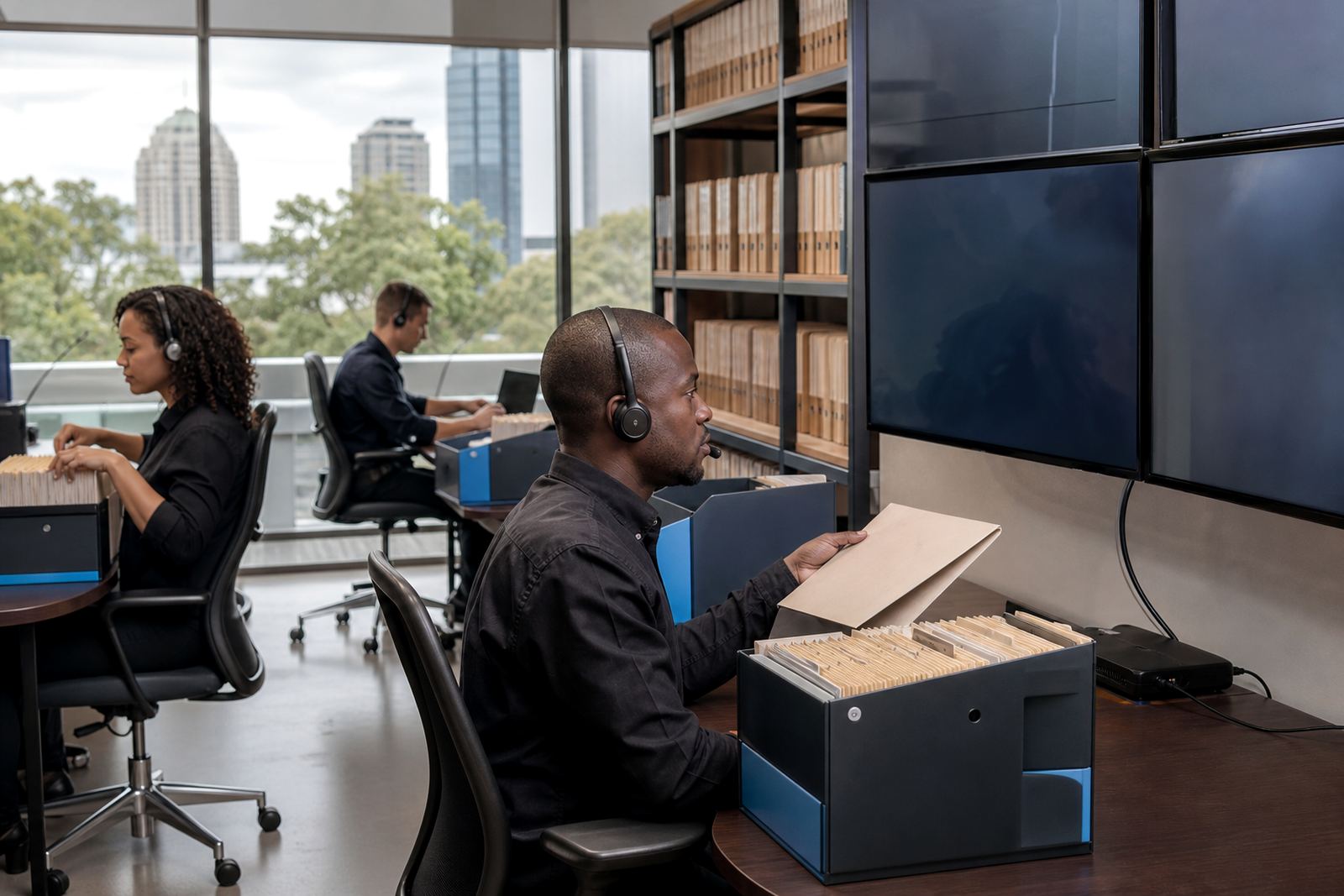
We mapped the practice’s matter types and built a filing structure around the way the team already worked. Incoming message could be linked to an active matter, tagged by document type and stored in a search-friendly queue that made review less dependent on memory. The process was kept tight, but not fussy.
Template rules were added for common correspondence such as letters of instruction, notices, reminders and status updates. That meant a staff member could route mail using a consistent pattern instead of choosing a new folder every time. We also set up role-based permissions so confidential messages were only visible to the people who needed them, and no more.
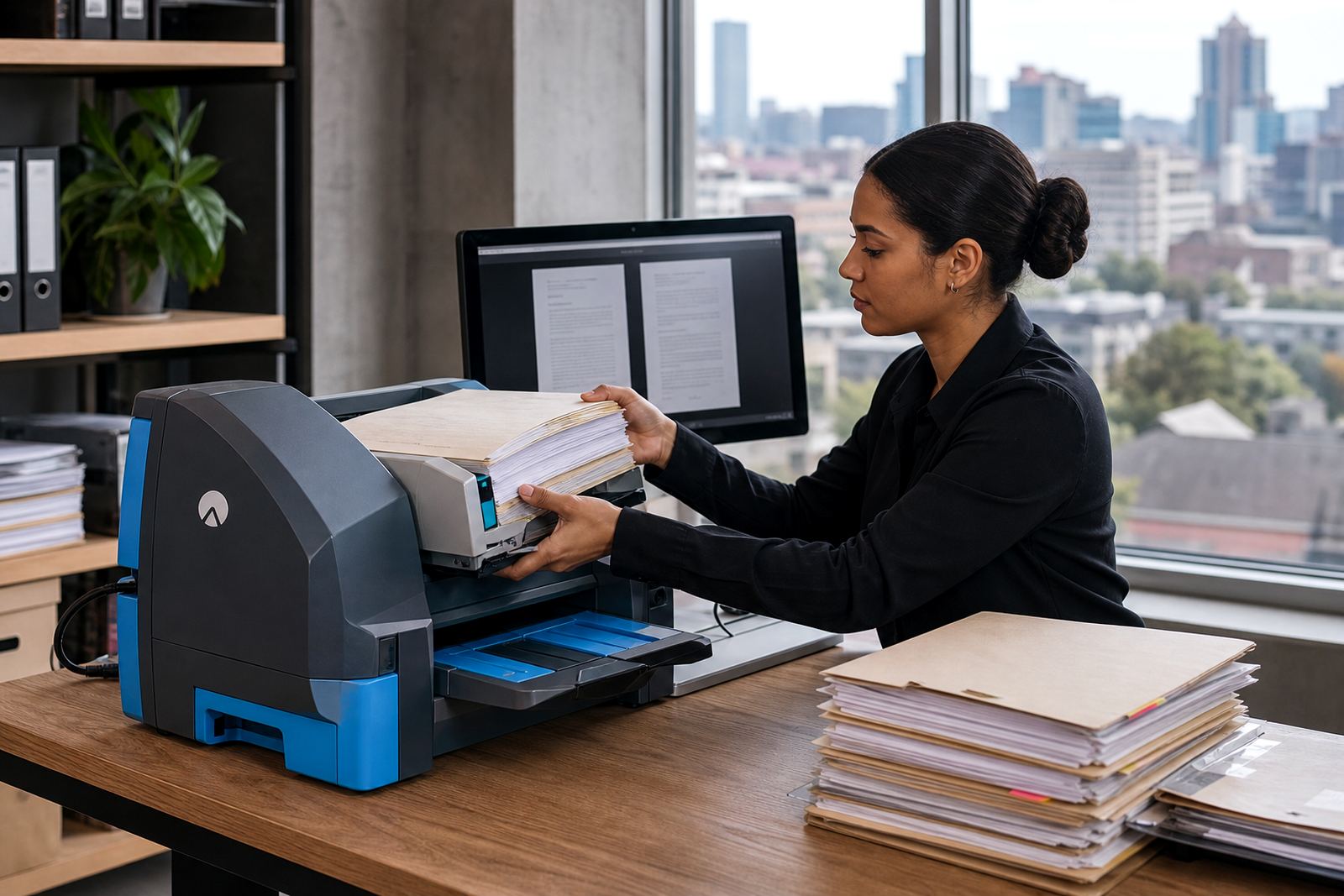
Key specs for the filing build included matter-linked message capture, subject line standards, document tags, limited-view permissions, searchable correspondence queues and basic audit visibility. The workflow was tested against real examples from the practice, including attachments with multiple pages, scanned letters and long message chains that had been copied and forwarded several times.
The rollout across the practice
The work ran over four weeks. Week one covered mapping, field naming and a review of how the practice handled matters and correspondence. Week two focused on configuration, folder logic and the first round of template rules. Week three was used for training and sample testing with live-style message chains. Week four covered cleanup, handover and minor adjustments after the team had used the system on actual matters.
The training was split between users who file correspondence daily and staff who only need to review or approve it. That kept the sessions practical. We also walked through how to deal with duplicate messages, blank attachments and replies that arrived after hours, because that is where message filing usually gets messy.
- Week 1: process mapping and matter structure
- Week 2: configuration and naming rules
- Week 3: user testing with live-style correspondence
- Week 4: adjustments, handover and clean-up
What changed after the matter links went live
Once correspondence was tied to matters, the team spent less time searching through inboxes and shared drives. The same mail could be found under the matter record, the document type and the relevant activity trail, which cut down the back-and-forth that used to happen during busy stretches.
There was also less duplication. Staff no longer kept the same attachment in three places just to feel safe, and that reduced version confusion. The file structure made it easier to check what had been sent, what had been received and where a note sat in the broader matter history.
For a Bedfordview practice that works under regular deadline pressure, the biggest gain was steadier control. Messages were still moving at the pace of a law office, but the filing method was no longer getting in the way.
- Cleaner matter history for correspondence review
- Less duplicate saving across folders and inboxes
- Faster retrieval of notices and attachments
- Better visibility for support staff and attorneys
- More consistent handling of sensitive files
What we would keep on a similar Bedfordview rollout
We would keep the same order of work: map the practice first, then shape the filing rules around real correspondence patterns. That keeps the system practical, especially where several people touch the same matter and a file may be reviewed by more than one person in a day.
We would also keep the permissions strict from the outset, because it is easier to open access where needed than to tidy up loose access later. Finally, we would repeat the habit of testing with awkward examples, not just neat ones. Long message chains, forwarded notices and scanned attachments reveal the weak spots quickly, and that helps avoid trouble once the practice is live.
The Bedfordview project showed that message filing works best when it stays close to the way a legal team already operates. The aim was not to force a new habit, but to remove the clutter that kept good correspondence from being useful when the team needed it most.
Key facts from the Bedfordview build
The project gave the practice a more orderly way to handle correspondence without changing the day-to-day rhythm of legal work. It also created a clearer path for future matter handling, because the filing method now matches the way the office reviews documents, checks status and stores evidence.
- Town: Bedfordview, Gauteng
- Project type: message filing for legal correspondence
- Build length: 4 weeks
- Core function: link messages to the correct matter
- Control layer: role-based permissions and audit visibility
- Outcome: cleaner retrieval of key correspondence and fewer duplicates
Key facts
| Project | Bedfordview Message Filing |
|---|---|
| Client type | Bedfordview law practice |
| Town | Bedfordview, Gauteng |
| Build duration | 4 weeks |
| Core modules | Matter-linked message capture, document tags, permissions setup |
| Main outcome | Cleaner correspondence handling across active matters |