What the Germiston office needed from its scanned file room
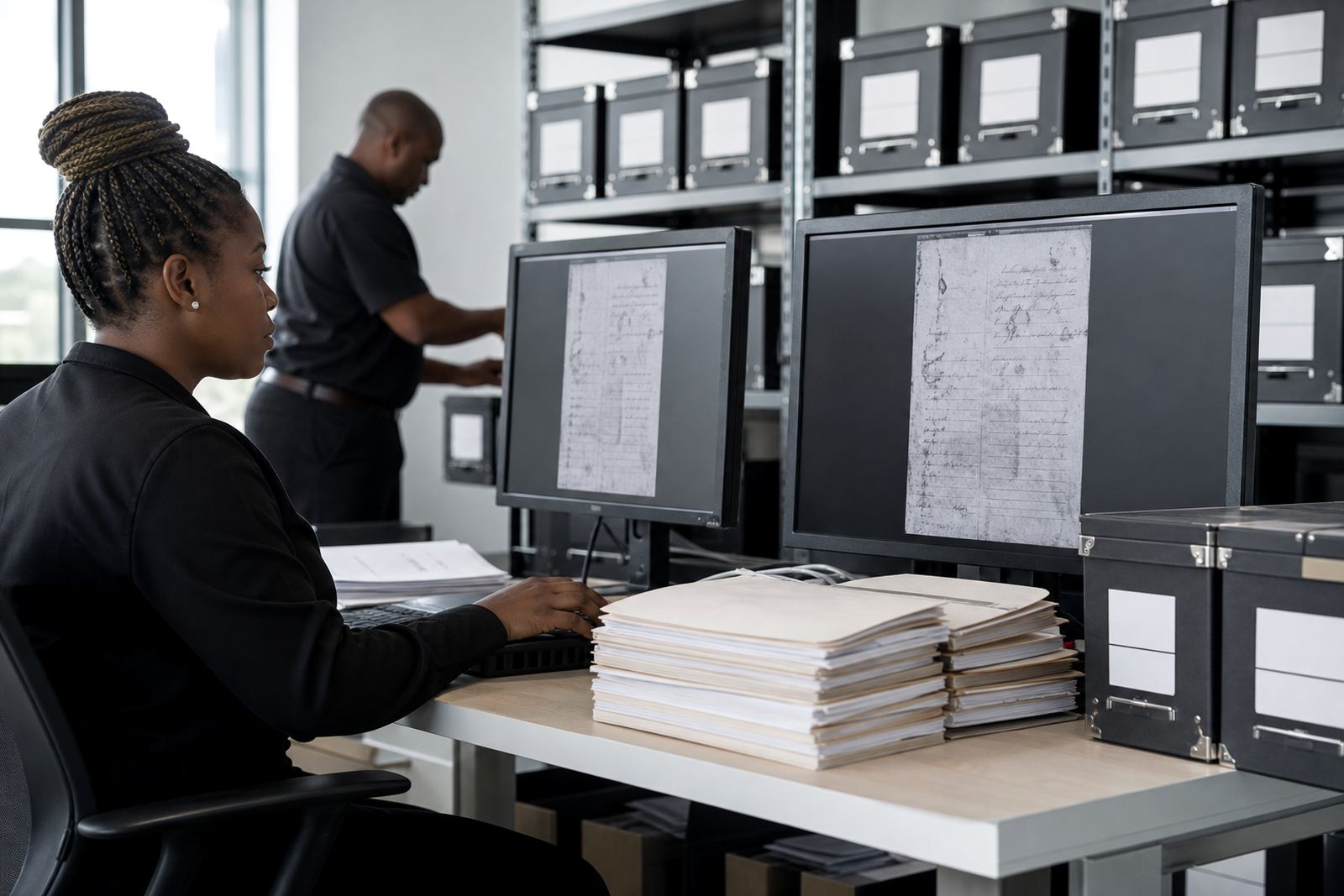
The practice handled a mixed archive of pleadings, notices, correspondence and bundle material that had been scanned over a long stretch of time. Some files were clear, others were skewed or light on contrast, and many had been saved with names that meant little once the person who created them was out of the office. The team wanted a way to search the archive by content, not only by folder path or memory.
They also needed the structure to suit a working law office in Germiston, where matters move between attorneys, secretaries and paralegals quickly. The brief was to make the scanned records easier to retrieve, while keeping the process tidy enough for new staff to follow without guesswork. No one wanted a heavy system that added admin for the sake of admin.
- Practice type: mid-sized legal office
- Town: Germiston, Gauteng
- Main need: searchable scanned records
- Document mix: pleadings, correspondence, annexures and bundles
- Working goal: less time spent hunting through scans
The constraints that shaped the build
Older scans brought a few practical issues. Some pages were low resolution, some had handwritten notes in the margin, and some multi-page files had been split in odd places during the original scanning process. A pure folder clean-up would not have solved the problem, because the team needed search terms inside the document content, not just neater names.
We also had to keep the structure usable for different roles. Attorneys needed quick access to matter packs. Paralegals needed to index incoming pages with enough detail to make search worthwhile. The ops side wanted a process that did not depend on one person remembering the logic. It had to work across busy office days, and still make sense when the load of new material picked up.
Security mattered too. The practice wanted controls that sat comfortably with internal confidentiality requirements and general POPIA handling, without making users feel blocked at every turn. Access rights had to be clear, and evidence or case files needed to stay tied to the right matter. A loose archive was not an option.
OCR, indexing and matter links in one flow
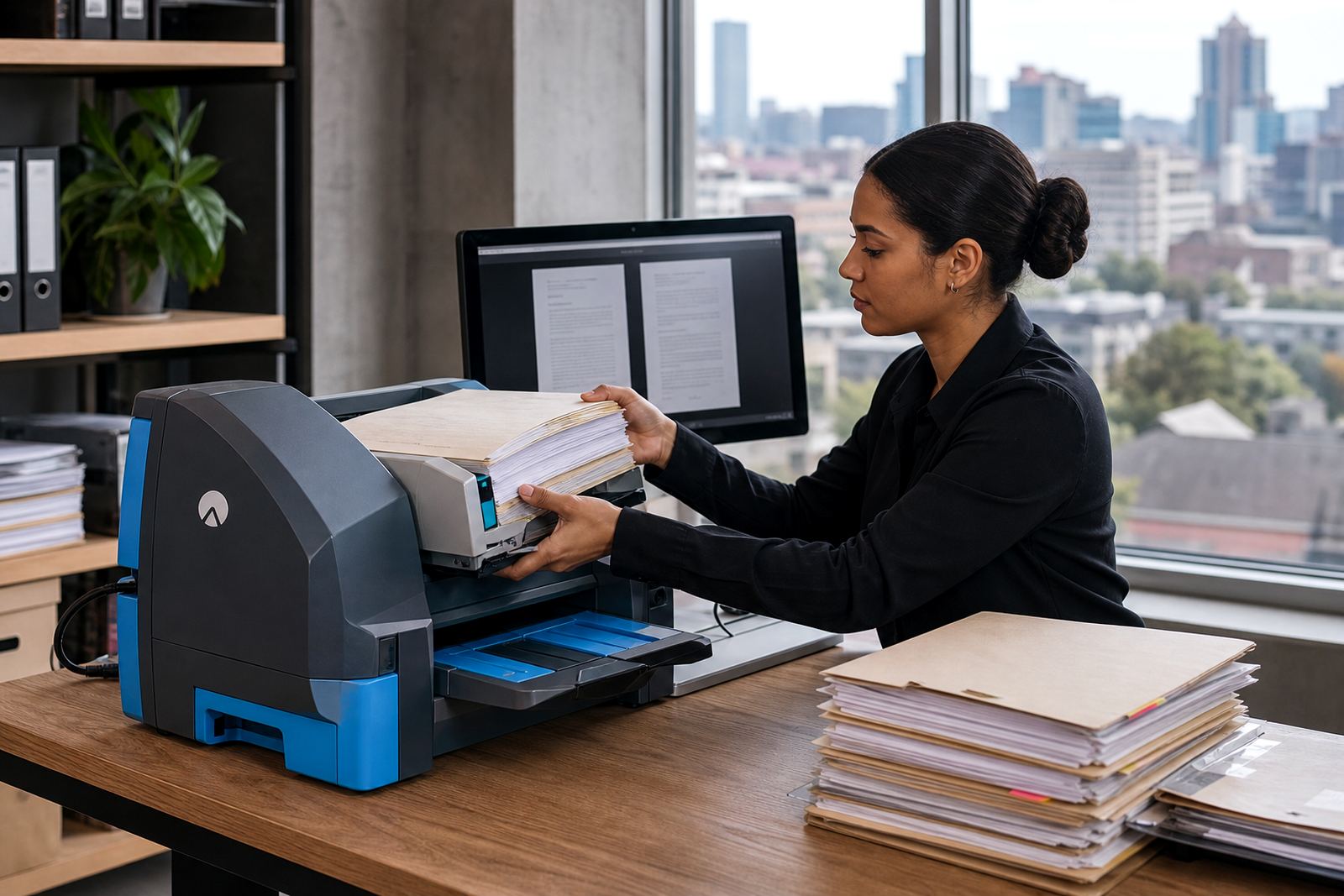
We supplied a scanning pipeline that combined OCR with document indexing and matter tagging. The idea was to turn image files into searchable records, then connect each item to the correct matter so that search results were useful in daily work. Instead of one giant shared pile, the archive was arranged in a more disciplined way that matched the way the team actually handled files.
The setup covered several practical pieces:
- OCR on scanned pages so text inside images could be searched
- Index fields for matter number, client name, document type and date
- Searchable review queues for sorting and checking incoming scans
- Folder and tag rules that reduced duplicate saving
- Permission settings for staff roles and matter access
- File naming rules that matched the office habit rather than fighting it
We also worked through the older archive in batches. That meant cleaning the current documents first, then moving through the backfile with the same indexing rules so the old material did not sit outside the new process.
A four week rollout shaped around office deadlines
The rollout ran over four weeks. Week one covered discovery, document sample review and a map of the existing storage pattern. Week two focused on the OCR settings, field design and matter structure. Week three handled backfile import rules, permission setup and test indexing. Week four covered user checks, live matter testing and handover to the office team.
That sequence worked because the team could see the pipeline before the full archive moved in. Small changes were made early, which saved time later. We kept the process practical, with enough structure to be dependable but not so much that staff needed a manual for every file.
- Week 1: archive review and workflow mapping
- Week 2: OCR settings and index design
- Week 3: backfile import and permissions
- Week 4: user testing and go-live support
What improved once the archive became searchable
Searchability improved first. Staff could look up words inside scanned pages instead of opening one file after another. Matter folders were easier to follow, and the team spent less time asking where a particular scan had been saved. For a practice that lives around deadlines, that change mattered more than any fancy interface.
The indexing also helped with consistency. Once the team had a common set of fields, document sorting became steadier and less dependent on memory. Scans were not perfect every time, but they were good enough to work with and better organised than before. Internal follow-up became easier too, because the same matter could be tracked through related scans without losing the trail.
There was a practical side benefit as well. The office had fewer duplicated saves, fewer vague file names, and a clearer audit trail for who had handled what. That made the archive feel calmer. Not flashy, just easier to live with on a normal working day.
What we would keep on a similar Germiston file project
We would use the same staged approach again: review the archive first, fix the indexing logic before bulk import, and test the search flow with real matter examples rather than sample labels alone. That sequence keeps the system grounded in actual office work instead of theory.
We would also keep the permissions plan tight from the start. If the right people can find the right document without opening everything else, the archive stays cleaner for longer. The same goes for file naming. A short rule set is easier to keep in practice than a long set of instructions that nobody remembers after a busy morning.
For practices in Germiston and other Gauteng offices, the biggest win is usually not volume, it is order. Once scanned material can be searched properly and tied back to the matter, the archive stops behaving like a dump area and starts behaving like part of the working file set.
Key facts
| Client type | South African law practice |
|---|---|
| Town | Germiston, Gauteng |
| Core build | OCR, indexing and matter-linked scanning pipeline |
| Document types | Pleadings, correspondence, annexures and bundles |
| Timeline | 4 weeks |
| Primary gain | Faster search across scanned records |