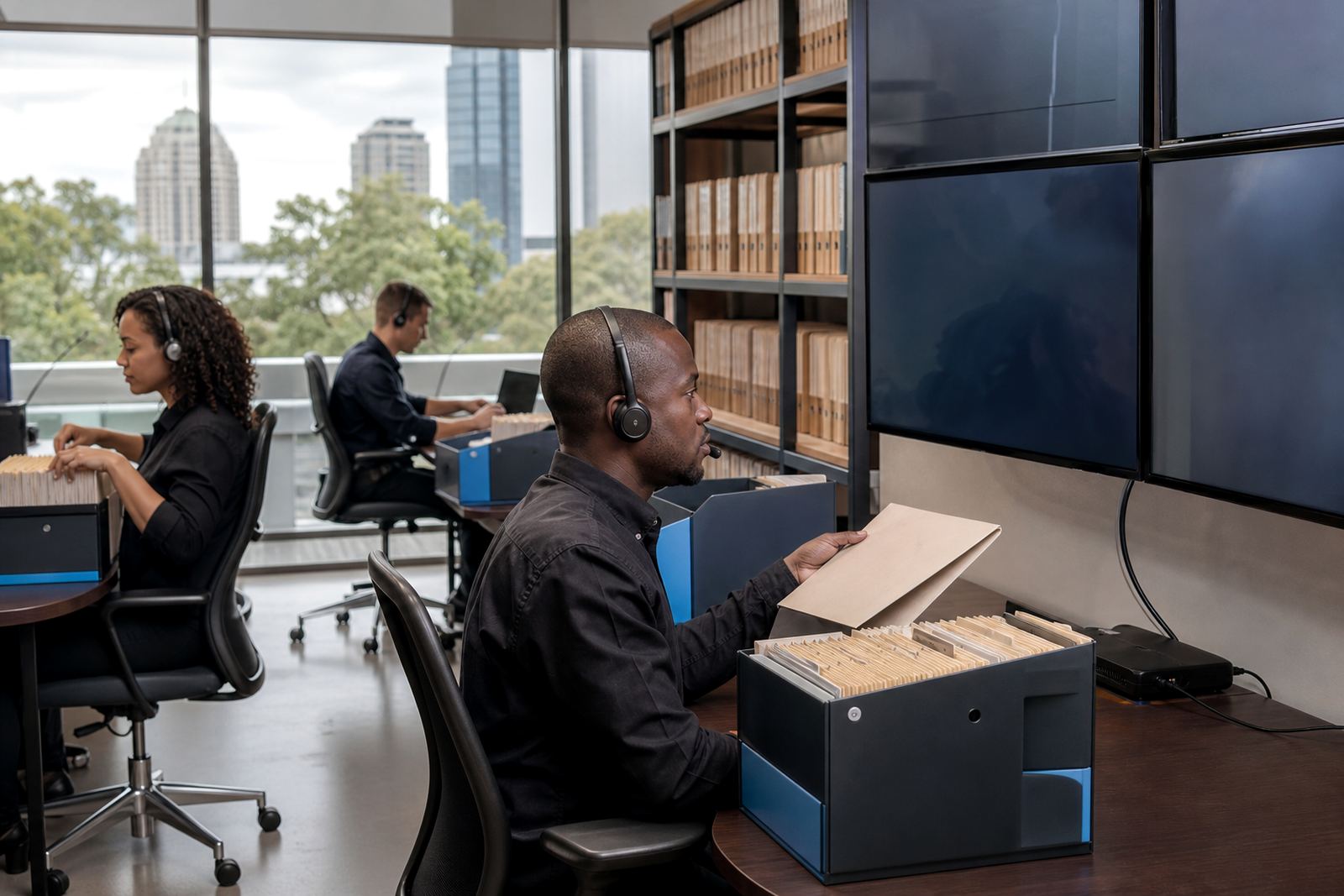
When every affidavit bundle lands in one pile
The team in Claremont was handling a steady stream of disputes work, with evidence coming in from clients, opponents and internal notes in different formats. Some files were ready for review, some needed sorting, and some were duplicates that kept turning up in multiple places. The main pressure was not volume alone. It was the way material moved between people, folders and versions.
They wanted review queues that matched the way disputes matters are actually handled in practice. Evidence had to be grouped by issue, linked to the right matter and kept visible without forcing attorneys and paralegals to hunt through long folder trails. The brief was to reduce confusion, keep movement visible, and make the next step obvious for the person touching the file.
- Client type: disputes team at a law firm in Claremont, Cape Town
- Work type: evidence review, matter management and document assembly
- Core need: issue-based queues with controlled access
- Working constraint: mixed source files, different formats and repeated uploads
A tighter structure for mixed evidence
We began by mapping the kinds of material that were moving through the team. That included scanned PDFs, message trails, photographs, spreadsheet exports and captured notes from consultations. The trick was not to force every item into the same shape. It was to create review buckets that matched the legal work already happening on the ground.
The queue structure was set up around matter stage and issue theme, so the team could separate background material from live review items. Each item carried matter tags, document type labels and status markers that helped the next person know whether it was waiting, reviewed, flagged or ready for bundle use. That gave the team a cleaner path through the evidence without changing their usual legal workflow too much.
- Issue-based queues for disputes material
- Matter tags tied to the active file
- Status labels for review, hold and ready use
- Searchable fields for witness names, dates and exhibit references
Template work that fits South African practice notes
The firm also needed cleaner document assembly. Their drafting team wanted repeatable templates for notices, correspondence and internal prep docs, but not in a way that created rigid paperwork or extra admin. We built template logic with variable fields for party names, matter numbers, dates, venue details and section references, while keeping the outputs readable for South African practice use.
Because the team worked across several office locations and remote reviewers, the setup also had to stay secure and practical. Permissions were divided by role, so not every user could see every evidence set. POPIA considerations were handled generally through access control, audit visibility and careful handling of personal information. The goal was not to overcomplicate the system, but to keep the file trail sensible when sensitive content was moving through the firm.
- Reusable template blocks for notices and internal prep documents
- Role-based permissions for attorneys, paralegals and support staff
- Audit visibility on key actions
- Secure hosting setup for sensitive matter material
Five weeks from intake to live use
The rollout took five weeks. Week one covered discovery, field mapping and the structure of the review queues. Week two focused on template builds and matter pipeline rules. Week three handled data migration of active matter records and the first evidence imports. Week four covered permissions setup, user training and admin training. Week five was used for go live support and early health checks while the team started working in the new structure.
That schedule gave the firm enough room to test how the queues behaved under real matter pressure. A few labels were adjusted after the first review sessions, because the attorneys wanted some item types split more finely than the original draft. The changes were minor, but they mattered to the people who were using the system every day.
- Week 1: intake, mapping and queue design
- Week 2: templates and pipeline rules
- Week 3: migration and evidence imports
- Week 4: permissions and training
- Week 5: go live support and health checks
What changed in the review room
Once the queues were in place, the team could move through evidence with less backtracking. Duplicate material was easier to spot, and people no longer had to ask where the latest version was hidden. Matter updates were easier to read at a glance, which helped during busy dispute cycles when several files were moving at once. The review team spent less time sorting and more time checking substance.
The firm also found it easier to hand work between attorneys and support staff. When a file moved from intake to review or from review to draft assembly, the status was visible and the next step was clearer. That meant fewer interruptions, fewer missed attachments and a calmer handover between people on the same matter. For a disputes team, that kind of order is not cosmetic. It affects how cleanly a file is carried into the next stage.
- Cleaner separation between active review and background material
- Fewer duplicate uploads in circulation
- Clearer handover between staff roles
- Better visibility on what was waiting and what had moved
What we would keep on a similar matter setup
On a similar job, we would still start with the evidence flow before touching the templates. That order matters because the queue structure should reflect how the team handles work, not the other way around. We would also keep the first release deliberately focused, then widen the labels and routing rules after the team has used the system on live files for a short stretch.
The Claremont project showed that review queues work best when they are tied to real dispute stages and kept simple enough for daily use. It is easy to overbuild a filing system. It is harder, and more useful, to make the right document land in the right place with enough context for the next person to act on it. That is the part the team valued most.
- Start with evidence flow, then layer templates
- Keep the first release narrow enough to learn from
- Use labels that match the team’s actual language
- Test handovers between attorneys and support staff early
Key facts
| Project | Claremont Review Queues |
|---|---|
| Client type | Disputes team at a law firm |
| Town | Claremont, Cape Town |
| Timeline | 5 weeks |
| Main modules | Review queues, matter management, document assembly, permissions, evidence imports |
| Security focus | Role-based access, audit visibility and secure hosting setup |