A reporting brief shaped by real file pressure
The firm came to us with a familiar problem in a coastal office setting: active matters were being tracked across spreadsheets, shared folders and a patchwork of manual checks. Senior staff wanted a steadier view of work in progress, while matter teams needed reporting that reflected the daily reality of South African litigation and advisory work, not a generic software layout.
The brief was to set up reporting that could show matter stage, ageing work, upcoming deadlines and ownership in one place. The firm wanted less chasing through our contact form threads and fewer handoffs hidden in loose documents. Their staff also needed the reporting to stay useful when people were working on site, between offices or during load-shedding related interruptions to normal routines.
What had to be kept in view
Umhlanga offices often deal with coastal humidity, mixed device use and team members who do not all work the same way every day. That affected the reporting design. We had to keep the setup clean enough for quick reading, but structured enough for reliable filtering when a partner wanted only urgent matters, only a certain practice area, or only files sitting too long at one stage.
- Active matter oversight across multiple users and roles
- Deadline visibility for court and internal follow-up dates
- Evidence and document review counts for live matters
- Secure access controls for sensitive reporting fields
- Clear division between open, in progress and closed work
The team also asked for reporting that would not force users into long manual updates. If a matter moved, the dashboard needed to reflect that movement without extra admin noise. That kept the system practical for attorneys, paralegals and operations staff who already had full diaries.
What we supplied in the setup
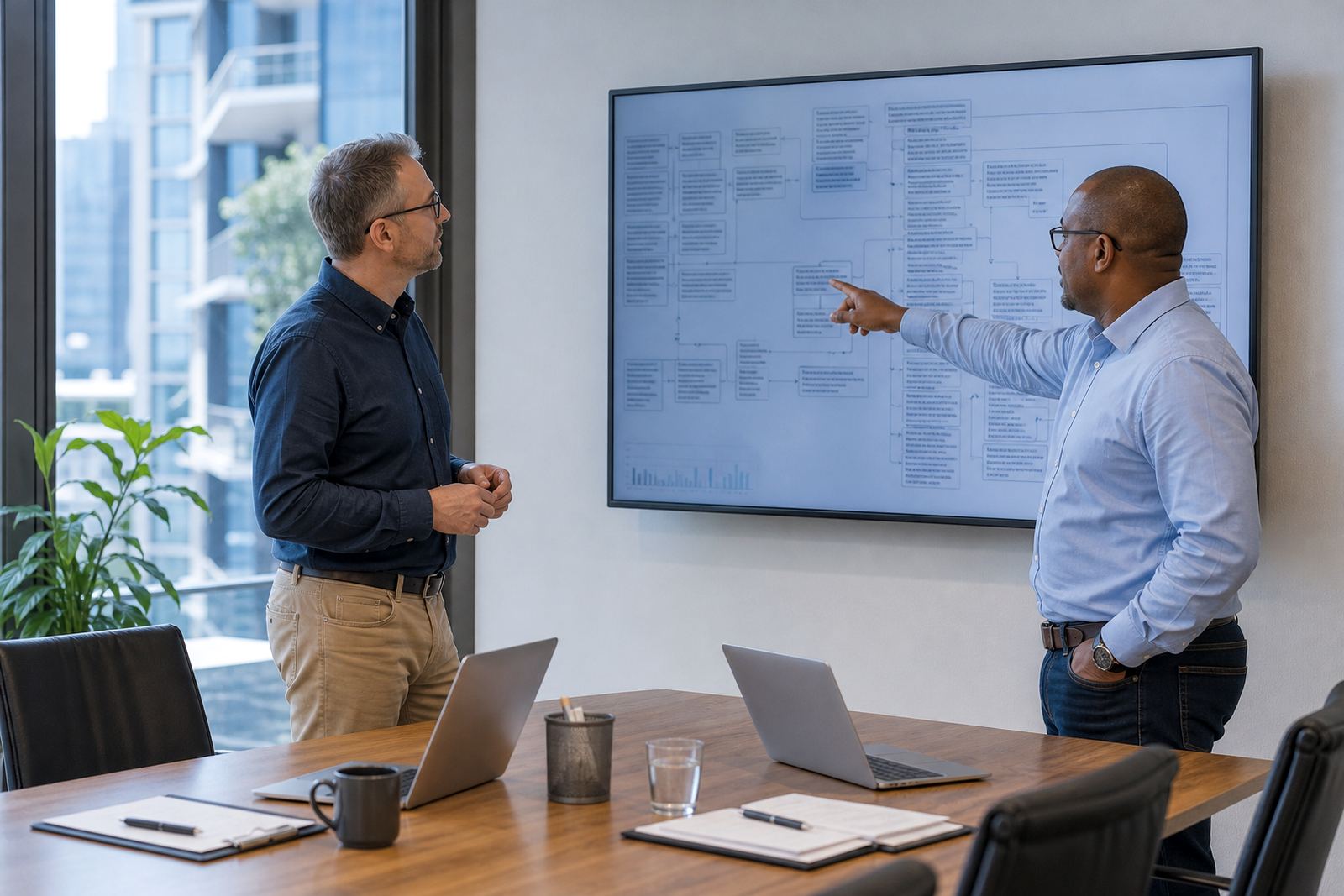
We configured reporting views around the firm’s matter pipeline, then linked those views to fields that mattered in day-to-day use. The setup included custom filters for matter type, office, owner and urgency, plus summary panels that highlighted stale items, overdue tasks and files awaiting review. The aim was not to create a flashy screen. It was to give the firm a steadier working picture of live work.
- Dashboard tiles for open matters, overdue items and upcoming dates
- Matter stage breakdowns for faster oversight by department
- Filtered queues for matters waiting on input or document checks
- Role-based permissions so sensitive items stayed restricted
- Export-ready views for internal meetings and file reviews
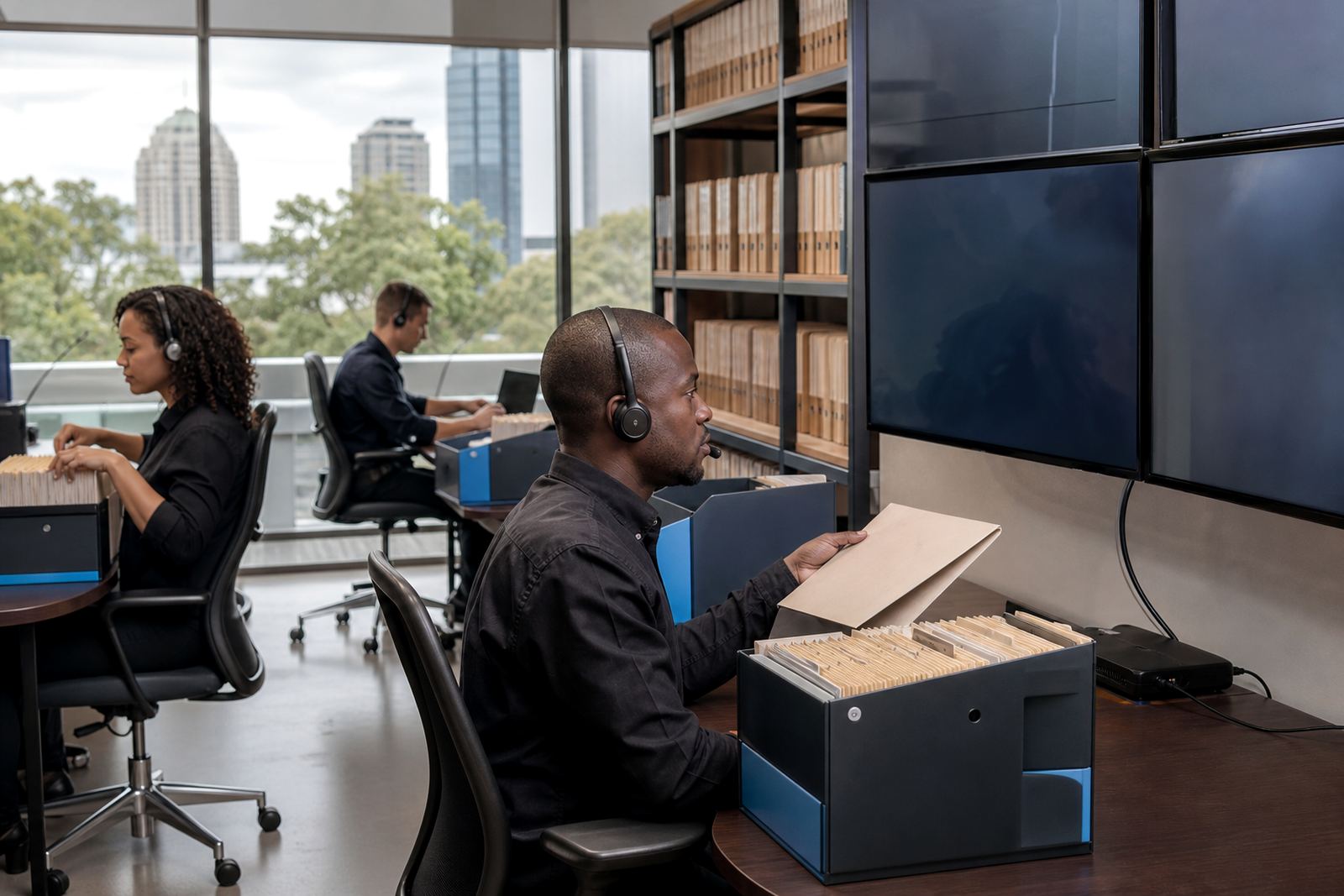
We also aligned the reporting with document assembly and evidence handling. That meant the dashboard could show when a matter had missing templates, pending review items or imported evidence that still needed sorting. For firms handling high volumes, that kind of view makes a real difference to daily control.
The working sequence over four weeks
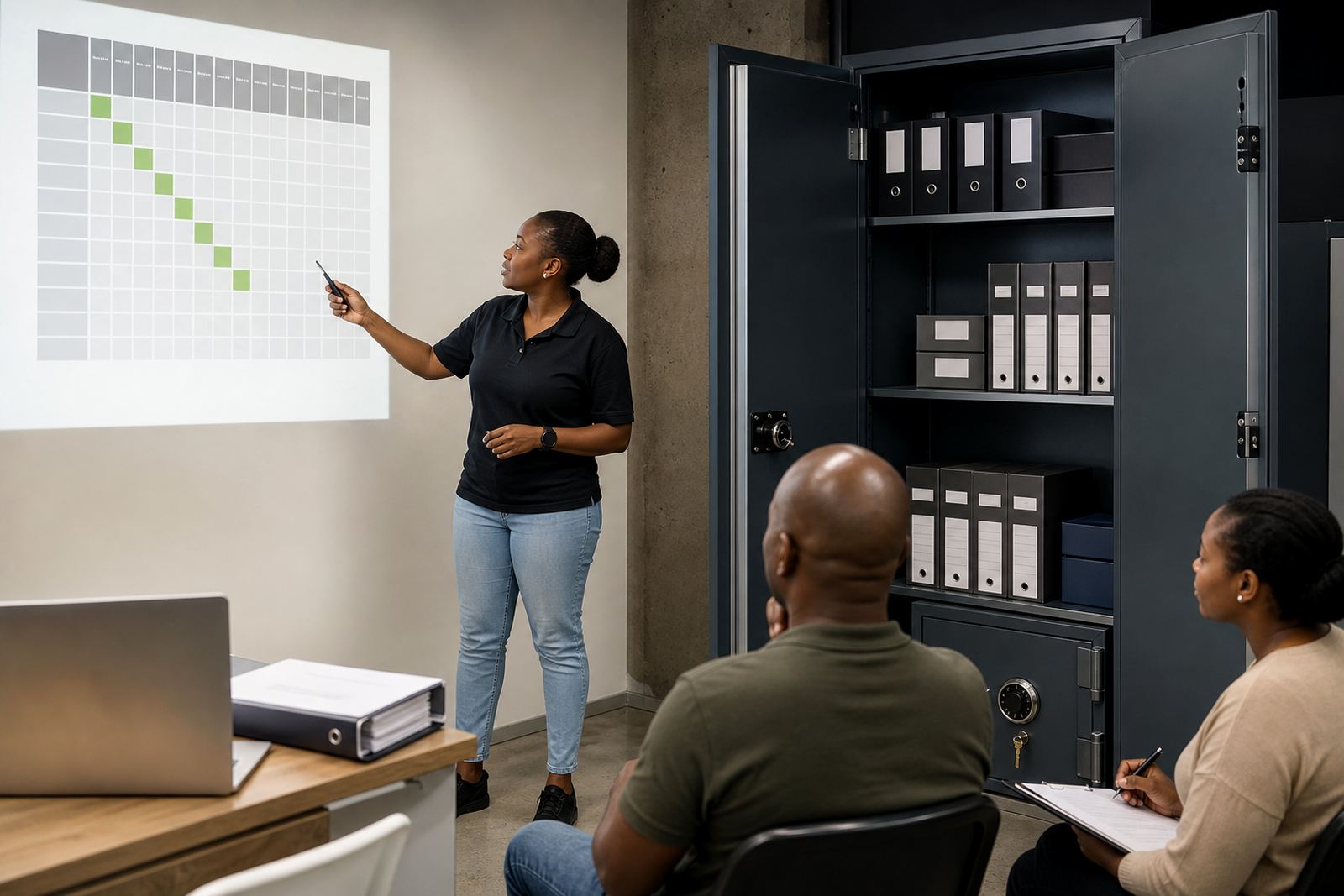
The project ran over four weeks, moving from review to configuration and then testing. Week one was mapping the existing reporting habits and identifying which items were actually used in meetings. Week two focused on layout, filters and permission settings. Week three covered testing with live-style matters and sample reporting scenarios. Week four was user handover, adjustments and final sign-off on the reporting structure.
The sequence stayed practical. We did not try to replace every habit in the office. We kept the useful parts and trimmed the parts that created noise. That approach helped the firm settle into the new setup without making senior staff learn a long list of unnecessary steps.
Results seen in day-to-day file oversight
After the setup went live, the firm had a cleaner view of active work and a better way to spot matters that needed attention. The reporting gave leaders a firmer sense of where files were sitting, which matters were moving and which deadlines needed a closer look. Staff also had less need to build their own ad hoc spreadsheets for internal updates.
- Clearer oversight of active matters across the team
- Less time spent checking the same file in multiple places
- Better visibility of overdue tasks and pending reviews
- Cleaner reporting for practice heads and operations staff
- More reliable internal discussions around deadlines and workload
The firm could also review patterns more easily. For example, they could see which matters were ageing, where bottlenecks were forming and which workflows were creating extra handling. That helped make reporting a working tool rather than a monthly admin chore.
What we would keep in a similar rollout
A similar job benefits from a careful first pass through how the firm already works. The reporting should match the language used by the office, the matter stages already understood by staff and the permissions that reflect real responsibility. If those pieces line up early, the rest of the setup stays orderly.
For a comparable project, we would keep the reporting views tight, use plain labels and build in enough filtering for partners, operations and matter teams to read the same data in different ways. That makes the system easier to use in Johannesburg, Pretoria, Cape Town, Durban or Bloemfontein, where firms often have their own habits but still need one clear picture of live work.
Security stayed part of the discussion throughout. For any law firm, reporting must sit inside controlled access rules and sensible data handling practices that respect POPIA and the sensitivity of legal records. That was part of the setup here, and it remains part of any serious reporting build for a South African practice.
Key facts
| Project | Umhlanga Reporting Setup |
|---|---|
| Client type | South African law firm |
| Location | Umhlanga, KwaZulu-Natal |
| Timeline | 4 weeks |
| Core work | Dashboard reporting for active matter oversight |
| Main controls | Permissions, filters, deadline views and secure reporting |