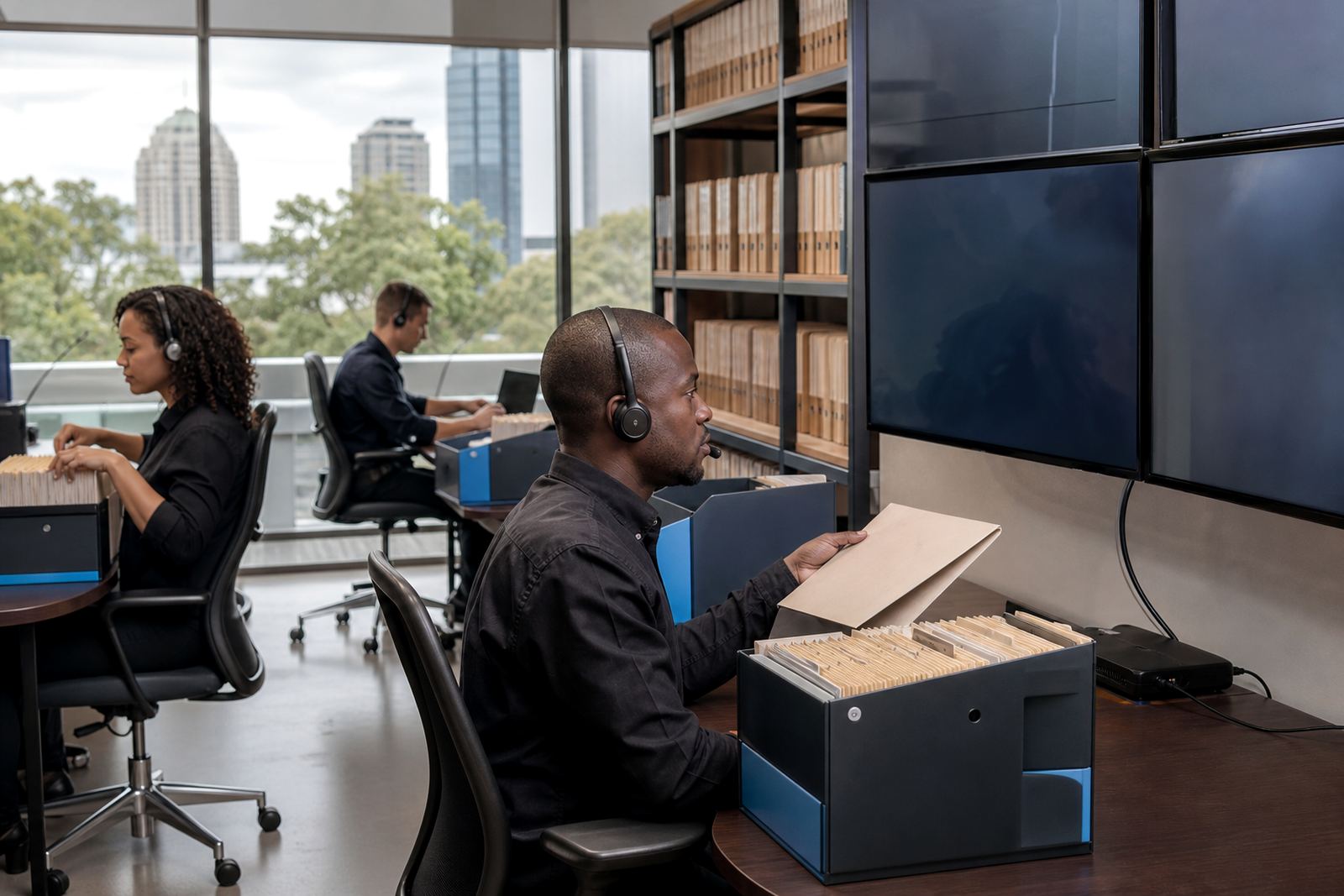
The brief from a Sandton litigation team
The firm was a mid-sized litigation practice in Sandton, Johannesburg handling a steady mix of commercial disputes, motion work and urgent court-driven matters. Their team needed one working path for pleadings, bundle preparation, deadline control and matter notes, rather than separate spreadsheets, inbox threads and folder trees that kept drifting out of date.
The brief was practical. They wanted document assembly that would keep firm wording consistent, matter stages that reflected real litigation steps, and a review process that made it easier to find drafts, annexures and evidence without wading through shared drives. Security also mattered, especially for sensitive client records, POPIA-aware handling and controlled access across roles.
- Town: Sandton, Johannesburg
- Practice type: litigation and dispute work
- Core need: document assembly plus matter visibility
- Risk point: version control across shared files
- Security need: role-based access and auditability
The pressure points inside the old process
Before the rollout, the team was splitting work across message, local copies and a drive structure that had grown over time. Pleadings were taking longer than they should, not because the work was unfamiliar, but because the same clauses and headings were being rebuilt from scratch too often. Bundle prep also created bottlenecks, especially when multiple people needed to review the same matter file at once.
Deadlines were the other strain point. Court dates, filing cut-offs and internal sign-off steps were being tracked in more than one place, which made coordination harder during busy weeks. The firm did not need a generic project tracker, they needed a matter system that could carry litigation detail, link documents to the right file and make the current version easy to find.
- Multiple draft copies for the same pleading
- Bundle documents stored in different folders
- Deadline tracking split across several tools
- Limited visibility on who changed what
- Search across evidence was slow and inconsistent
How the rollout was structured over six weeks
The rollout was planned over six weeks, with the first week spent mapping how the firm actually moved work from instruction to filing. That included intake notes, matter opening, drafting, review, bundling and archiving. Once the sequence was clear, the team configured the platform around those steps instead of forcing everyone into a generic layout.
Weeks two and three focused on template builds and workflow configuration. Standard litigation documents were prepared as structured templates, with fields for matter names, parties, dates, court references and other repeat data. The matter pipeline was then shaped around the stages the practice used every day, so staff could move a file forward without guessing where it sat.
Weeks four and five covered permissions setup, evidence imports and user training. Sensitive files were assigned to the right people, and the review queue was set up so draft bundles and evidence items could be searched, checked and marked cleanly. The final week was used for go live support and a health check of the main workflows, just to make sure the daily routine was settling properly.
- Timeline: 6 weeks
- Template set: pleadings, notices, internal checklists
- Workflow stages: intake, drafting, review, bundling, filing
- Access control: matter level permissions by role
- Search setup: evidence and draft review queues
What we supplied and configured
Law Machines supplied a combination of implementation planning, template builds and workflow configuration, with a close eye on how litigation teams share work in a busy office. The document side was designed to reduce repetitive typing, while the matter side was built to keep every file tied to the right task, deadline and supporting material. That mix helped the practice move away from a loose document library and into a more controlled operating pattern.
We also handled secure hosting setup and permissions setup, which mattered because not every staff member needed access to every matter record. The evidence imports were arranged so annexures, correspondence and scanned material could be grouped under the correct matter and found again when needed. Ayesha Sekgobela managed onboarding, Marelise Smit handled template structure, and Sibusiso Tau reviewed security controls, with Johan Ebrahim shaping product flow and Naledi Hadebe coordinating the operational side.
- Implementation planning for litigation workflows
- Template builds for repeated pleadings and notices
- Permissions setup for attorneys, paralegals and support staff
- Evidence imports into searchable review queues
- Secure hosting setup with controlled access
What changed once the team moved onto one flow
After the rollout, the firm had a cleaner way to move from draft to filed document. Matters were easier to follow because the same file carried the note trail, deadline markers and related documents in one place. That cut down on checking multiple folders and made it simpler for the operations team to see which work was waiting on review, which file was ready for bundling, and which item needed attention before the next court step.
The lawyers also found that templated drafting removed a lot of repetitive work from ordinary pleadings. It did not change the legal judgement needed on a file, but it reduced the admin around routine wording and document structure. Bundle preparation became more orderly too, with fewer surprises caused by missing pages or old versions turning up late. The system was not flashy, just steady and that mattered to the practice.
- Cleaner document control across active matters
- Less repeated typing in routine pleadings
- Faster location of evidence and annexures
- Better visibility for internal deadlines and review steps
- Fewer version mix ups during bundle prep
What the firm could see after go live
The strongest result was not a single dramatic change, but a more predictable working week. A matter no longer depended on one person knowing where every version sat. The firm could see the current status of a file, the next internal step and the documents attached to it, without chasing through multiple shared locations. For a litigation practice, that kind of order helps when the pace picks up unexpectedly.
It also made evidence handling easier to manage in a way that stayed aligned with internal security expectations. Searchable queues and clear permissions reduced casual copying, while keeping access practical for the people who actually needed to work on the matter. The rollout gave the team a structure that fit a Sandton office serving clients across Johannesburg and further afield, with enough control for sensitive files and enough flexibility for busy litigation days.
- More predictable matter handling
- Clearer access to current files and drafts
- Searchable review queues for evidence work
- Stronger document control across the practice
- Less dependence on informal file sharing
What we would keep on a similar litigation rollout
For a similar firm, we would again start with the real matter flow before touching templates or permissions. Litigation teams move quickly, but their bottlenecks usually sit in the same places: draft control, deadline tracking and evidence location. When those points are mapped properly first, the rest of the setup stays grounded in the way the office actually works, not in theory.
We would also keep the rollout staged. A careful build, followed by review and training, made it easier for the Sandton team to settle into the new process without overloading staff in the middle of live matters. That approach worked because it respected how litigation practices operate, with urgent files on one side and steady administrative work on the other. It is a practical method, and it held up well here.
Key facts
| Client type | Litigation practice in Sandton, Johannesburg |
|---|---|
| Project scope | Document automation, matter management and evidence workflow |
| Timeline | 6 weeks from mapping to go live support |
| Core modules | Templates, matter pipelines, searchable review queues |
| Security controls | Role-based permissions and secure hosting setup |
| Service areas | Johannesburg, Pretoria, Cape Town, Durban and Bloemfontein onboarding |