Evidence brought into order, not left in loose folders
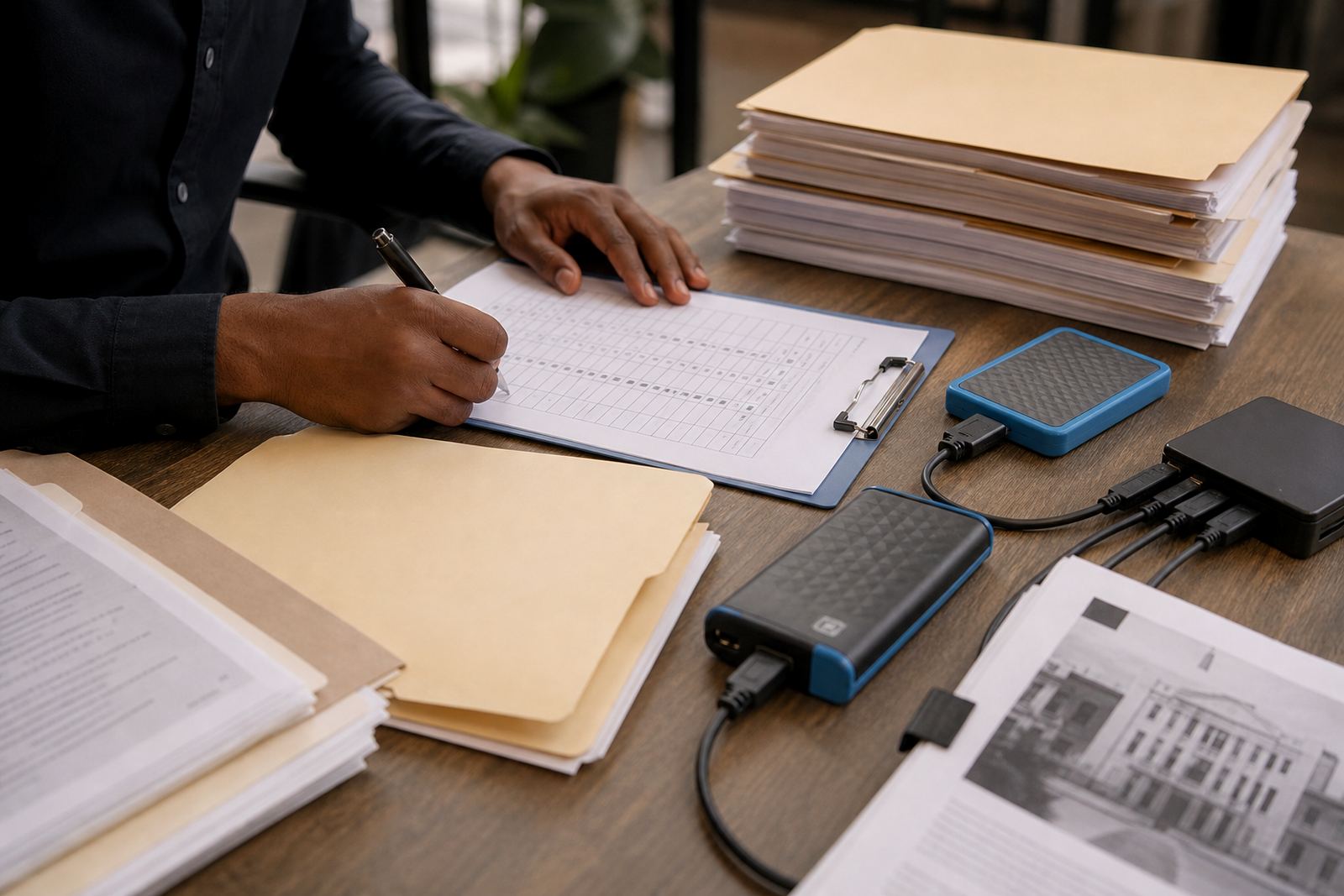
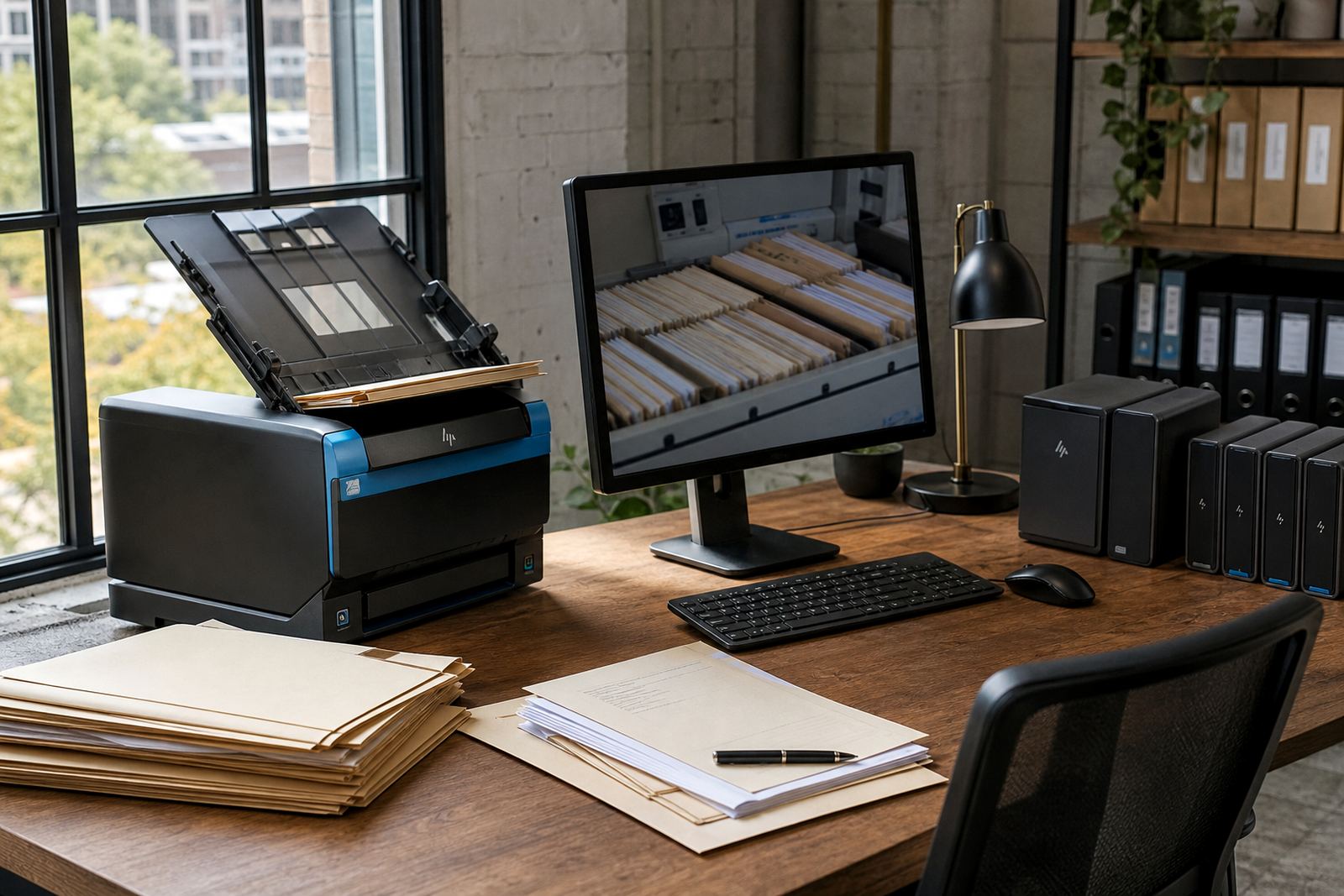
Evidence Imports turns bulky source material into a cleaner review set for legal teams that need matter-level control. We work with scanned PDFs, image files, message exports, spreadsheets, audio and mixed document packs, then organise them into searchable queues linked to the right matter.
The aim is practical structure. Files are grouped, named and tagged so attorneys and paralegals can move through a review without hunting across shared drives or second guessing version names. That helps when a file set includes annexures, correspondence trails, expert notes and pages that arrived from different places in different formats.
- Scanned bundles split into manageable review batches
- Digital files mapped to the correct matter and category
- Indexing fields set for date, source, type and privilege markers where needed
- Duplicate or near-duplicate items flagged for review
What the import work covers
The service covers intake, cleansing, structured loading and queue setup. We prepare the source set so the platform can handle it in a way that suits document review, matter tracking and later search. For firms handling a heavy run of pleadings, discovery packs or due diligence material, the layout matters as much as the files themselves.
Typical import work includes split-and-merge handling for oversized scans, OCR text capture where the source allows it, and field mapping for dates, matter references and evidence types. Where a file is poor quality, we keep the original intact and note the limitation rather than forcing a bad reading into the record.
- Bulk scan handling and page grouping
- OCR where text recovery is possible
- Metadata mapping into matter fields
- Review queue setup for attorneys and support teams
- Access controls aligned to team roles and sensitivity levels
How the import process runs
The process starts with a sample set, so we can see file quality, naming patterns and any oddities in the source material. From there, the import plan is matched to the matter structure and the review workflow the firm wants to use. That keeps the load sensible where a matter has several thousand pages or a mixture of digital and paper sources.
After the test set is checked, the full import is prepared and loaded in stages if needed. We verify that key fields carry through, that page order is preserved and that the review queue reflects the right hierarchy. If a firm works across Johannesburg, Pretoria, Cape Town, Durban or Bloemfontein, the same structure can be applied across matters so teams read the set in one familiar way.
- Sample review and mapping of source files
- Import rules agreed for file names and categories
- Staged loading for large matter sets
- Verification of page order, text capture and metadata
- Queue release for internal review and follow-up tasks
Specs that matter for scanned and digital evidence
Evidence work has technical limits, so the import spec is set around real file quality and safe handling. We work with common office file types, scanned image sets and large PDFs, and we keep the structure readable for later search. Where a source is damaged, low resolution or inconsistent, the import notes that fact and preserves the original source file.
For firms in Sandton and across Gauteng, document volume often grows quickly during litigation, investigation or commercial review. The system is built to cope with that load without turning the review area into a mess of unnamed files. Permissions can be narrowed to matter groups, and sensitive folders can be restricted to the right users only.
- Large PDF bundles and mixed scan sets
- OCR support where image quality allows it
- Tagged fields for matter number, date and document type
- Role-based permissions for controlled access
- Searchable queues for later review and follow-up
Turnaround depends on the state of the source material
Turnaround is shaped by file volume, scan quality, the number of categories and whether the source arrives neatly indexed or in a less orderly state. A small clean set moves differently from a 30,000-page archive with broken naming and missing labels. We size the work to the matter, then load it in a way that keeps the review team steady.
Where a file set needs careful checking, the process may be staged so the first queues are ready while later batches are still being prepared. That is often the best fit for litigation support, investigations and matters where the evidence trail changes as new material arrives.
There is no one-size figure here. The scope is set after the sample review and file count are known, with the final plan tied to the actual condition of the source set.
Aftercare for the review team
Once the evidence is live, the support does not stop at the load. We help the team confirm that queues are readable, that new items can be added in the same structure and that users understand the search and filter fields they will rely on during the matter. Where a firm needs a slightly different tagging rule for a related file set, that can be adjusted within the agreed workflow.
Aftercare also covers issue handling where a file has landed in the wrong queue, a page count looks off or a sensitive item needs tighter access. The goal is to keep the matter tidy, keep the chain of review visible and avoid the clutter that usually follows a rushed import.
- Queue checks after go-live
- Adjusted tags or field mapping for related loads
- Permission review for sensitive evidence sets
- Support for new batches added to the same matter
Key facts
| Input types | Scanned PDFs, image files, message exports, spreadsheets and mixed bundles |
|---|---|
| Processing | OCR where possible, page grouping, metadata mapping and queue setup |
| Security | Role-based access, matter-level permissions and controlled handling |
| Typical use | Litigation, investigation, due diligence and large evidence reviews |
| Office regions supported | Sandton, Johannesburg, Pretoria, Cape Town, Durban and Bloemfontein |
| Working format | Structured imports linked to matter pipelines and searchable review queues |