Start with the archive as it really sits on the drive
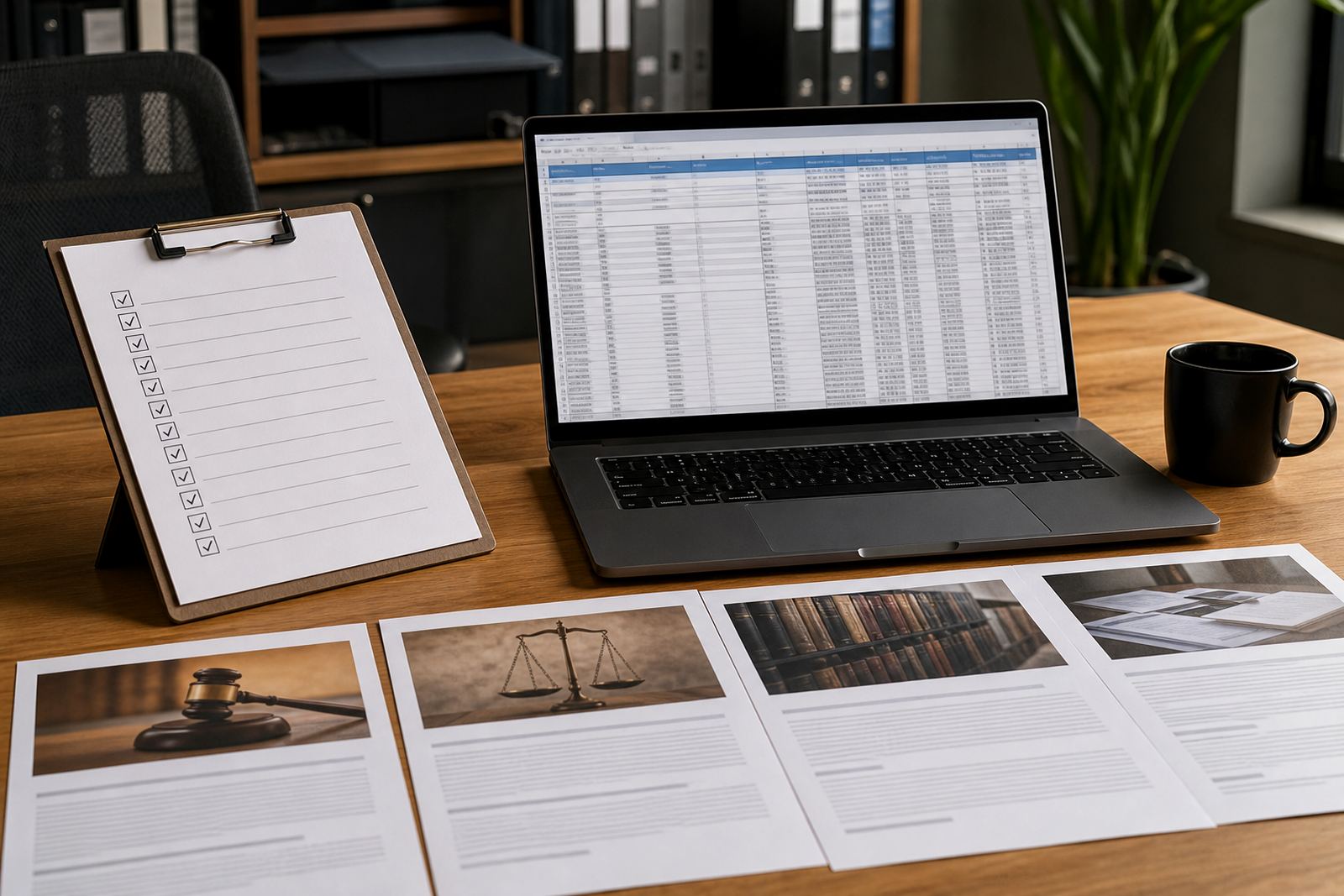
Before OCR or indexing begins, the archive needs a proper first pass. In many firms the scanned files have grown over years, split across shared folders, external drives and old matter copies, with names that no longer describe what is inside.
Work from the source set and decide what belongs in scope. Separate closed matters, active matters, duplicates, misfiled scans and documents that are too faint or incomplete to trust. If the archive covers multiple offices, keep the matters grouped by firm location or practice area so the later search structure makes sense.
- List the file locations that hold scanned records.
- Remove exact duplicates and obvious test scans.
- Mark incomplete scans that need rescanning or manual repair.
- Group files by matter number, client name or archive box reference.
- Keep a note of folders that contain mixed content or loose naming.
Clean the scans before OCR gets to work
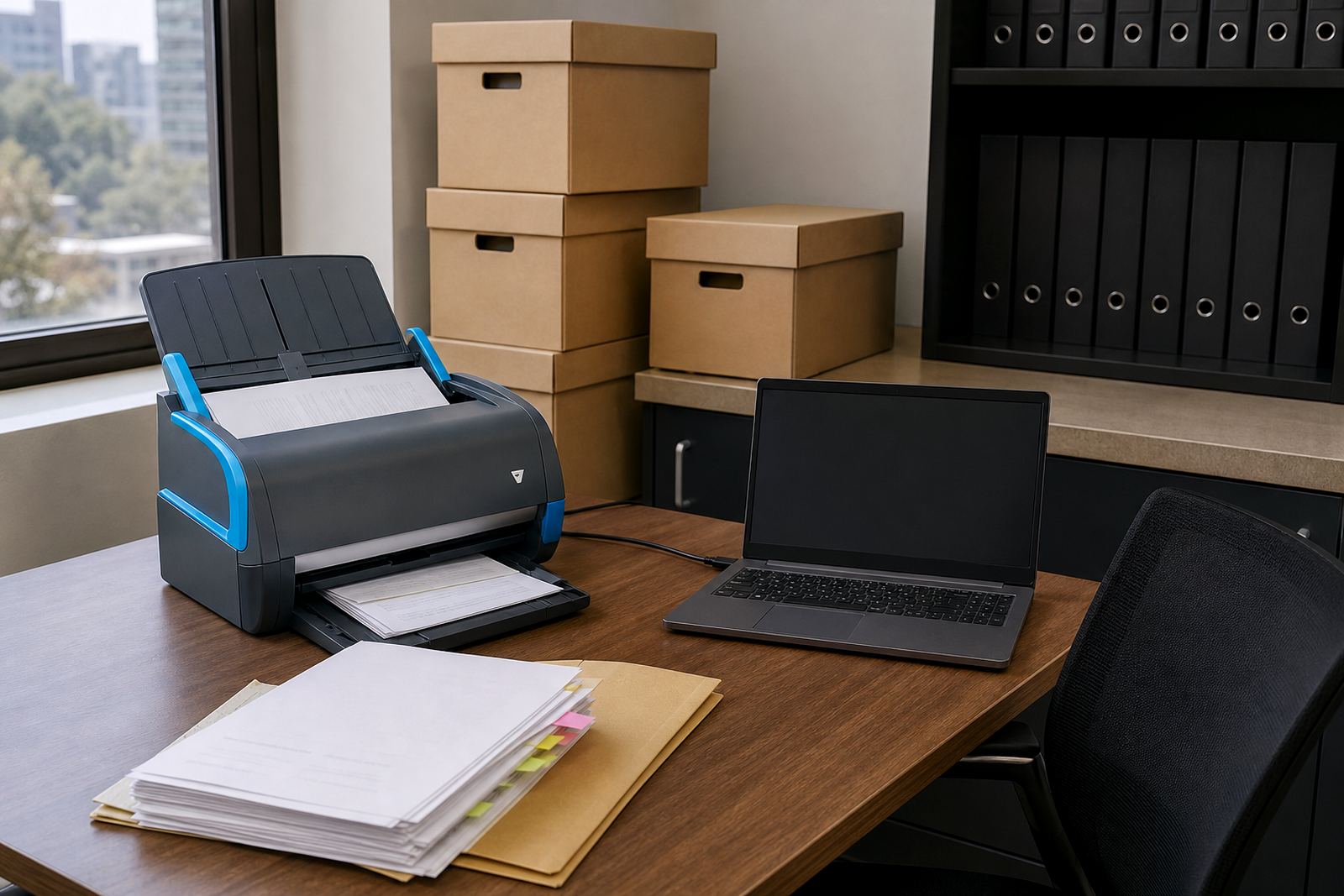
OCR performs better when the pages are clear, upright and consistent. Blurred pages, dark shadows, skewed images and faint stamps can all reduce the quality of the text layer. A scan that looks acceptable on screen may still fail later when someone searches for a case number or clause reference.
Check orientation, page order and page count for each PDF or image set. Fix upside-down pages, blank pages inserted by mistake and broken files that stop halfway. If a matter has exhibits, annexures or e discovery bundles in the archive, keep those items separate enough to preserve the structure, but linked closely enough that the full record can still be found in one place.
- Rotate pages so text reads upright.
- Remove black borders, scanner marks and empty pages.
- Confirm that each PDF opens fully from first page to last page.
- Rescan poor pages where the text is too soft to read.
- Keep colour scans where stamps, highlights or signatures matter.
Build names and metadata that support later searching
A search system is only as good as the labels attached to each file. If the archive uses vague names like scan001 or finalfinal, the record will be hard to retrieve no matter how good the OCR text is. Clear naming also helps matter teams move between old archives and current case work without confusion.
Choose one structure and apply it across the set. Use matter number, client name, document type and date where available. Add metadata fields that matter to legal work, such as matter status, practice area, document category and confidentiality level. For firms with several offices, a simple location tag can also help when files are stored across Sandton, Pretoria, Cape Town, Durban or Bloemfontein.
- Use one naming pattern for every scan batch.
- Capture matter number, document type and date in metadata.
- Apply document categories that match the firm’s filing style.
- Use confidentiality tags for files with sensitive content.
- Keep names short enough to stay practical in folder views.
Set access controls before the archive is imported
Old records often contain personal information, commercial terms and client correspondence that should not be visible to everyone in the firm. Before the archive is loaded into a new system, decide who can view, edit, export or delete each category of document. That is where access control, audit trails and clean permission settings matter.
POPIA-aware handling also belongs at this stage. The aim is not to overcomplicate the archive, but to keep sensitive material visible only to the right people and to reduce the risk of accidental sharing. A proper permissions plan can separate attorney access, paralegal access and admin access while still allowing the search process to work properly.
- Decide which teams can view which matter groups.
- Restrict export rights for sensitive archive folders.
- Keep an audit trail for changes, uploads and downloads.
- Review password and sign-in controls for archive users.
- Check that external sharing is switched off where it is not needed.
Prepare the files for OCR, indexing and matter linking
Once the archive is clean, the files can be prepared for OCR and indexing. This is where the scanned pages start behaving like working records instead of static images. The document text can be read, searched and linked to the correct matter pipeline or evidence queue.
For best results, split oversized bundles into logical sections, keep each matter in a predictable folder path and capture any known reference numbers from the scanned pages. If the archive is being imported into a matter management platform, the records should line up with the templates, workflows and review queues used by the firm. That makes retrieval easier later, especially when deadlines are involved and the file has to be found under pressure.
- Run OCR on clean, upright scans first.
- Index each document with the correct matter reference.
- Split large bundles into sections that can be searched easily.
- Test a few sample searches before the full import.
- Check that attachments and annexures stay linked to the main record.
Run a short quality pass before the archive goes live
A final check saves time later. The archive should be tested by someone who was not involved in the original sorting, because a fresh set of eyes catches missing pages, wrong names and mixed matters more easily. This is also the point to confirm that the records open properly on standard office devices and that the search terms return the expected results.
A practical check should include sample searches by client name, matter number, document type and date. If the archive includes older evidence packs, verify that page order is correct and that the files still match the labels used during migration. Small issues in the archive become larger issues once attorneys and support teams rely on it for day to day work.
- Search for a few known matters and confirm the result set.
- Open random files to check page order and legibility.
- Review file names against the source register.
- Confirm that permissions behave as expected.
- Log any broken scans, mislabels or missing attachments for correction.